

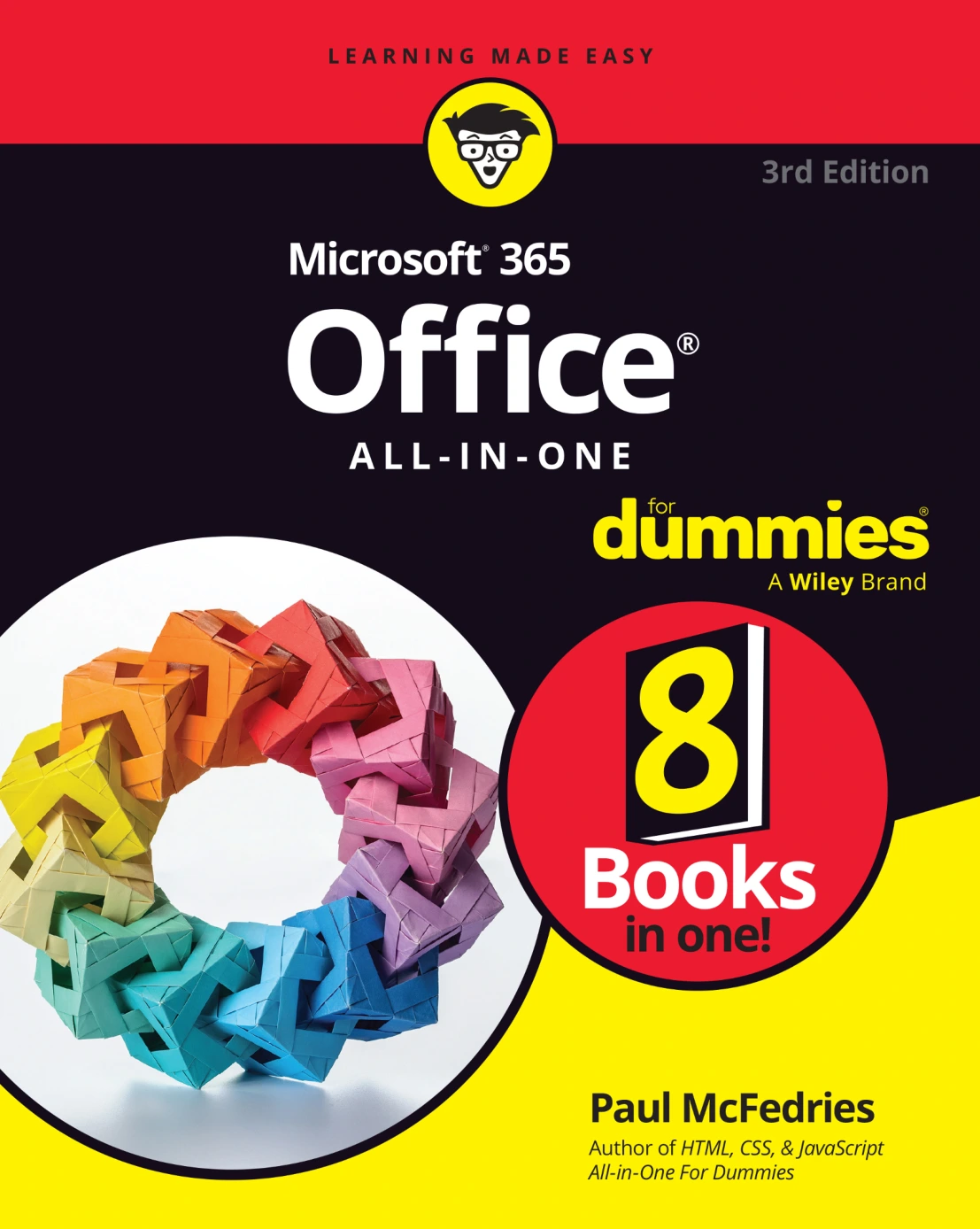
Microsoft 365 Office All-in-One For Dummies, 3rd Edition
Original price was: $5.00.$2.50Current price is: $2.50.

Paul McFedries
Product Specs:
- File Type: PDF
- File Size: 25.2 MB
- Book Language: English
- Total Page Count: 931
- Instant Download
Eight Minibooks, One Practical Microsoft 365 Reference 💻
Microsoft 365 is enormous—Word, Excel, PowerPoint, Outlook, Access, Teams, OneDrive, SharePoint, and the cloud services that tie them together. Microsoft 365 Office All-in-One For Dummies, 3rd Edition turns that sprawl into a manageable desk reference. Rather than forcing you through a single linear tutorial, it breaks the suite into eight focused minibooks, so you can open the section you need and get to work.
Paul McFedries writes for people who want clear explanations and useful steps, not jargon. The result is a guide you can keep nearby for everyday tasks, unfamiliar features, and the moments when a menu command refuses to cooperate.
What the Eight Minibooks Cover 📚
- Book 1: Common Office Tasks — interface basics, the Ribbon, saving and opening files, text formatting, graphics, and shared skills across the suite.
- Book 2: Word 365 — document creation, page layout, styles, tables, proofing, advanced design, envelopes and labels, and writing with Copilot.
- Book 3: Excel 365 — worksheets, formulas, data analysis, charts, and automating Excel with Copilot.
- Book 4: PowerPoint 365 — building presentations, formatting slides, dynamic elements, and delivery.
- Book 5: Outlook 365 — email, contacts, and appointment management.
- Book 6: Access 365 — database and table creation, sorting and filtering, and querying data.
- Book 7: Microsoft Teams — channels, chats, files, and online meetings.
- Book 8: File Sharing and Collaborating — sharing files, OneDrive, SharePoint, and co-authoring documents.
Built for the Way You Actually Work ⚙️
The For Dummies approach works especially well with Microsoft 365 because it respects your time. Need to build a formula? Jump to Excel. Preparing a slide deck? Go to PowerPoint. Managing an inbox that has declared war? Outlook has a minibook. The modular structure makes this third edition useful as both a learning path and a quick-reference manual.
Copilot and Collaboration in the Third Edition
This edition reflects the modern Microsoft 365 workflow. It includes dedicated coverage of Copilot in Word and Excel, showing how AI-assisted drafting, editing, and spreadsheet automation fit into everyday document work. It also gives significant attention to Teams, OneDrive, SharePoint, and collaborative document editing—tools that have become central to how teams share information and meet.
Who Will Get the Most from This Guide
Beginners will appreciate the patient explanations and step-by-step tone. Experienced users can dip into unfamiliar applications or changed features without reading from page one. Students, office professionals, administrators, and anyone who uses Microsoft 365 for work or study will find practical value in having the relevant minibook close at hand.
A Digital Shelf Essential 📚
If you want one organized reference for the Microsoft 365 apps you use most—and the ones you keep meaning to learn—this All-in-One guide is designed to be opened often. It is a book to keep nearby, not a book to finish once and shelve.
User Reviews
Be the first to review “Microsoft 365 Office All-in-One For Dummies, 3rd Edition”
You must be logged in to post a review.
Rust All-in-One For Dummies
Sold by Paul McFedries
Coding For Dummies, All New Edition
Sold by Paul McFedries
Build a Website with ChatGPT
Sold by Paul McFedries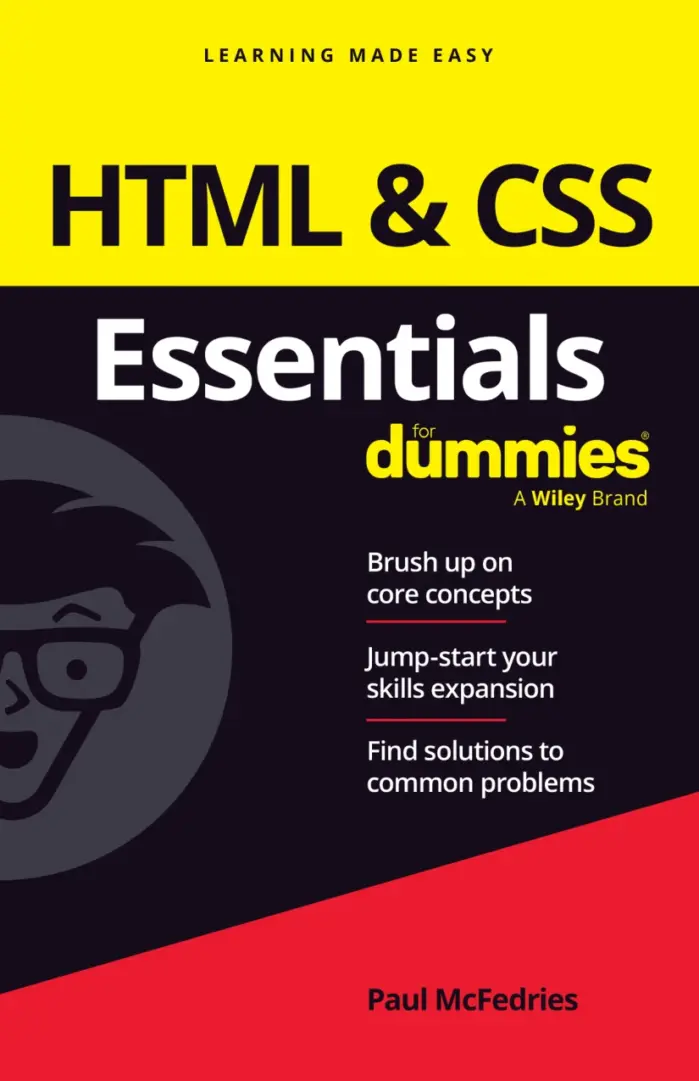
HTML & CSS Essentials For Dummies
Sold by Paul McFedries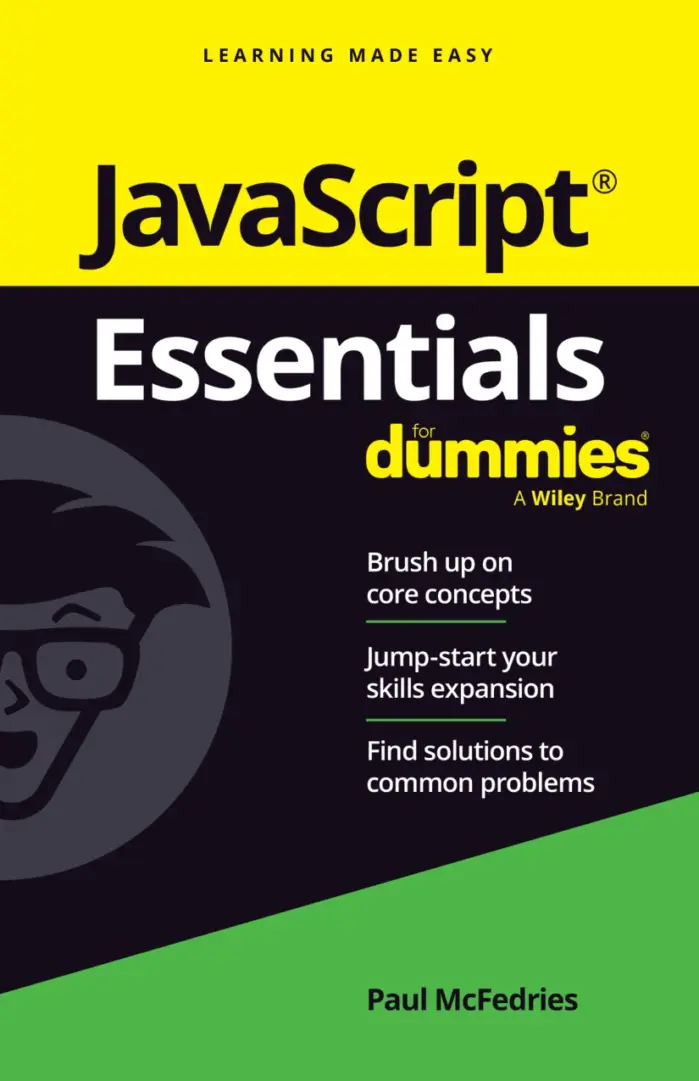
JavaScript Essentials For Dummies
Sold by Paul McFedries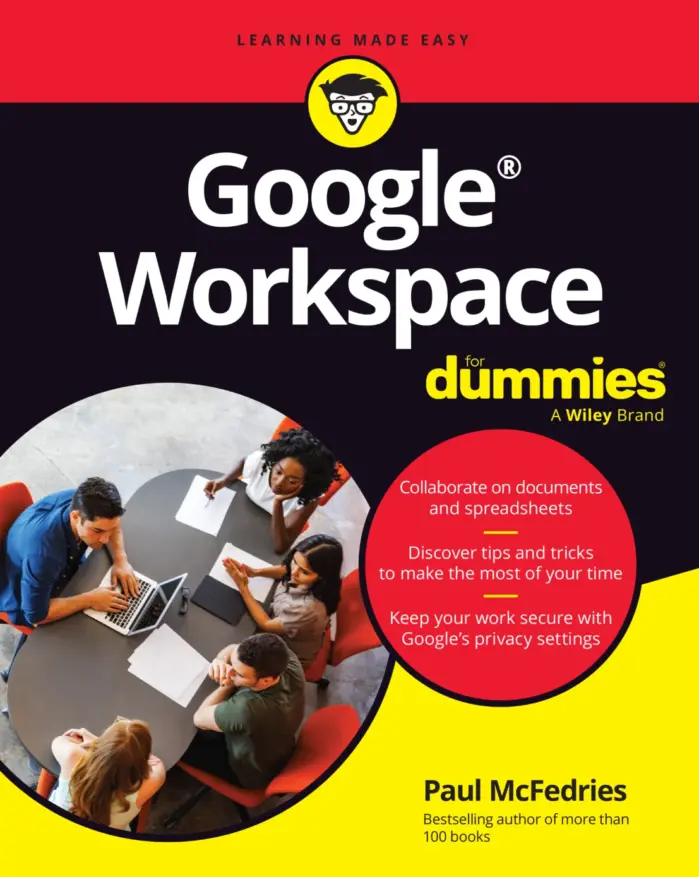
Google Workspace For Dummies
Sold by Paul McFedries Original price was: $5.00.$2.50Current price is: $2.50.






There are no reviews yet.