

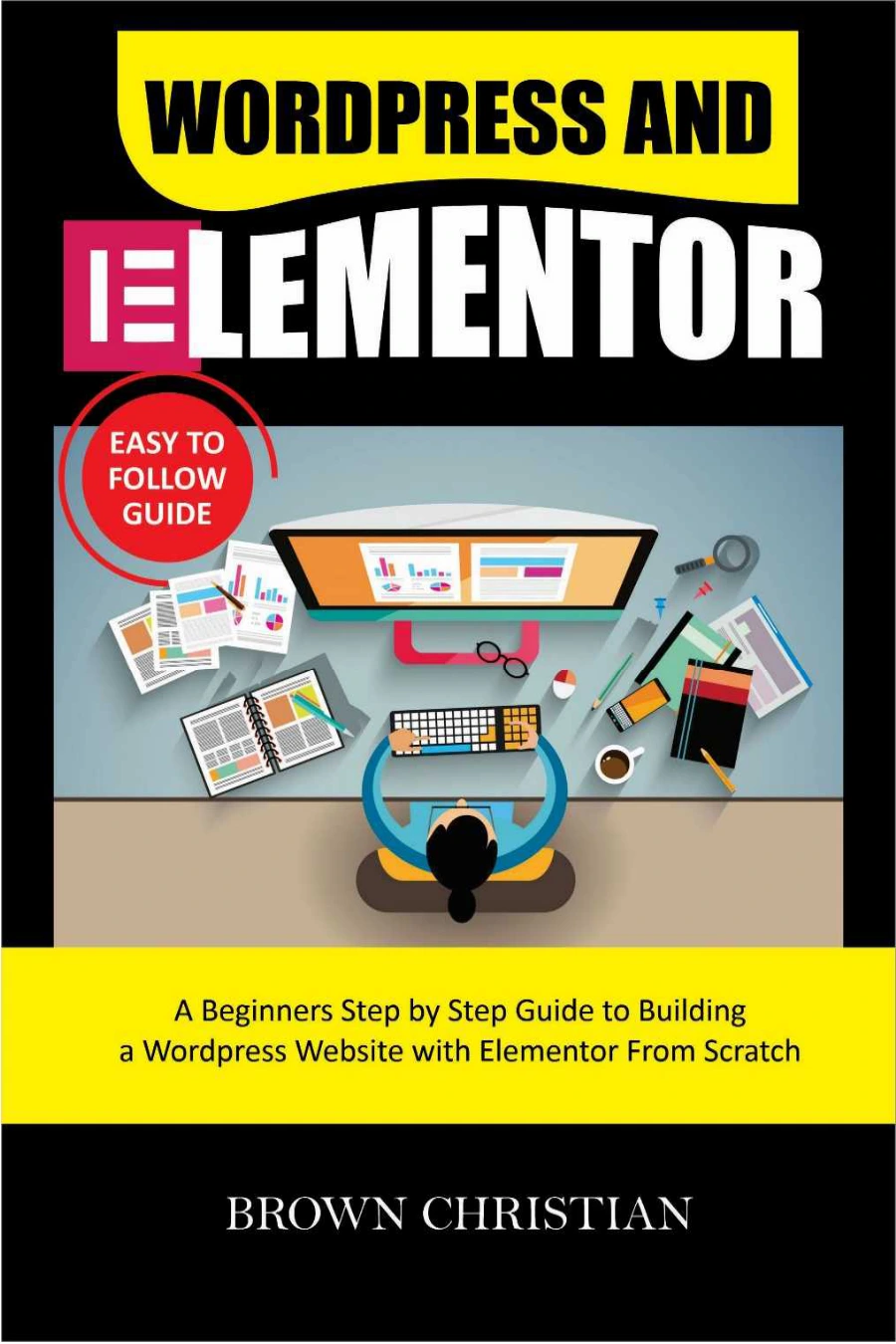
WordPress and Elementor Easy To Follow Guide: A beginners Step by Step Guide to Building a WordPress Website with Elementor from Scratch
Original price was: $5.00.$2.50Current price is: $2.50.

Brown Christian
Product Specs:
- File Type: PDF
- File Size: 832.7 KB
- Book Language: English
- Total Page Count: 104
- Instant Download
Building a website often feels like a technical mountain to climb—especially if you’ve never written a line of code. WordPress and Elementor Easy To Follow Guide removes that barrier. Written for complete beginners, this guide walks through the entire process of creating a WordPress website from scratch, then shows how Elementor makes visual page building feel approachable.
Build a Website Without Touching Code
The book starts with the big idea: WordPress is an open-source content management system that lets you build and maintain a website without needing CSS, PHP, or programming experience. From there, the guide moves step by step through installation, dashboard navigation, customization, content management, and the visitor experience. Every chapter is designed to give you a clear next action rather than drowning you in theory.
What the Guide Walks You Through
You’ll find practical help on every major part of building and shaping a WordPress site:
- Installing WordPress and getting comfortable with the backend dashboard
- Customizing your site’s appearance and managing content
- Choosing, installing, and using themes—both free and premium
- Working with menus, widgets, and plugins
- Understanding why Elementor is such a popular page-building plugin
- Setting up Elementor and navigating its editing panel
- Adding sections, columns, elements, and widgets to your pages
- Using templates and blocks to speed up design
- Adjusting fonts, advanced features, and responsive views for different devices
- Building your first webpage, previewing it, and publishing
- Creating custom themes and pop-ups
- Troubleshooting common Elementor errors
Turn the Dashboard Into Your Workspace 💻
One of the guide’s strengths is its attention to the foundational pieces. Before jumping into Elementor, you’ll understand how WordPress itself works—how the dashboard functions, how menus and widgets fit together, and how plugins extend what your site can do. That grounding makes Elementor feel less like a mystery and more like a natural next step.
From Blank Page to Published Site
The Elementor chapters focus on doing. You’ll learn how to open the editor, understand the bottom stripe menu and page structure, and use the editing screen to add and customize elements. The guide includes specific instructions for creating your first webpage, previewing your work, and publishing it when you’re ready. It also covers making your designs responsive so they look right on phones, tablets, and desktops.
Who This Guide Is For
If you want a website for a business, blog, portfolio, or personal project but have been put off by complexity, this guide was written with you in mind. It assumes no prior WordPress or coding knowledge and explains each step in plain, beginner-friendly language. The troubleshooting section is also useful when you hit those confusing error messages that often stop new site builders in their tracks.
Whether you’re launching your first site or finally getting around to a project you’ve been postponing, this guide gives you a clear, supported path from empty dashboard to a working WordPress website built with Elementor.
User Reviews
Be the first to review “WordPress and Elementor Easy To Follow Guide: A beginners Step by Step Guide to Building a WordPress Website with Elementor from Scratch”
You must be logged in to post a review.
Original price was: $5.00.$2.50Current price is: $2.50.





There are no reviews yet.