

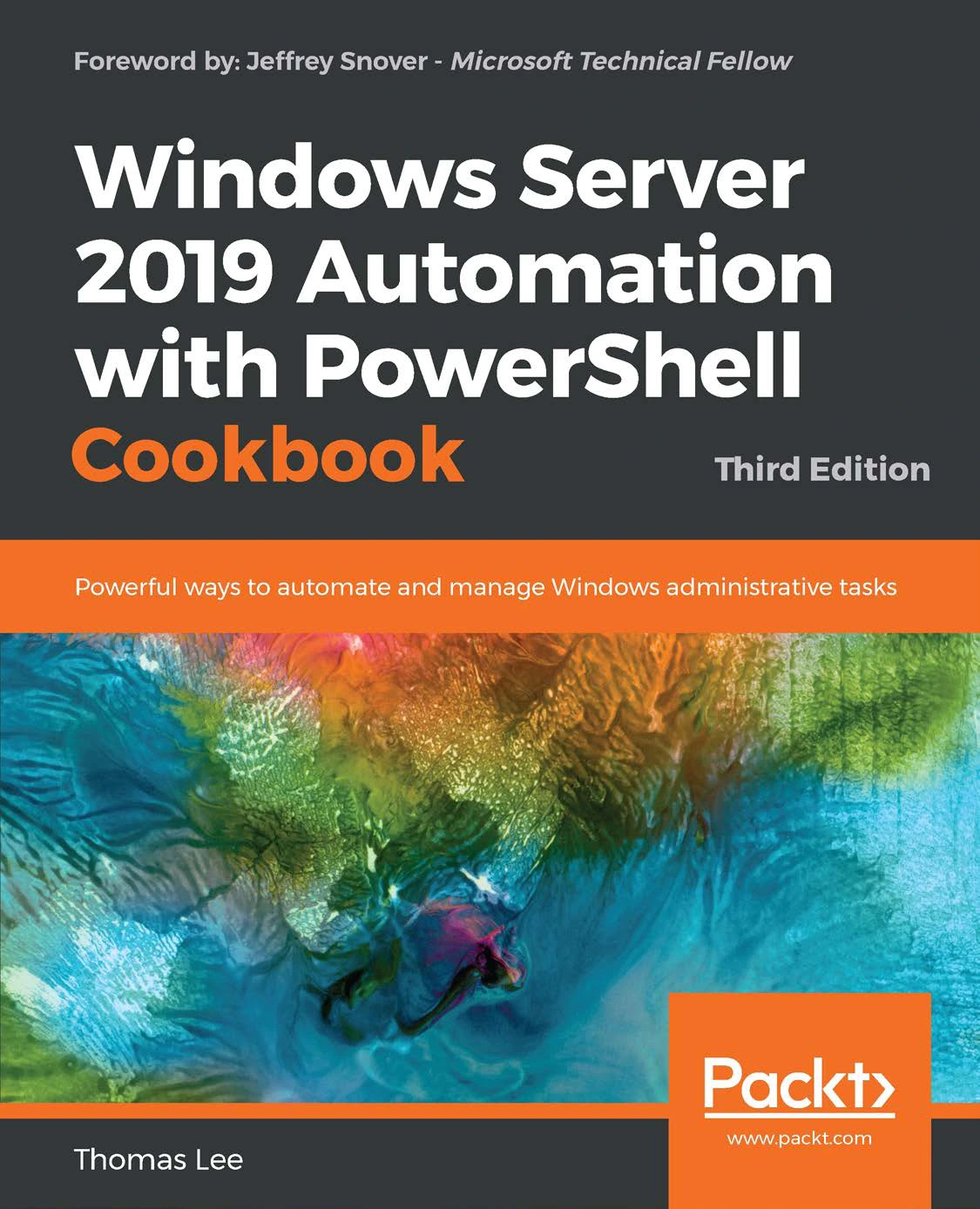
Windows Server 2019 Automation with PowerShell Cookbook – Third Edition
Original price was: $20.00.$10.00Current price is: $10.00.

Thomas Lee
Product Specs:
- File Type: PDF
- File Size: 22.0 MB
- Book Language: English
- Total Page Count: 543
- Instant Download
Master Windows Server 2019 with PowerShell Automation
Administering Windows Server by clicking through endless dialog boxes doesn’t scale, and it certainly doesn’t impress anyone when you need to repeat the same task across dozens of machines. The Windows Server 2019 Automation with PowerShell Cookbook, Third Edition shows you how to take control of your environment with PowerShell, the automation engine built into every modern Windows system.
This updated edition focuses on the features and capabilities of Windows Server 2019, giving you practical scripts and step-by-step recipes you can start using immediately. Whether you’re configuring network services, managing Active Directory, or setting up a secure administrative environment, you’ll find solutions that reduce errors and save hours of repetitive work.
What This Cookbook Covers
Each chapter addresses a major area of Windows administration, breaking tasks down into focused recipes. You’ll work with real-world scenarios and learn to adapt the code to your own infrastructure. The early chapters build a solid foundation for automation, covering topics such as:
- Installing RSAT tools on Windows 10 and Windows Server 2019
- Exploring package management and PowerShellGet
- Creating an internal PowerShell repository
- Establishing a code-signing environment
- Implementing Just Enough Administration (JEA)
Later chapters dive into core network and directory services, including DHCP, DNS, and Active Directory. You’ll learn to configure IP addressing, manage DHCP scopes and failover, set up DNS zones and records, and automate user, group, and computer management in AD.
Hands-On Recipes for Real Administrative Work
The recipe format makes this book easy to use. Each recipe includes clear instructions, explanations of why the steps matter, and ready-to-run PowerShell code. Rather than just reading about concepts, you’ll type commands, see results, and build a personal toolkit of scripts that you can reuse across your organization.
Because every environment is different, the author highlights variations and potential gotchas, helping you avoid common pitfalls. You’ll learn to think in PowerShell, turning one-off fixes into reusable automation that scales from a single server to an entire fleet.
Written by a PowerShell Pioneer
Thomas Lee has been involved with PowerShell since its earliest days as “Monad.” His deep background as a consultant, trainer, and writer shines through in the clarity of each recipe. He understands both the technology and the challenges faced by professional Windows administrators, and he presents solutions in a direct, approachable way.
With a foreword by Jeffrey Snover, the inventor of PowerShell, this book carries a strong endorsement of its practical value. It’s not a beginner’s introduction to PowerShell but a working resource for IT professionals who want to automate their Windows Server 2019 environment efficiently and reliably.
Your Next Step in Professional Windows Administration
If you’re ready to stop doing things manually and start managing Windows Server the way it was meant to be managed, this cookbook gives you the recipes to get there. PowerShell is the key, and this book is your guided tour through the most important administration tasks on Windows Server 2019.
User Reviews
Be the first to review “Windows Server 2019 Automation with PowerShell Cookbook – Third Edition”
You must be logged in to post a review.
PowerShell 7 for IT Pros: A Guide to Using PowerShell 7 to Manage Windows Systems
Sold by Thomas Lee Original price was: $20.00.$10.00Current price is: $10.00.

There are no reviews yet.