

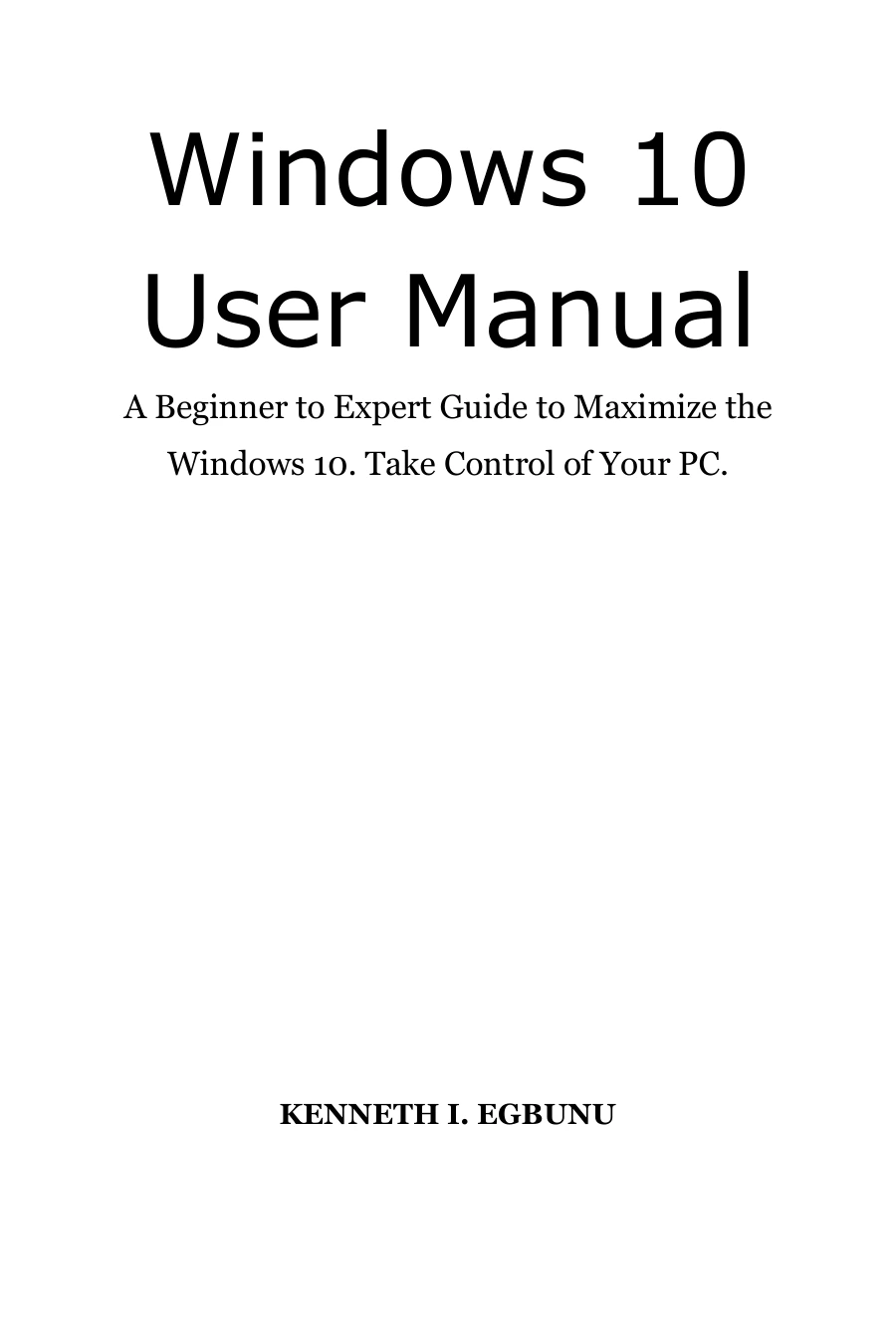
Windows 10 User Manual: A Beginner to Expert Guide to Maximize the Windows 10. Take Control of Your PC
Original price was: $5.00.$2.50Current price is: $2.50.

Kenneth I. Egbunu
Product Specs:
- File Type: PDF
- File Size: 10.7 MB
- Book Language: English
- Total Page Count: 299
- Instant Download
Take Control of Your Windows 10 PC 💻
Windows 10 can look simple at first, but many of its most valuable settings and shortcuts stay hidden until someone shows you where to find them. Kenneth I. Egbunu’s user manual brings those tools into the open with direct, practical instructions that move from basic setup to advanced customization.
What This Manual Covers
The book is structured as a series of clear how-to tasks. You’ll find guidance for changing desktop backgrounds, adjusting screen resolution, creating user accounts, and connecting printers. The coverage extends well beyond everyday essentials, including sections on registry edits, boot configuration, the Linux Bash Shell, and advanced system troubleshooting.
Practical Skills for Daily Use 🔧
- Master time-saving keyboard shortcuts
- Take full-screen or active-window screenshots
- Switch between password, PIN, and picture password sign-in
- Uninstall programs and manage built-in Windows apps
- Set up Cortana for reminders, searches, and voice commands
Security, Maintenance, and Troubleshooting
Beyond convenience features, the manual explains how to enable System Protection and create restore points, disable the lock screen, fix boot configuration errors, and set up parental controls. It also covers performance improvements like cutting boot time and managing startup delay, plus practical tasks such as finding saved Wi-Fi passwords and mirroring your screen.
Who Will Find This Guide Useful
If you’re new to Windows 10 or want to move from basic use to confident control, this manual provides a clear path. It’s equally helpful for students, home users, and anyone who supports family or office computers and prefers straightforward instructions without unnecessary jargon.
At Digital Delights, we appreciate books that turn complex tasks into manageable steps—and this Windows 10 manual does exactly that.
User Reviews
Be the first to review “Windows 10 User Manual: A Beginner to Expert Guide to Maximize the Windows 10. Take Control of Your PC”
You must be logged in to post a review.
Original price was: $5.00.$2.50Current price is: $2.50.





There are no reviews yet.