

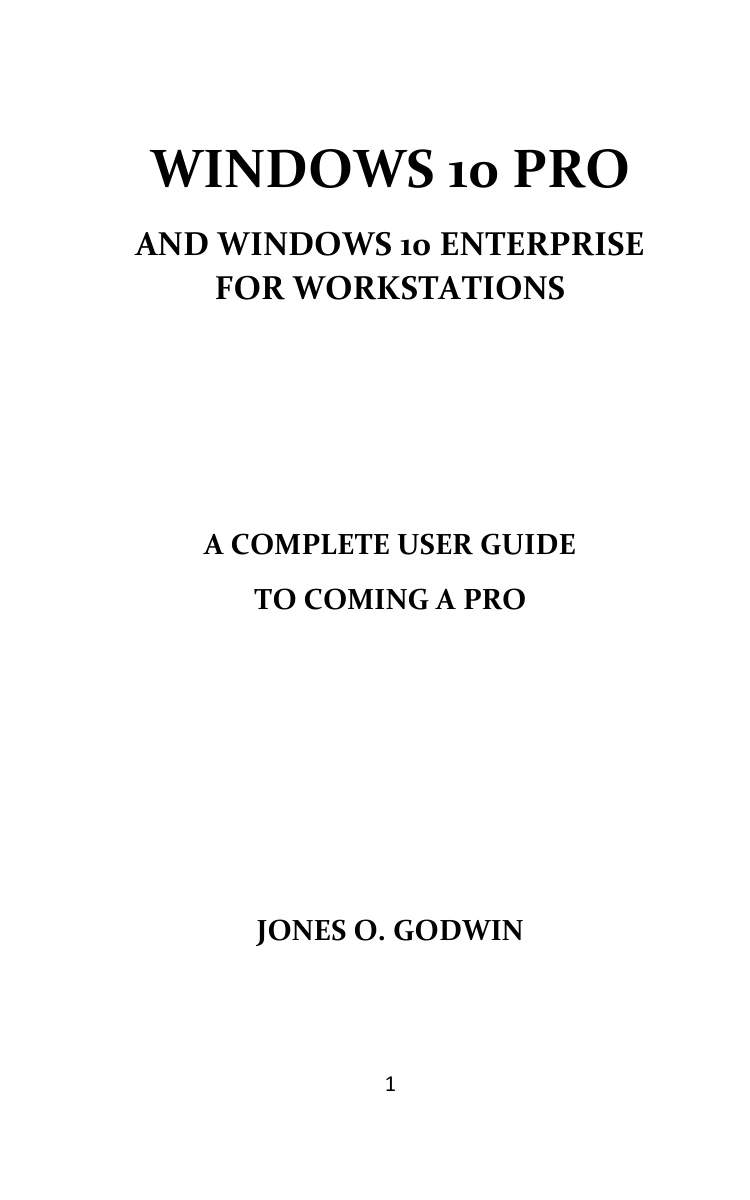
Windows 10 Pro and Windows 10 Enterprise for Workstations: A Complete User Guide to Coming a Pro
Original price was: $5.00.$2.50Current price is: $2.50.

Jones O. Godwin
Product Specs:
- File Type: PDF
- File Size: 2.0 MB
- Book Language: English
- Total Page Count: 139
- Instant Download
Navigate Windows 10 Pro and Enterprise for Workstations with Greater Confidence
Windows 10 Pro for Workstations and Windows 10 Enterprise bring a distinct set of tools for users who need more from their operating system. In this focused guide, Jones O. Godwin walks through a wide collection of features that matter to professionals—from specialized display configurations to productivity enhancements inside Cortana.
The book is not a generic Windows tour. Instead, it leads readers through specific Windows Insider build changes, explaining how each update affects real-world use. If you manage workstation-class hardware or simply want to understand what separates these editions from standard Windows 10, the chapters offer practical detail without unnecessary fluff.
What You’ll Find Inside
The guide covers several important areas of the Windows 10 workstation environment, including:
- Specialized Display options for fixed-function rigs, medical imaging, video monitoring, and video walls.
- The redesigned Cortana experience and its deeper integration with Microsoft 365 apps.
- Windows Search improvements, enhanced search modes, and troubleshooting for high disk usage.
- DirectX raytracing, mesh shaders, sampler feedback, and texture streaming advancements.
- Windows Hello PIN sign-in while in Safe Mode and related recovery settings.
- Connecting Windows 10 devices to network cameras.
- Windows Subsystem for Linux improvements, including ARM64 support and WSL 2.
- Xbox Game Bar updates, Bluetooth pairing refinements, and virtual desktop renaming.
- Notepad changes, language and IME improvements, calculator updates, and accessibility enhancements.
- Passwordless Microsoft account sign-in and notification setting refinements.
Rather than simply listing build numbers, the author explains what each change means and how to put it to work. For example, readers learn not just that Cortana has changed, but how to configure typing or speaking as the default input. The guidance around display settings, sign-in recovery, and network cameras is especially useful for anyone troubleshooting or configuring workstation machines.
A Resource for IT Professionals and Power Users
This guide will feel most natural for system administrators, IT support staff, and technical enthusiasts who track Windows Insider changes closely. The material assumes a working knowledge of Windows 10, so beginners may need to pair it with a more foundational resource. However, the step-by-step explanations are clear enough for confident users who want to explore specific features without relying on scattered forum posts.
Because the content is tied to specific build versions, it also serves as a useful reference when evaluating whether a new Windows feature is ready for production use. The chapters on search, disk usage, and Windows Hello recovery are particularly valuable for troubleshooting common workstation pain points.
Start Exploring Windows 10 Workstation Features
Whether you are preparing to deploy Windows 10 Pro for Workstations, supporting an Enterprise environment, or simply curious about what these editions offer, this guide provides a structured way to learn. Each chapter focuses on a practical set of improvements, so you can jump directly to the topics that matter most to your work.
User Reviews
Be the first to review “Windows 10 Pro and Windows 10 Enterprise for Workstations: A Complete User Guide to Coming a Pro”
You must be logged in to post a review.
Original price was: $5.00.$2.50Current price is: $2.50.





There are no reviews yet.