

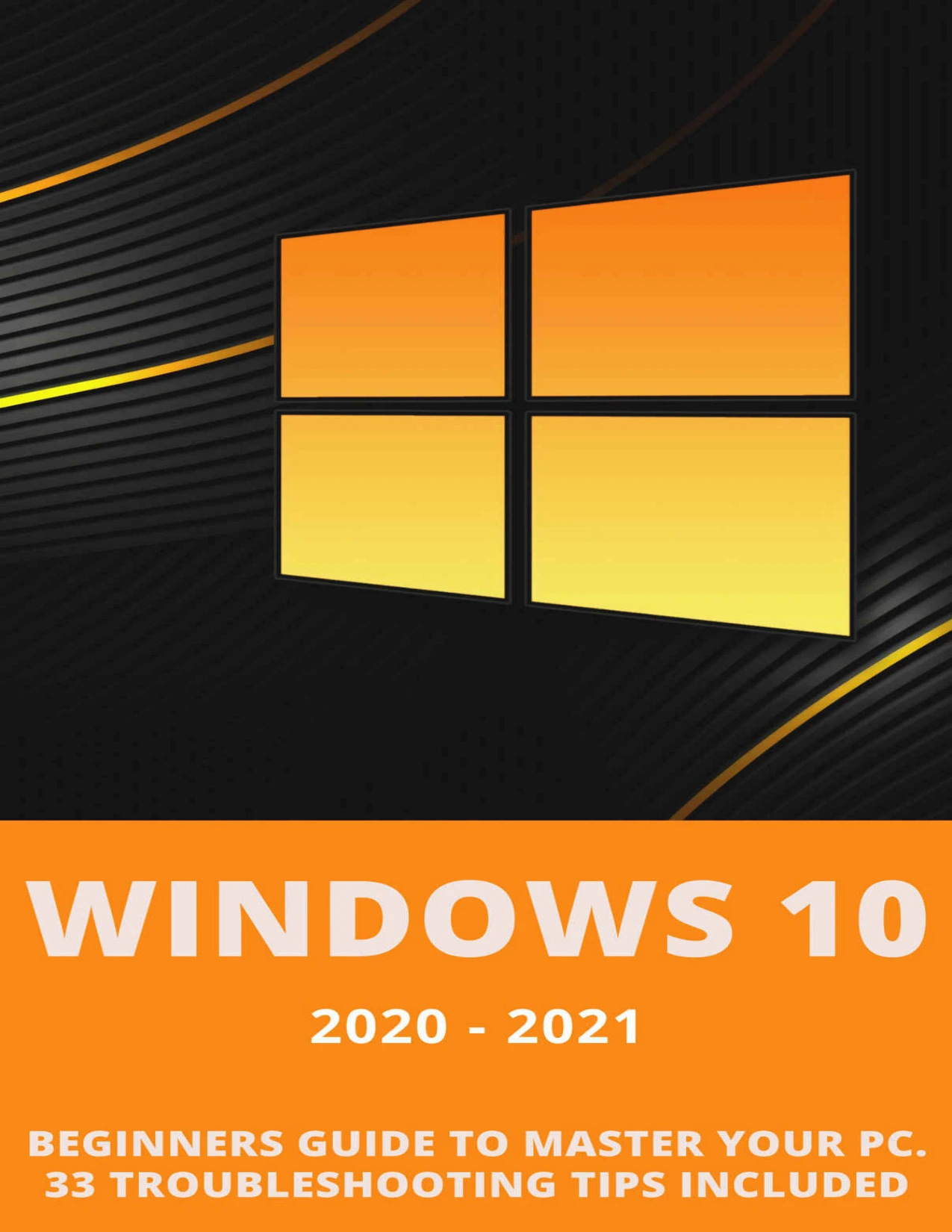
Windows 10: 2020-2021 Beginners Guide to Master Your PC. 33 Troubleshooting Tips Included
Original price was: $5.00.$2.50Current price is: $2.50.

Andrew Brooks
Product Specs:
- File Type: PDF
- File Size: 1.7 MB
- Book Language: English
- Total Page Count: 72
- Instant Download
What This Windows 10 Guide Covers
If Windows 10 feels slower than it used to, this practical beginner-friendly guide helps you understand why—and what to do about it. Instead of overwhelming readers with theory, it focuses on clear steps you can follow to clean up your drive, adjust key settings, and get your PC running more smoothly.
Practical Speed Tweaks You Can Apply Today
The guide walks through a series of Windows 10 adjustments that can make a real difference in everyday performance:
- Managing startup programs and background apps
- Removing unnecessary browser extensions and clearing caches
- Disabling animations and other visual effects
- Adjusting virtual memory and power settings
- Disabling OneDrive and unused sound notifications
- Reviewing privacy settings
Each tweak is explained in simple terms, so you can test changes one at a time and see how they affect your system.
Hard Drive Health and Cleanup 🛠️
A slow PC often points to a cluttered or struggling hard drive. This guide shows you how to use File Explorer to remove old files, back up data you don’t need daily, and monitor drive health with tools like WinDirStat and PassMark DiskCheckout. It also introduces the built-in CHKDSK command for users who prefer native Windows options.
Keyboard Shortcuts and Everyday Efficiency 💻
Beyond speed tweaks, the book dedicates space to Windows 10 keyboard shortcuts that reduce repetitive mouse work. These are presented as ready-to-use combinations, helping beginners navigate the operating system more comfortably.
Troubleshooting Without Guesswork
The final section gathers troubleshooting tips to help you diagnose common Windows 10 frustrations. By following the approach in earlier chapters, readers learn to connect symptoms to likely causes and test fixes methodically rather than randomly changing settings.
A Beginner-Friendly Approach to PC Maintenance
Throughout the guide, the writing stays accessible and action-oriented. It assumes no advanced technical background, making it a solid starting point for everyday users who want a faster, more reliable Windows 10 computer.
User Reviews
Be the first to review “Windows 10: 2020-2021 Beginners Guide to Master Your PC. 33 Troubleshooting Tips Included”
You must be logged in to post a review.
Original price was: $5.00.$2.50Current price is: $2.50.


There are no reviews yet.