

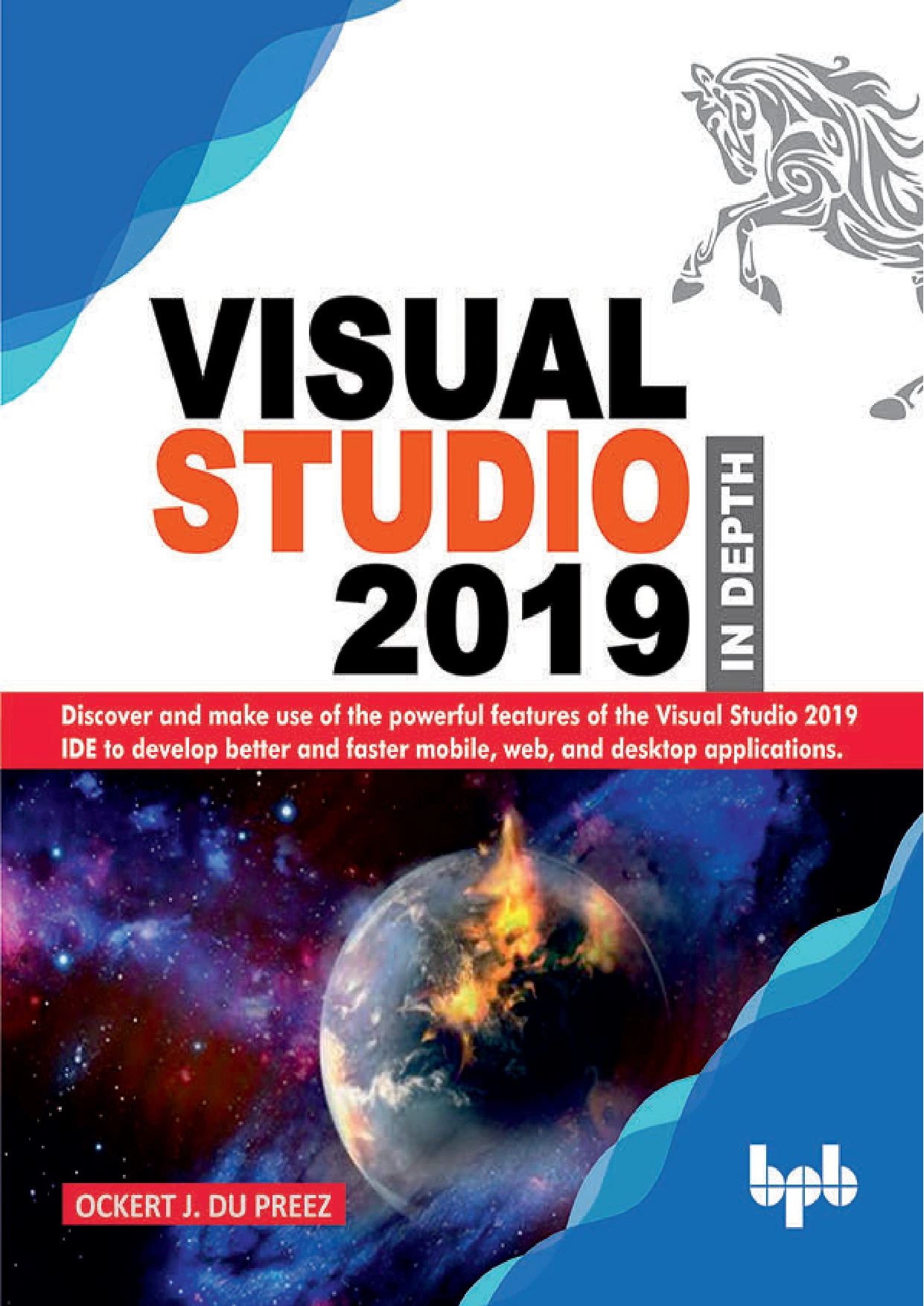
Visual Studio 2019 In Depth
Original price was: $5.00.$2.50Current price is: $2.50.

Ockert J. Du Preez
Product Specs:
- File Type: PDF
- File Size: 10.4 MB
- Book Language: English
- Total Page Count: 248
- Instant Download
Why Visual Studio 2019 In Depth?
Visual Studio is more than a code editor. It’s a complete development environment with tools for building desktop, mobile, web, and cloud applications. Ockert J. Du Preez’s Visual Studio 2019 In Depth takes readers through the IDE’s most important capabilities, from first installation to advanced Azure workflows. The book aims to help developers work faster and more confidently by understanding both familiar features and the latest 2019 updates.
What You’ll Explore Inside
The guide is organized into three broad sections: getting started, everyday tools, and advanced tools. It begins with installation and the IDE’s core windows—Solution Explorer, Toolbox, Data Sources, and more—then moves into areas that directly affect daily coding.
- Visual Studio 2019 setup and editions: a clear walkthrough of requirements, editions, and installation options so you can start with the right configuration.
- IDE essentials: a close look at standard windows, menus, toolbars, and the differences between desktop, mobile, and web IDEs.
- IntelliSense and AI-assisted coding: how improved JavaScript IntelliSense and the IntelliCode extension use recommendations to reduce repetitive work and surface useful patterns.
- Latest language and framework updates: coverage of C# 8.0 features such as pattern matching and nullable reference types, plus a practical tour Core 3.0.
- Built-in and debugging tools: Live Share, profiling, debugging windows, breakpoints, remote debugging, and the code generation features that help you refactor safely.
- Testing and quality: unit testing, Coded UI tests, Selenium, and other tools for verifying your applications.
- , mobile, and cloud development: tools for, Xamarin-style mobile development, and Azure integration that let you move from local code to cloud-first applications.
A Hands-On Path Through the IDE
Rather than only describing menus, the book shows how features fit into real development tasks. For example, after reading about debugging tools you can apply breakpoints and navigate code during a debug session. The chapters on extensions help you customize Visual Studio so it matches the way you work. If you’re new to Visual Studio 2019, the early chapters give you a steady foundation. Experienced developers will appreciate the deeper coverage of newer features and the practical guidance for testing, profiling, and cloud deployment.
Who Will Find This Useful?
This ebook is designed for software developers who use or plan to use Visual Studio 2019. It developers, web developers working with or JavaScript, mobile developers using Xamarin, and anyone who wants a more complete understanding of the IDE beyond the basics. Because the book covers both fundamentals and advanced tools, readers can grow with it as they become more comfortable with Visual Studio.
The Digital Delights Advantage
Digital Delights delivers this title as a convenient ebook, so you can start following along with the examples right away. The content is ready for your device of choice, and you can return to specific sections whenever you need a refresher on a particular tool or workflow.
Add Visual Studio 2019 In Depth to your programming library and get more from the IDE that powers millions of development projects worldwide. 💻
User Reviews
Be the first to review “Visual Studio 2019 In Depth”
You must be logged in to post a review.
Original price was: $5.00.$2.50Current price is: $2.50.


There are no reviews yet.