

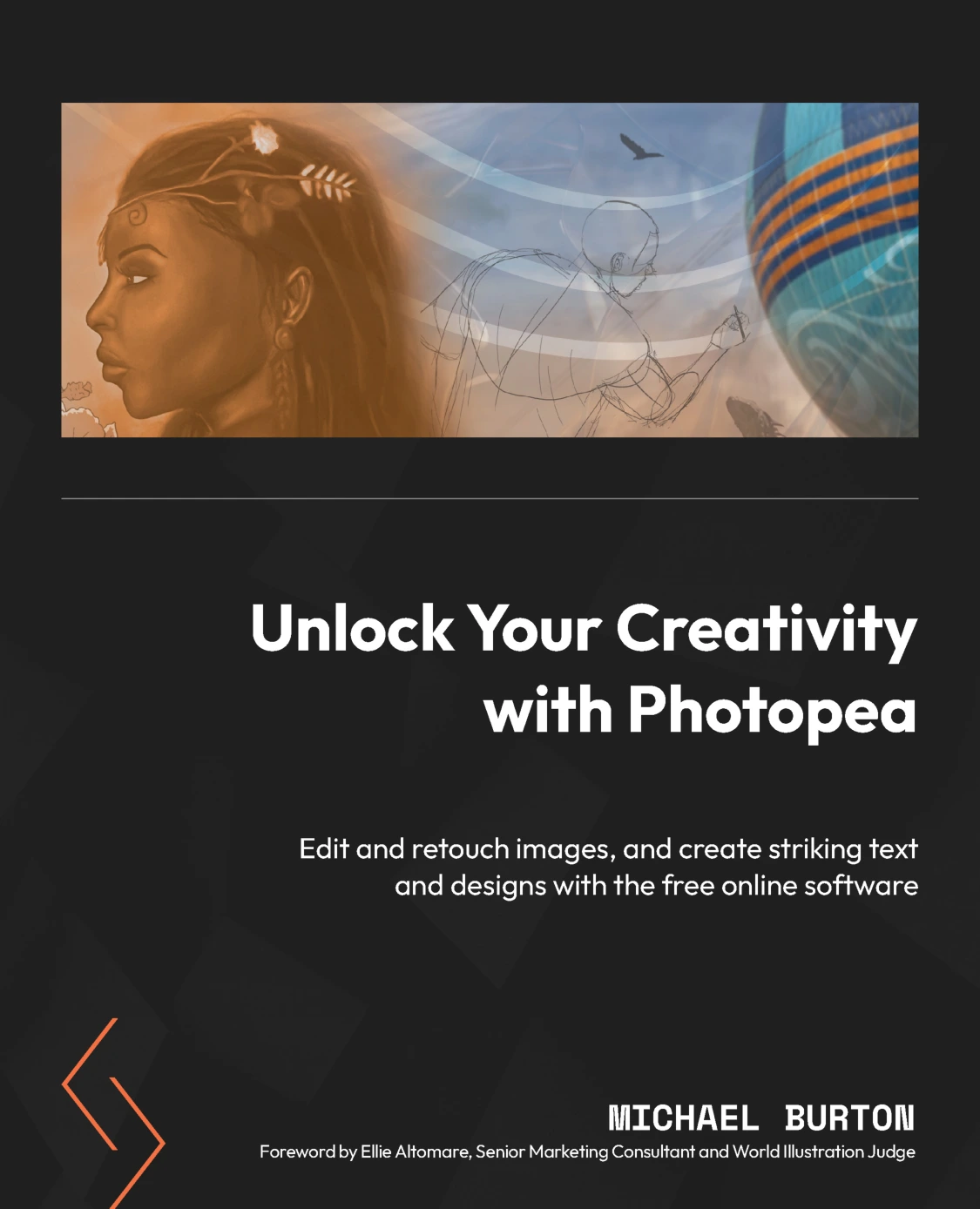
Unlock Your Creativity with Photopea
Original price was: $5.00.$2.50Current price is: $2.50.

Michael Burton
Product Specs:
- File Type: PDF
- File Size: 110.0 MB
- Book Language: English
- Total Page Count: 479
- Instant Download
Master a Free Photoshop Alternative for Creative Work
Photopea has quietly become one of the most useful browser-based tools for image editing, design, and digital art. Yet many people only scratch the surface. This book steps through the entire creative workflow — from setting up a document and navigating the workspace to advanced layer management, selections, color theory, brushes, and photo retouching.
Michael Burton, a practicing graphic artist and multimedia designer, organizes the material around real projects. You’ll work with raster and vector graphics, understand RGB vs CMYK, create reusable templates, and apply professional retouching techniques to portraits and old photographs.
What You’ll Explore
- Installing and setting up Photopea, including free vs premium differences
- Creating, saving, and resizing documents, using guides, grids, and artboards
- Navigating the workspace: toolbar, sidebar, and main area
- Organizing layers, layer masks, layer styles, and adjustment layers
- Making precise selections and refining edges with advanced tools
- Color theory fundamentals, color panels, swatches, and color spaces
- Using default brushes and creating custom brushes from images
- Portrait touch-ups, hair cleanup, old photo restoration, and RAW adjustments
Why This Book Feels Practical
Instead of just listing menus, each chapter builds a skill you can apply immediately. You’ll learn how to decide between raster and vector, why layer organization matters, and how selections and masks give you non-destructive editing control. The approach suits both beginners curious about image editing and designers looking to add a no-cost tool to their workflow.
Ideal for Creative Tinkerers and Design Professionals
If you want to retouch family photos, create social media graphics, design logos, or simply understand how professional image editors work, this guide offers a structured path. The projects are accessible, yet the techniques translate directly to more complex creative software.
User Reviews
Be the first to review “Unlock Your Creativity with Photopea”
You must be logged in to post a review.
Original price was: $5.00.$2.50Current price is: $2.50.


There are no reviews yet.