

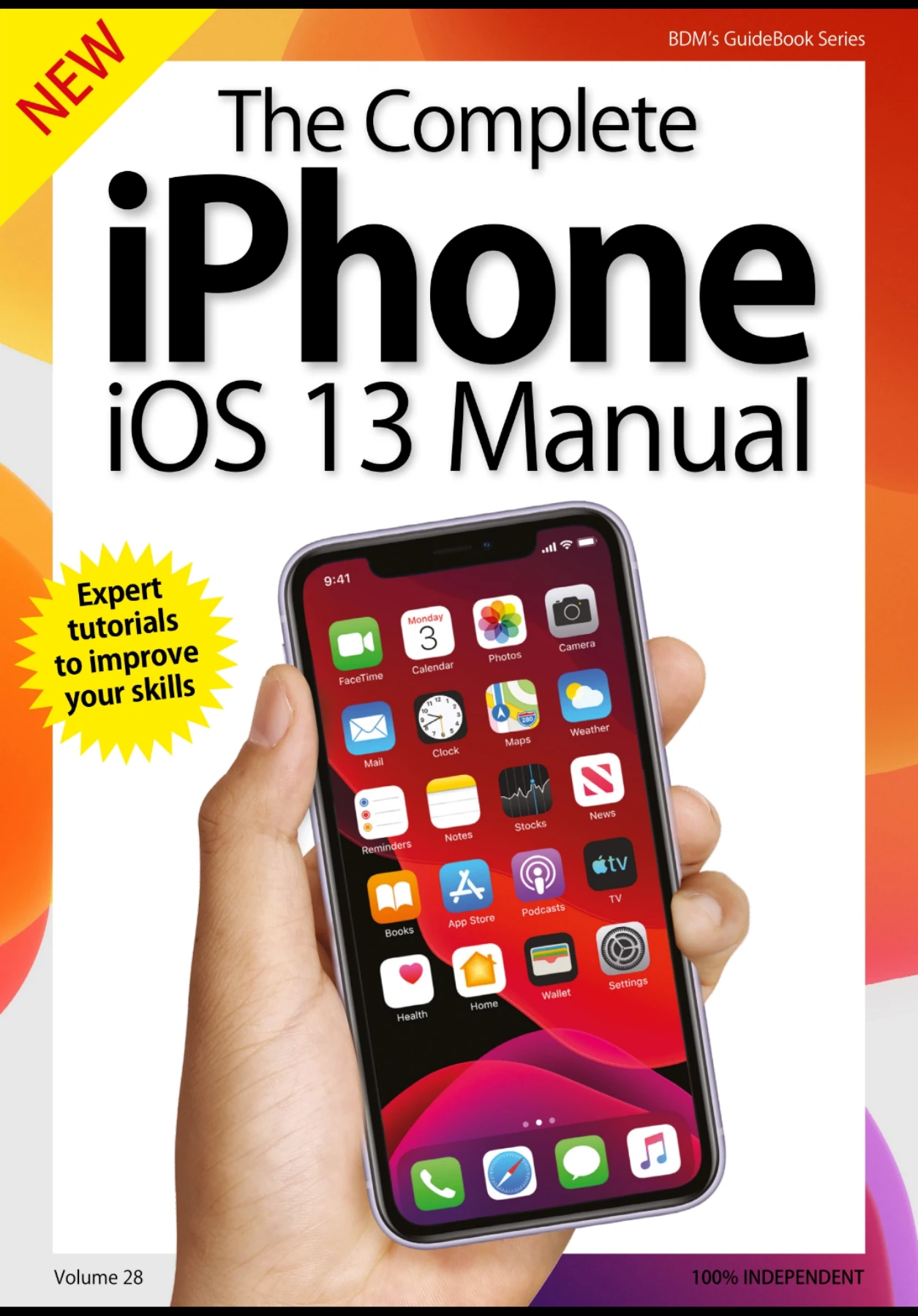
The Complete iPhone iOS 13 Manual VOL 28
Original price was: $8.01.$4.00Current price is: $4.00.

BDM Publications
Product Specs:
- File Type: PDF
- File Size: 119.1 MB
- Book Language: English
- Total Page Count: 162
- Instant Download
iOS 13 brought a new set of tools and changes to the iPhone, and this illustrated manual takes them one feature at a time. From first-time setup to familiar apps and settings, it offers practical guidance for finding your way around the system and making more of the iPhone features covered in the guide.
Start with the essentials
The early chapters take readers through updating to iOS 13, setting up an iPhone and Apple ID, using Face ID or Touch ID, getting online, making calls and navigating with touchscreen gestures. Control Centre, AirDrop, Bluetooth, email and the on-screen keyboard are also covered, making this section a useful place to begin or revisit when a basic task feels less than basic.
See what changed in iOS 13
Dedicated features introduce Dark Mode, Find My, Voice Control and Sign in with Apple, alongside other changes in the operating system. The guide places these updates within the wider experience of using an iPhone, rather than treating iOS 13 as a list of release notes.
Find your way around the built-in apps
Substantial sections explore the iPhone’s everyday apps, including Mail, Safari, Reminders, Messages, Memoji, Notes, Calendar, Contacts, Camera, Photos, Maps, Health, Wallet, Music, TV, Books, News, FaceTime and the App Store. The coverage gives readers a guided tour of the tools they are likely to encounter across communication, organization, media and daily use.
Make the iPhone feel more familiar
Later chapters turn to iCloud Drive and Files, Siri, Do Not Disturb, wallpaper and sounds, Notification Centre and Screen Time. Together, these topics help readers understand where information is stored, how to manage interruptions and how to adjust common settings.
A practical reference for iOS 13 users
With its clear topic-by-topic structure, this manual is aimed at people learning an iPhone as well as users who want a reference for particular features. Its guidance is specifically about iOS 13, so readers should keep that version-specific focus in mind when consulting it alongside newer Apple software.
User Reviews
Be the first to review “The Complete iPhone iOS 13 Manual VOL 28”
You must be logged in to post a review.
The Essential Coding Manual – Volume 19
Sold by BDM Publications
The Complete Samsung Galaxy Manual
Sold by BDM Publications
The Complete Photoshop Manual – October 2020
Sold by BDM Publications
The Complete Nikon Manual – 5th Edition 2020
Sold by BDM Publications
Photography Tricks and Tips: 4th Edition
Sold by BDM Publications
The Complete Coding Manual Volume 21
Sold by BDM Publications Original price was: $8.01.$4.00Current price is: $4.00.






There are no reviews yet.