

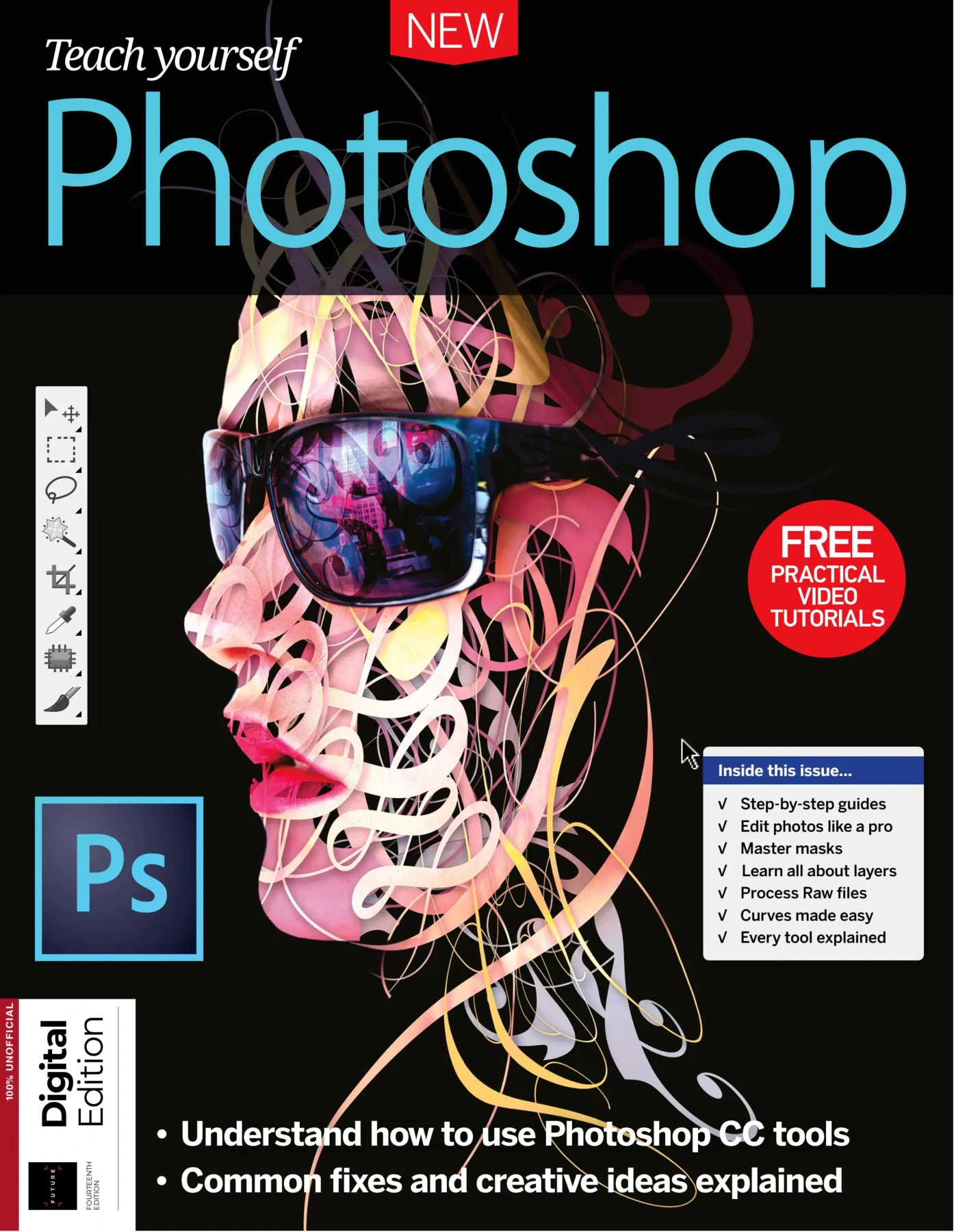
Teach Yourself Photoshop
Original price was: $5.00.$2.50Current price is: $2.50.

Charles Ginger
Product Specs:
- File Type: PDF
- File Size: 124.8 MB
- Book Language: English
- Total Page Count: 196
- Instant Download
A Practical Route to Photoshop Confidence 📷
The camera’s shutter release is only the beginning. Whether it’s correcting a rushed composition, removing an unwanted object, or bringing back the atmosphere the eye originally saw, Photoshop provides the tools to shape photographs into the images photographers intended. Teach Yourself Photoshop (Fourteenth Edition) focuses on exactly that gap between what the camera records and what the photographer envisioned.
The guide is built around hands-on tutorials rather than abstract theory. Each chapter introduces a specific skill set, then shows how the tools work in a real editing context—from organising raw files to producing polished prints and web-ready images.
What the Guide Covers
- Organising image libraries with Adobe Bridge and Lightroom, including ratings, keywords, and collections.
- Processing raw files in Adobe Camera Raw before moving into Photoshop.
- Mastering essential tools such as crop, image size, canvas size, adjustment layers, Levels, Curves, and Hue/Saturation.
- Working with layers to blend, transform, and organise edits non-destructively.
- Making precise selections using marquee, lasso, pen, Quick Mask, and Refine Edge tools.
- Using masks and filters to create montages, editable filter effects, and controlled blur.
- Fixing common photo problems, from sharpening and noise reduction to perspective distortion.
- Applying creative effects, including panoramas, HDR merging, toy town looks, and surreal composites.
- Exploring advanced features such as actions, brush tips, titles, 3D, video, animation, and print preparation.
From Straightforward Fixes to Creative Composites
The publication balances everyday photo corrections with more ambitious creative projects. The early tutorials make it easier to build a clean, organised workflow, while later chapters open up Photoshop’s potential for panoramic stitching, HDR exposure blending, and dramatic image manipulation. Each technique is presented in a visual, step-by-step format, making the processes easier to follow when working on your own photographs.
Who Will Find It Useful
Photographers who are relatively new to Photoshop will appreciate the clear introductions to workspaces and core tools. More experienced users can use the focused tutorials to refresh their knowledge or explore specific techniques such as video editing, motion workspace, or the Camera Raw filter. The content covers both the organisational side of a photo library and the detailed pixel-level editing that makes a difference in final output.
For anyone wanting a structured, visual way to build Photoshop skills, this edition offers a solid foundation without assuming prior expertise.
User Reviews
Be the first to review “Teach Yourself Photoshop”
You must be logged in to post a review.

ImagineFX Traditional Artist Second Edition
Sold by Charles Ginger Original price was: $5.00.$2.50Current price is: $2.50.


There are no reviews yet.