

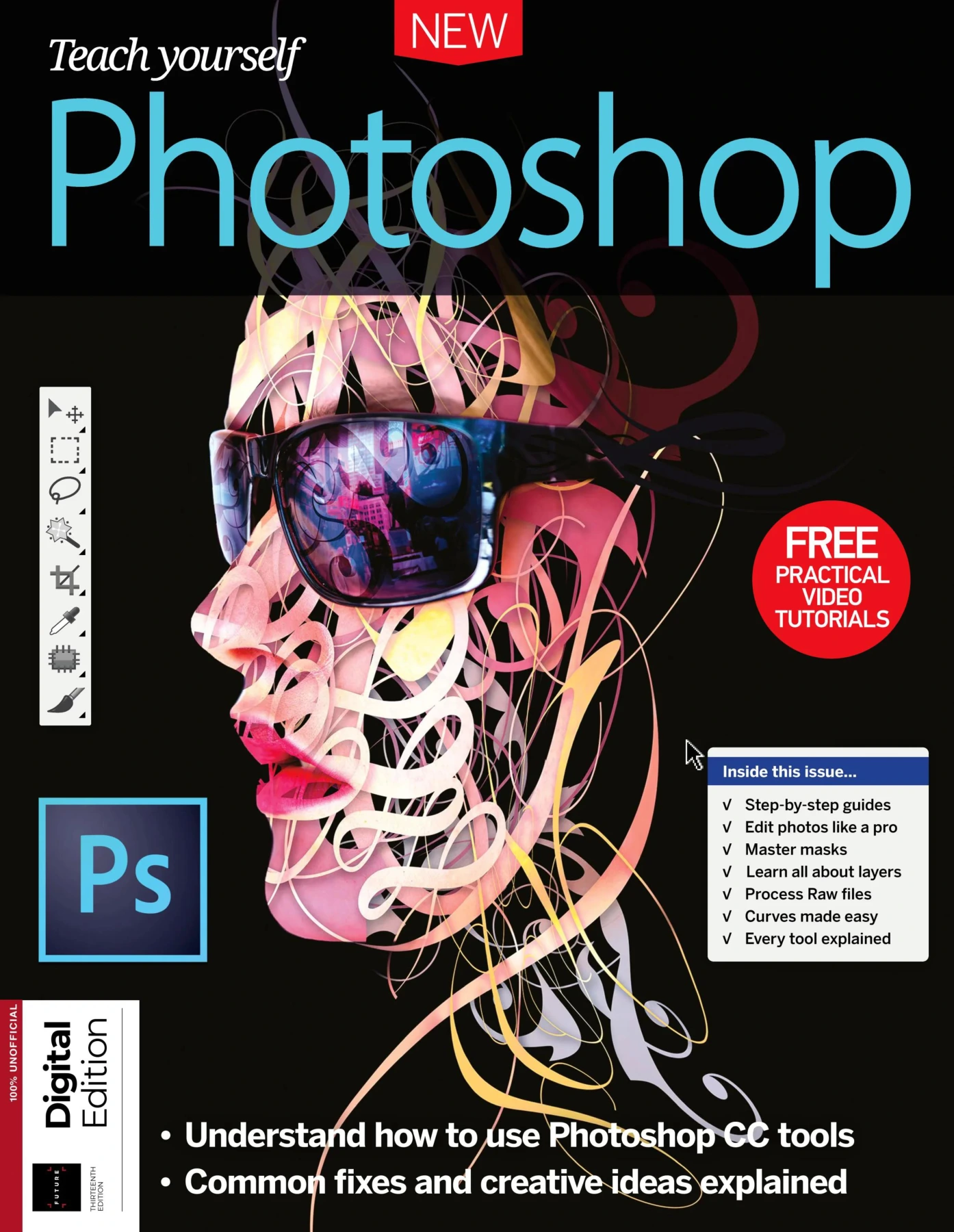
Teach Yourself Photoshop, Thirteenth Edition
Original price was: $5.00.$2.50Current price is: $2.50.

Dan Peel
Product Specs:
- File Type: PDF
- File Size: 124.6 MB
- Book Language: English
- Total Page Count: 196
- Instant Download
Master Photoshop from First Open to Final Output 💻
Photoshop is the standard for serious image editing, but its deep toolset can feel intimidating. This thirteenth edition of Teach Yourself Photoshop breaks the learning curve into practical, step-by-step projects that focus on what photographers and designers actually need.
The guide moves from importing and organizing photos to retouching, compositing, and creative effects. Each chapter mixes clear explanations with hands-on tutorials, so you build confidence while refining real images.
Organize, Process, and Prepare Your Images
Before the first adjustment, this guide shows how to manage growing photo libraries with Adobe Bridge and Lightroom. You’ll learn to rate, keyword, and filter images, then move raw files into Adobe Camera Raw for clean, non-destructive processing.
- Customize the Bridge workspace and use Filmstrip view
- Navigate Lightroom’s Library, Develop, Map, Book, Slideshow, Print, and Web modules
- Process raw files with the Camera Raw editor
Essential Tools, Layers, and Selections
The core of Photoshop is covered in depth: the Tools panel, Crop tool, Image Size and Canvas Size, adjustment layers, Levels, Curves, and Hue/Saturation. You’ll learn to turn color photos into black and white, control adjustments with layer masks, and master the Layers panel.
Selection techniques get equal attention. From basic marquee and lasso tools to intelligent selection tools, the Pen tool, Quick Mask, and Refine Edge, you’ll be able to isolate any subject cleanly.
Masks, Montages, and Common Photo Fixes
Layer masks transform how you blend and composite images. This edition includes projects for surreal portraits, painting with filters, and using the Mask Properties panel. The healing tools, content-aware tools, Dodge and Burn, and sharpening techniques help remove flaws and bring out the best in your photos.
You’ll also explore reducing high-ISO noise, correcting wide-angle distortion, and getting sharper results without damaging detail.
Creative Effects and Advanced Features 🎨
Ready to go further? Step-by-step projects show how to stitch panoramas, merge HDR exposures, create a miniature toy-town effect, build stunning spirals, and add smoke or other dramatic effects. The guide also introduces automated actions, 3D chess pieces, video editing, and animation tools.
Finally, you’ll learn how to prepare images for print and web, ensuring your work looks its best wherever it appears.
If you’re moving from an older Photoshop version or starting fresh with Photoshop CC, this illustrated guide offers a structured, practical route to better editing.
User Reviews
Be the first to review “Teach Yourself Photoshop, Thirteenth Edition”
You must be logged in to post a review.


Coding Academy 2019: Seventh Edition
Sold by Dan Peel Original price was: $5.00.$2.50Current price is: $2.50.
There are no reviews yet.