

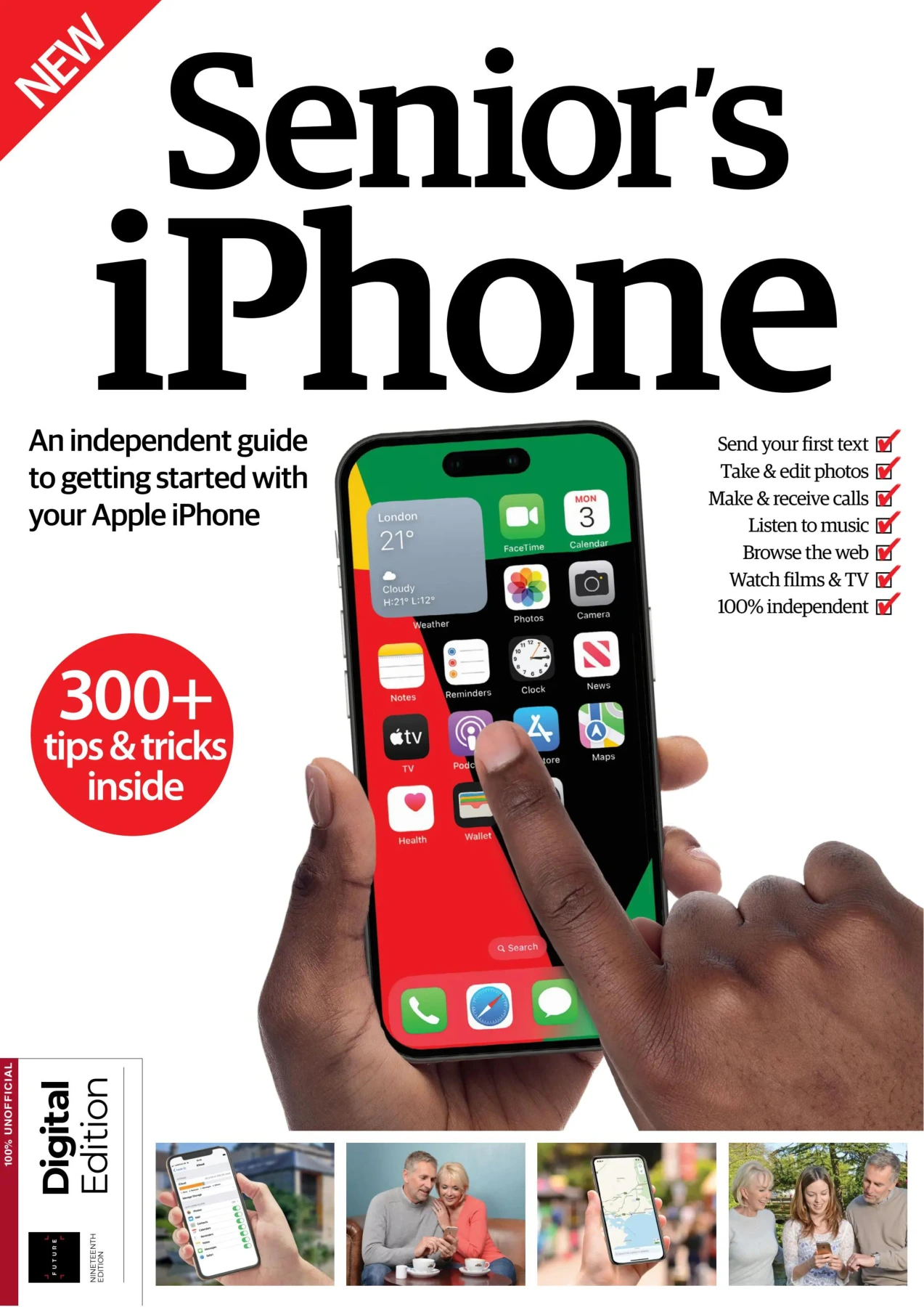
Senior’s iPhone
Original price was: $9.32.$4.66Current price is: $4.66.

Aiden Dalby
Product Specs:
- File Type: PDF
- File Size: 70.2 MB
- Book Language: English
- Total Page Count: 132
- Instant Download
Master Your iPhone with Confidence 📱
If you’ve picked up an iPhone and felt unsure where to begin, this guide was written with you in mind. Senior’s iPhone brings together the essential skills older adults need to send messages, make calls, take photos, browse the internet, and enjoy music, films, and apps. The nineteenth edition has been fully updated for 2024, keeping the instructions clear and friendly while covering the features that matter most in everyday life.
Set Up Without the Stress
The early chapters walk through everything from activating a new device and connecting to Wi‑Fi to creating an Apple ID and understanding iCloud. You’ll learn how to adjust display settings, set a passcode, manage privacy, and use Emergency SOS. Each step is broken down into simple actions, with screenshots that show exactly what to tap.
Stay Connected with Family and Friends
Communication is at the heart of the iPhone, and this guide covers the tools you’ll use most. Whether you prefer a traditional phone call, a FaceTime video chat, or a quick text message, the instructions help you add contacts, manage conversations, and understand features like Do Not Disturb. The Mail app chapter shows how to send, receive, and organise emails without confusion.
Explore Photos, Maps, and Everyday Tools
The built-in Camera and Photos apps are more than just a snapshot tool. You’ll discover how to shoot video, edit images, and keep memories organised. The guide also introduces Maps for navigation, Calendar for appointments, Clock for alarms and timers, and Siri for hands-free help. Notes, Health, and Find My are explained in plain language so you can use them right away.
Enjoy Music, Books, TV, and More
Your iPhone is a portable entertainment hub. The book shows you how to use the App Store to download new apps, manage them on your home screen, and explore iTunes, Podcasts, Apple Music, the TV app, News, and Books. Even if you’ve never purchased digital content before, the tutorials make it straightforward.
Help When You Need It
A practical helpdesk section answers common iPhone questions, and a glossary defines the terms that often appear on screen. Whether you’re new to smartphones or upgrading to a newer model, this independent guide offers friendly, no-nonsense support that respects your experience and helps you build the confidence to use your iPhone fully.
Linux & Open Source Annual 2025, Volume 10
Sold by Aiden Dalby
Google Tips & Tricks: Twenty-First Edition
Sold by Aiden Dalby
Google Tips & Tricks: Twenty-Second Edition
Sold by Aiden Dalby
The Hacker’s Manual: 2024 Seventeenth Edition
Sold by Aiden Dalby
Hacker’s Manual 2023
Sold by Aiden Dalby Original price was: $9.32.$4.66Current price is: $4.66.






There are no reviews yet.