

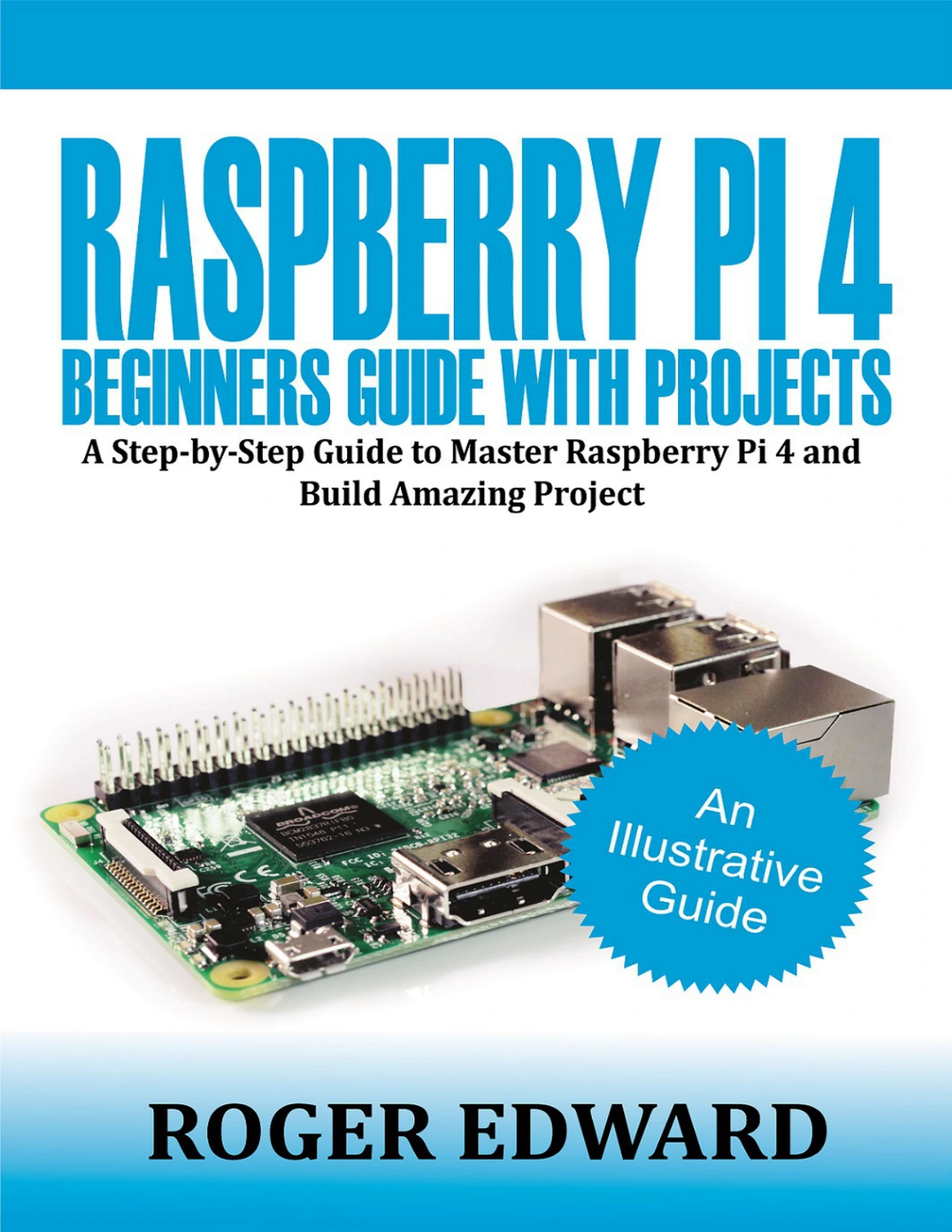
Raspberry Pi 4 Beginners Guide with Projects: A Step-by-Step Guide to Master Raspberry Pi 4 and Build Amazing Projects
Original price was: $5.00.$2.50Current price is: $2.50.

Roger Edward
Product Specs:
- File Type: PDF
- File Size: 2.1 MB
- Book Language: English
- Total Page Count: 59
- Instant Download
A Clear Starting Point for Raspberry Pi 4 Beginners 💻
If you have a Raspberry Pi 4 and want to understand what you are holding, this guide starts at the board itself. Roger Edward introduces the Raspberry Pi as a low-cost single-board computer and explains how its hardware, operating system, and everyday uses fit together. The opening chapters identify the system-on-chip, RAM, wireless radio, USB controller, power management circuit, and the ports that let you connect a keyboard, mouse, display, network cable, and power supply.
Rather than assuming prior experience, the book follows a step-by-step rhythm: set up the microSD card, attach peripherals, prepare the software, and learn your way around the desktop.
Set Up and Get Comfortable with the Desktop
Once the hardware is connected, the guide moves into the software side. Readers are introduced to the Welcome Wizard, the Raspberry Pi desktop, Chromium, File Manager, and the Raspberry Pi Configuration Tool. The sections on shutting down the Pi properly are a useful reminder that even a small computer benefits from careful habits.
For beginners, this is where the Raspberry Pi stops feeling like a bare circuit board and starts behaving like a usable computer.
Learn Programming with Scratch and Python
The programming chapters form the heart of the book. Scratch 2 is introduced through its interface and core ideas: sequencing, repeated sequences, loops, variables, and conditionals. These concepts are presented as building blocks, not abstract theory.
Python arrives later, giving readers a second way to think about code. The progression from visual blocks in Scratch to text-based Python is a natural path for newcomers who want to understand both approaches.
Projects That Turn Concepts into Something Playable 🎮
Hands-on work appears throughout the guide, including an Astronaut Reaction Timer, Synchronised Swimming, and an Archery Game. These projects give the earlier lessons a purpose: sequencing, variables, and conditionals are no longer separate topics but parts of something that runs, responds, and can be tested.
The final chapters move into physical computing with Scratch and Python, covering HATs and the role of GPIO pins. This is where a Raspberry Pi project can reach beyond the screen and interact with components.
Who Will Get the Most from This Book?
This is a beginner-oriented guide for readers who want a structured introduction rather than a scattered set of tips. It should suit new Raspberry Pi owners, students, hobbyists, parents and educators looking for accessible project ideas, and anyone curious about Scratch, Python, or simple physical computing. If you already work comfortably with Linux, GPIO wiring, and advanced Python, you may find the material foundational—but as a first guide, it offers a clear route from setup to making something work.
Start with the Basics, Finish with Projects
Raspberry Pi 4 Beginners Guide with Projects keeps the focus on practical momentum: understand the board, bring it to life, learn the programming environment, and build small projects that make the lessons stick. For readers at the start of their Raspberry Pi journey, it is a welcoming place to begin.
User Reviews
Be the first to review “Raspberry Pi 4 Beginners Guide with Projects: A Step-by-Step Guide to Master Raspberry Pi 4 and Build Amazing Projects”
You must be logged in to post a review.
Original price was: $5.00.$2.50Current price is: $2.50.






There are no reviews yet.