

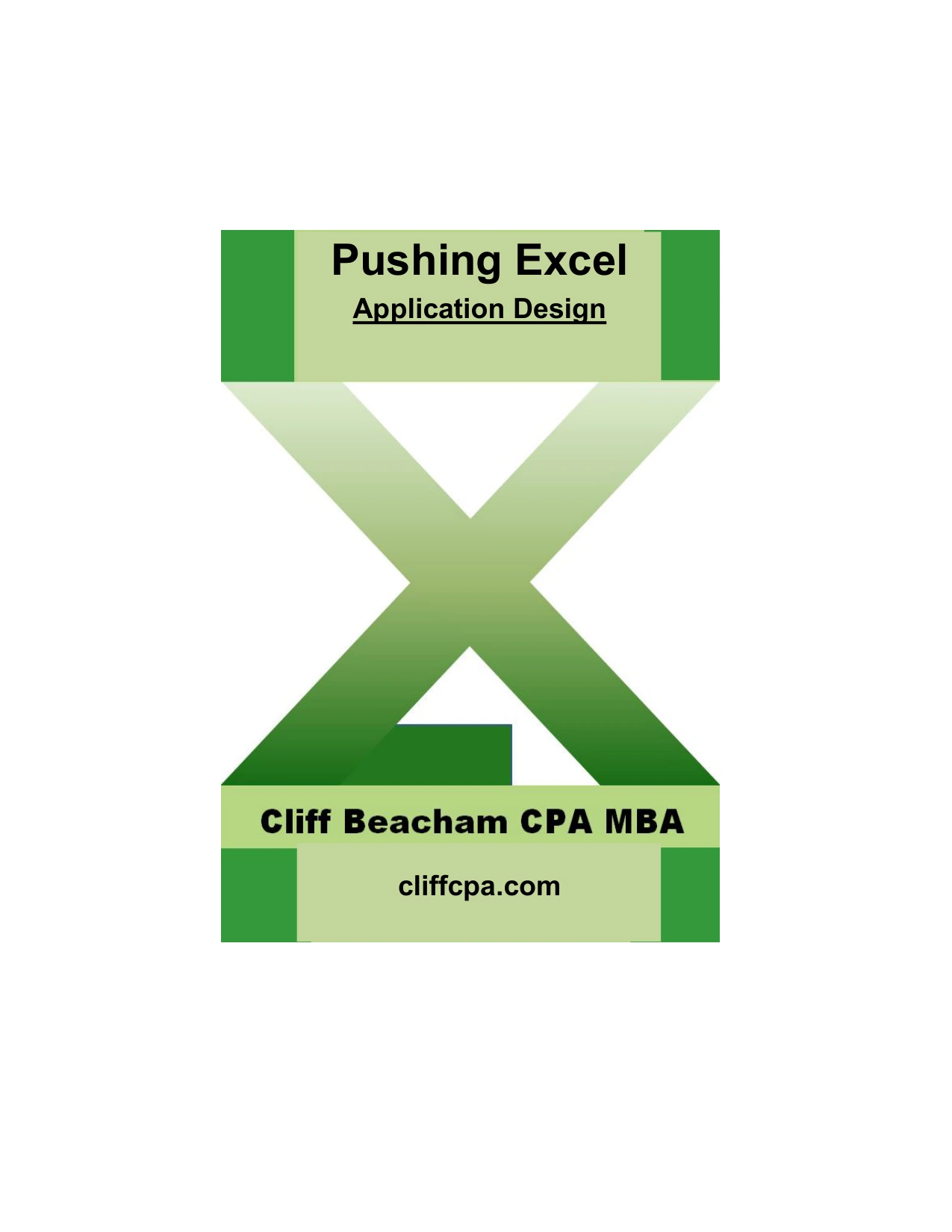
Pushing Excel: Application Design
Original price was: $5.00.$2.50Current price is: $2.50.

Cliff Beacham
Product Specs:
- File Type: PDF
- File Size: 1.6 MB
- Book Language: English
- Total Page Count: 71
- Instant Download
Build Excel Applications That Stand Up to Real Use
Most Excel problems do not start in the spreadsheet. They start in the design. Pushing Excel: Application Design is a practical, experience-led guide for developers and advanced users who want to move beyond quick fixes and create workbooks that are easier to maintain, explain, and trust. Cliff Beacham writes from decades of spreadsheet work—from VisiCalc and Lotus 1-2-3 to modern Microsoft Excel—and treats application design as a matter of judgment rather than a rigid recipe.
From Quick Fixes to Serious Applications
Beacham outlines five ways Excel can be used, from an instant solution for an immediate problem to a container for a sophisticated application that barely looks like Excel at all. The further you move toward the professional end of that spectrum, the more the book’s design advice matters. The material emphasizes three integrated tracks: the user interface, the business logic, and the data store. When those layers are designed together, the result is more efficient, more effective, and far less painful to maintain.
What the Book Covers
- General design principles, including why skipping the early work often leads to expensive rebuilds later
- A structural design framework with objectives, user needs, standing data, and modules
- Interface design topics such as menus, dropdown lists, reports, navigation, and presentation
- Internal control systems, totals, round-tripping, common keys, and review procedures
- Documentation practices, including objectives, architecture diagrams, and function explanations
- Opening macros and rules to follow—plus a clear list of things to avoid
- Typical accounting applications: sub-ledgers, month-end analysis, and rolling reconciliations
A Design Philosophy, Not a Recipe
One of the book’s strengths is its honesty about methodology. Beacham does not claim to offer a one-size-fits-all formula. Instead, he provides suggestions, caveats, and alternatives that developers can adapt to their own circumstances. He warns against treating Excel as a “clever typewriter”—mixing inputs with outputs or hard-coding values inside formulas—and reminds readers that customization brings a maintenance duty. The advice is direct: if you do not invest time at the beginning, you will likely pay for it later.
Who This Book Is For
This guide is aimed at Excel developers, accountants, analysts, and advanced users who build applications for others. Readers who already know their way around worksheets, formulas, and macros will get the most from the structural and control-focused discussions. Beginners may still find the design philosophy useful, but the book assumes a working familiarity with Excel and a willingness to think about applications as systems rather than isolated files.
About the Author
Cliff Beacham is a CPA, MBA, and MCDBA with a career that began in chartered accountancy and grew into a focus on data, information, and spreadsheet-based problem solving. He has worked with spreadsheets since the VisiCalc era and is the author of SQL – A simple introduction by Cliff. His approach reflects an accountant’s concern for accuracy and control, paired with a developer’s interest in building tools that work reliably.
Why Application Design Matters
Spreadsheets are often dismissed as error-prone, but Beacham argues that many failures come from poor design choices rather than from Excel itself. By thinking carefully about structure, interfaces, controls, and documentation, developers can create applications that are easier to audit, easier to hand over, and less likely to collapse under their own complexity. This book is less about memorizing features and more about developing the judgment to use them well.
Start Designing Better Excel Applications
If you build spreadsheets that other people depend on, Pushing Excel: Application Design offers a grounded, practical perspective on doing that work more deliberately. It is a book to read with Excel open beside you—not to follow slavishly, but to challenge your habits and help you design applications you can still maintain six months from now.
User Reviews
Be the first to review “Pushing Excel: Application Design”
You must be logged in to post a review.
Original price was: $5.00.$2.50Current price is: $2.50.

There are no reviews yet.