

Practical Photoshop – April 2017
Original price was: $19.99.$9.99Current price is: $9.99.

James Paterson
Product Specs:
- File Type: PDF
- File Size: 10.5 MB
- Book Language: English
- Total Page Count: 46
- Instant Download
Practical Photoshop – April 2017
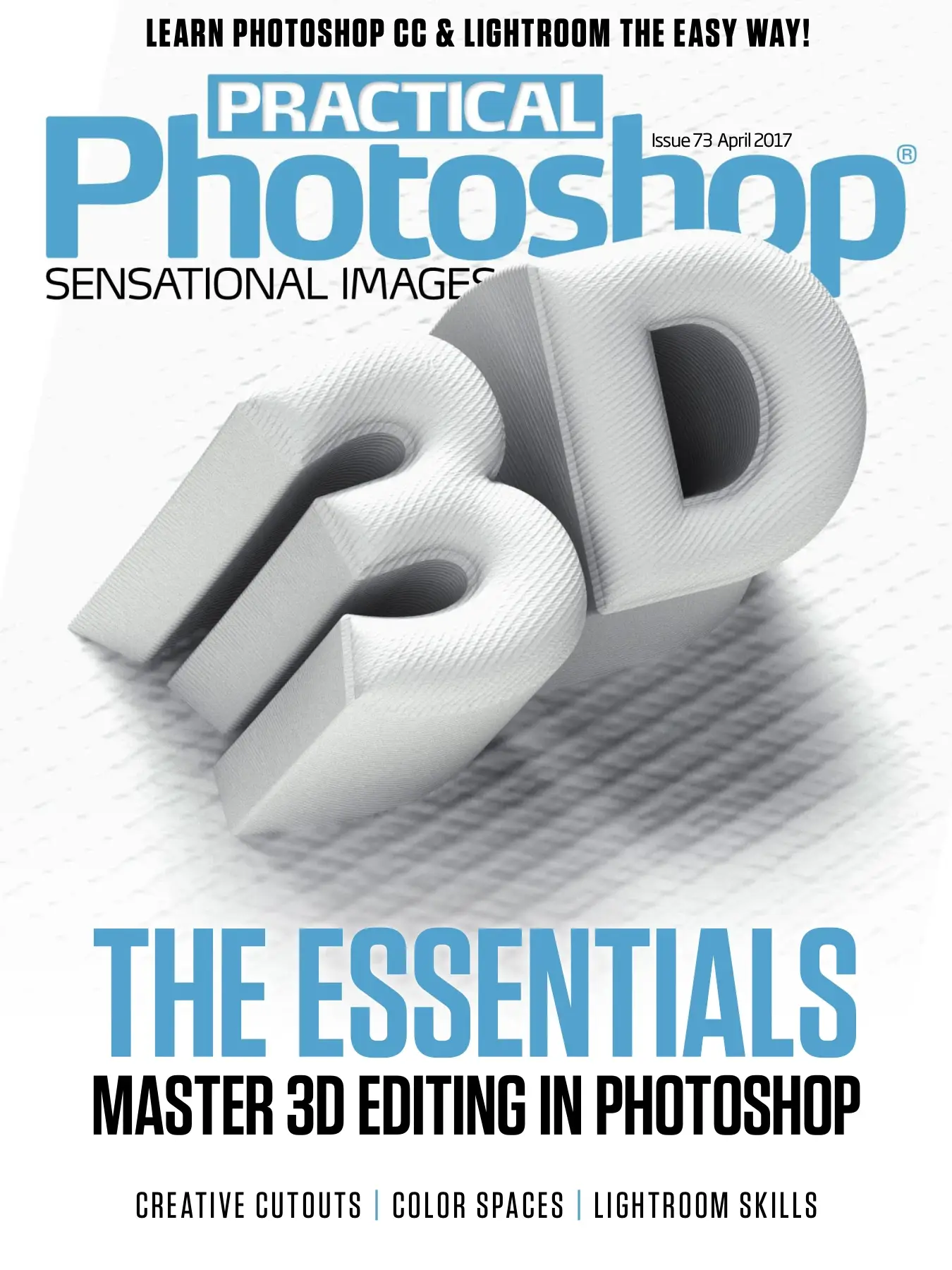
Practical Photoshop April 2017 is a digital magazine issue that helps you learn Photoshop CC and Lightroom the easy way. The PDF issue focuses on mastering 3D editing in Photoshop, with ten essential tips, tricks and techniques. You can download the issue instantly after purchase and start reading on your favorite device.
Inside this issue, you will find practical projects, video links and project files to support your learning. The magazine is written for photographers, digital artists and creative hobbyists who want to improve their editing workflow.
Book Overview
This April 2017 issue of Practical Photoshop is a practical guide to 3D editing and photo editing workflows. It covers essential 3D tools in Photoshop CC, from extruding shapes to working with 3D panels and coordinates. The issue also includes creative cutout techniques, color space guidance, and an introduction to Lightroom’s Develop module.
Editor James Paterson introduces the issue as a starting point for readers who want to explore 3D in Photoshop. The tutorials are designed to be accessible, with step-by-step instructions and supporting video content.
What You’ll Discover Inside
- Ten essential 3D tips and tricks for Photoshop CC
- How to create a realistic designer coffee cup from scratch
- How to use the 3D panel, Properties panel and Layers panel
- Techniques for positioning objects with the axis widget and coordinates
- Text tricks for editing, splitting extrusion, and adding caps and bevels
- Four creative ways to cut out and rework portraits
- An introduction to Lightroom’s Develop module and color space settings
Why This Issue Matters
3D editing is becoming an important part of digital imaging, and this issue makes it approachable for Photoshop users. Instead of overwhelm, readers get a clear path through the most essential tools. For photographers, understanding camera movement and lighting in 3D scenes helps build deeper control over the final image.
The issue also covers practical color and cutout workflows, making it useful for everyday photo editing as well as creative design.
Book Details
| Format | |
|---|---|
| File Size | 10.5 MB |
| Language | English |
| Pages | 46 |
| Issue | 73 |
| Publication Date | April 2017 |
| Editor | James Paterson |
Device Compatibility
This is a digital download, so there is no physical shipping. After purchase, you will receive instant access to the PDF file. You can read it on desktop computers, tablets, and mobile devices with a PDF reader or the appropriate Kindle app.
The magazine is compatible with common reading apps, including Adobe Acrobat, Apple Books, and Google Play Books.
FAQ
When will I receive the download?
You get instant access after purchase.
Will I receive a physical copy?
No, this is a digital download delivered as a PDF.
What devices can I use?
The PDF works with desktop computers, tablets, smartphones, Kindle apps, and most PDF readers.
Download Practical Photoshop April 2017 today and take the first steps toward confident 3D editing in Photoshop.
Verified Bibliographic Details
| Title | Practical Photoshop – April 2017 |
|---|
User Reviews
Be the first to review “Practical Photoshop – April 2017”
You must be logged in to post a review.

Practical Photoshop: Learn Photoshop CC & Lightroom the Easy Way!
Sold by James Paterson
Practical Photoshop – June 2017
Sold by James Paterson
Practical Photoshop March 2018
Sold by James Paterson
Practical Photoshop: Issue 83 – February 2018
Sold by James Paterson
Practical Photoshop October 2017
Sold by James Paterson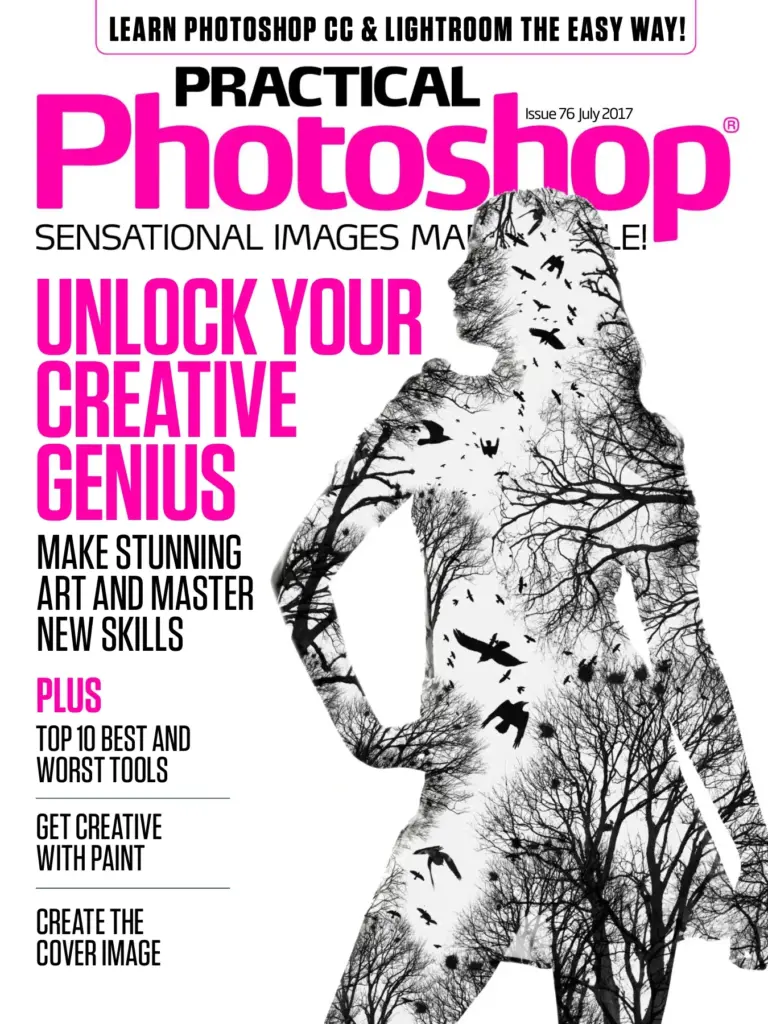
Practical Photoshop Issue 76 July 2017
Sold by James Paterson Original price was: $19.99.$9.99Current price is: $9.99.






There are no reviews yet.