

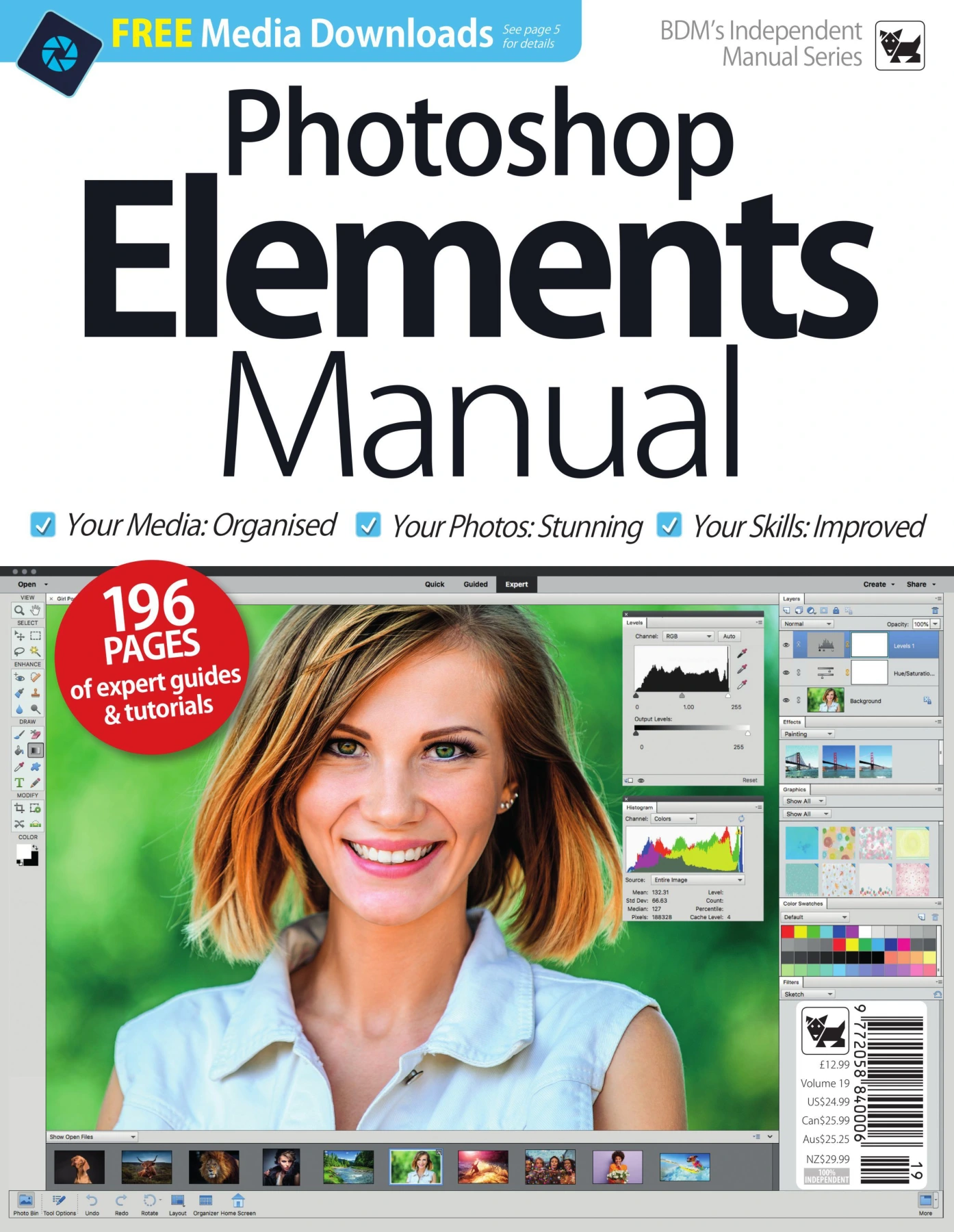
Photoshop Elements Manual – Volume 19
Original price was: $5.00.$2.50Current price is: $2.50.

BDM Publications
Product Specs:
- File Type: PDF
- File Size: 140.2 MB
- Book Language: English
- Total Page Count: 196
- Instant Download
Photoshop Elements Made Practical 📷
Adobe Photoshop Elements 2019 sits in a useful middle ground: it offers serious image-editing power without the subscription and complexity of Photoshop CC. This BDM Independent Manual Series volume is a hands-on companion to that software. Across 196 pages, it moves through the editor and Organizer, explains the different working modes, and shows how everyday photographers can turn a crowded folder of images into polished, shareable results.
The manual is built around practical instruction and visual examples. It begins with the Home screen and workspace, then introduces Quick, Guided, and Expert modes, so readers can choose the level of control that suits the job in front of them.
From Quick Fixes to Expert Control
Early chapters cover the essentials: the Elements Home Screen, search, guided edits, the Quick Mode workspace, the Mode Selector, and the Expert Mode toolbar. From there, the volume moves into Adobe Camera Raw, the histogram, profiles, raw processing, and saving to DNG.
Later sections explore the tools that make Elements useful for more than simple corrections. There is material on layers, selections, cloning, healing, drawing, filling, shapes, text, cropping, recomposing, content-aware move, straightening, panel customisation, levels, colour balance, resizing, and fine-edge detail.
Organise and Find Your Photos
The Organizer is treated as a full half of the Photoshop Elements workflow. Chapters look at importing from a digital camera, the Advanced Photo Downloader, watched folders, tagging, keywords, face recognition, location data, event tags, and comparing images side by side. That organisational focus matters: a photo editor is most useful when you can actually find the pictures you want to edit.
Creative Projects and Guided Edits 🎨
There are also plenty of creative exercises. The contents include Instant Fix, opening closed eyes, partial sketch, replacing backgrounds, Photomerge Panorama, Meme Maker, multi-photo text, black-and-white colour pop, zoom burst, old-fashioned photo effects, depth of field, sky replacement, frequency separation, composite images, dodging and burning, selective colour, and the Orton technique.
If you like learning by doing, the step-by-step structure should feel natural. The manual is designed for readers who want to follow along, try the tools, and build confidence through repetition.
Who Will Find It Useful?
This volume is aimed at Photoshop Elements 2019 users who want a structured reference rather than scattered online tips. It should suit hobbyist photographers, family archivists, small-business owners, and anyone who wants to edit and organise a growing photo library without committing to a subscription-based workflow.
Newcomers can start with the workspace basics, while more experienced users can jump straight to Camera Raw, selections, compositing, or the guided edits.
User Reviews
Be the first to review “Photoshop Elements Manual – Volume 19”
You must be logged in to post a review.
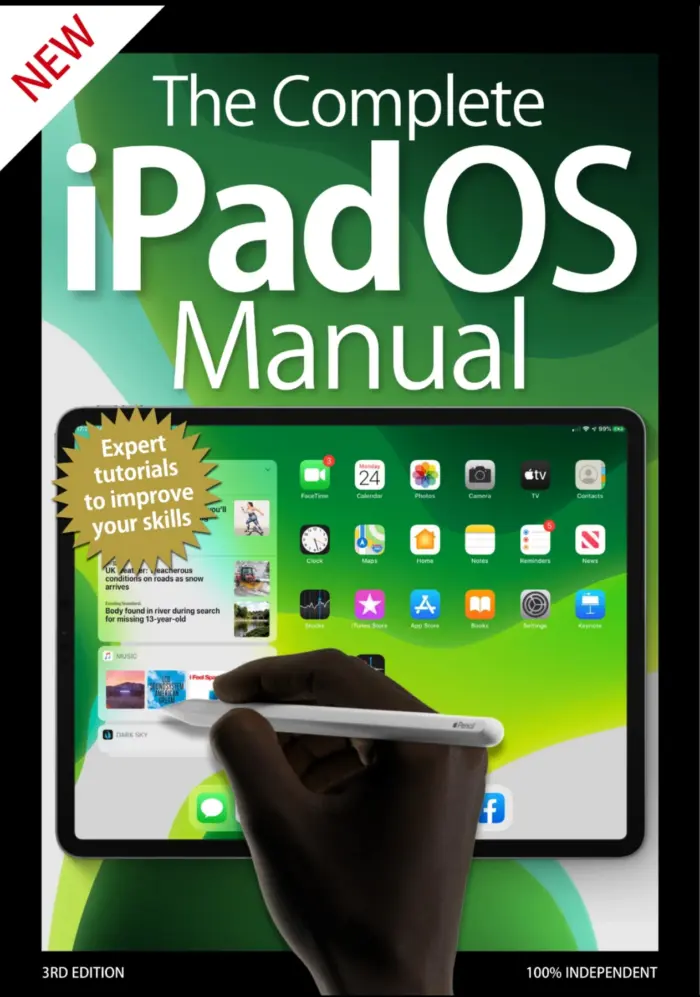
The Complete iPadOS Manual
Sold by BDM Publications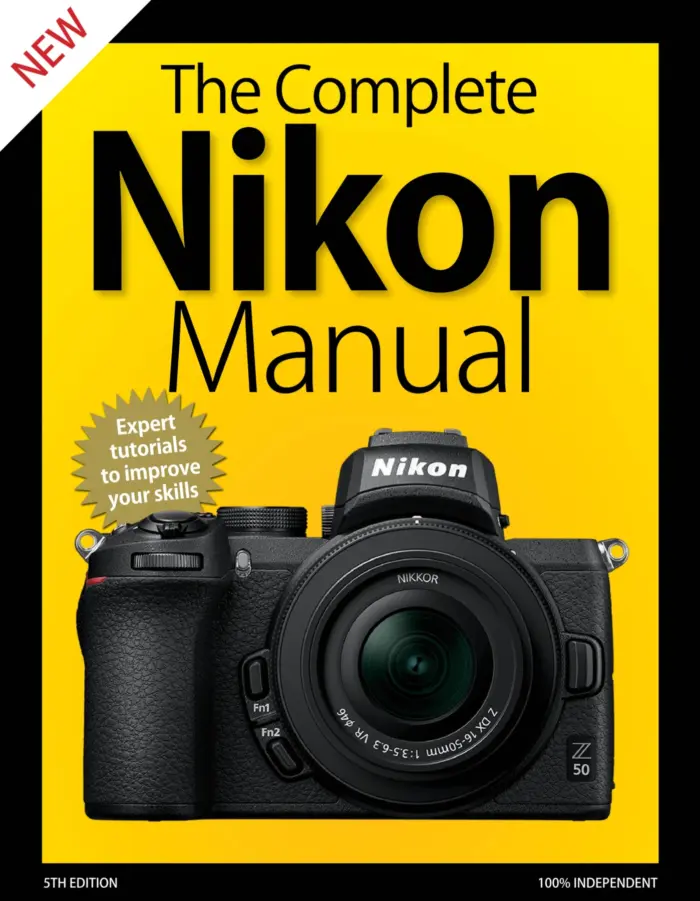
The Complete Nikon Manual – 5th Edition 2020
Sold by BDM Publications
The Complete Windows 10 Manual
Sold by BDM Publications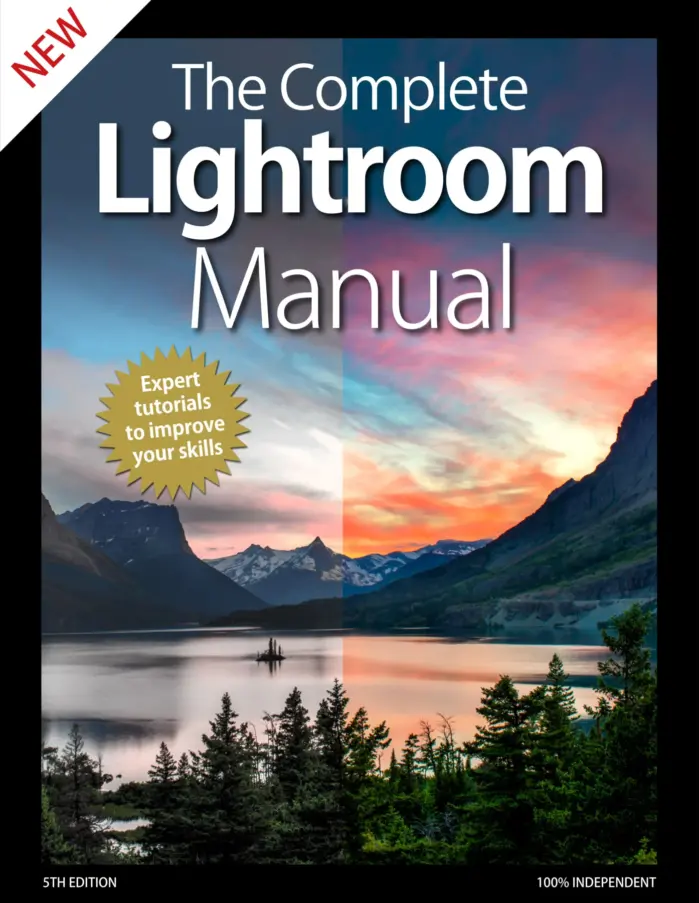
The Complete Lightroom Manual
Sold by BDM Publications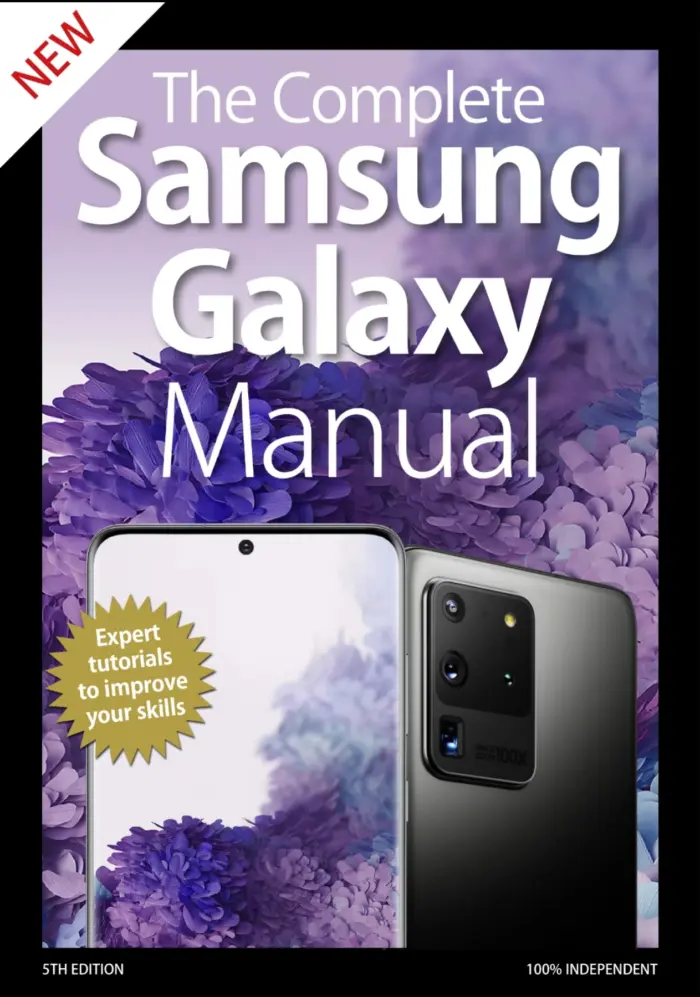
The Complete Samsung Galaxy Manual
Sold by BDM Publications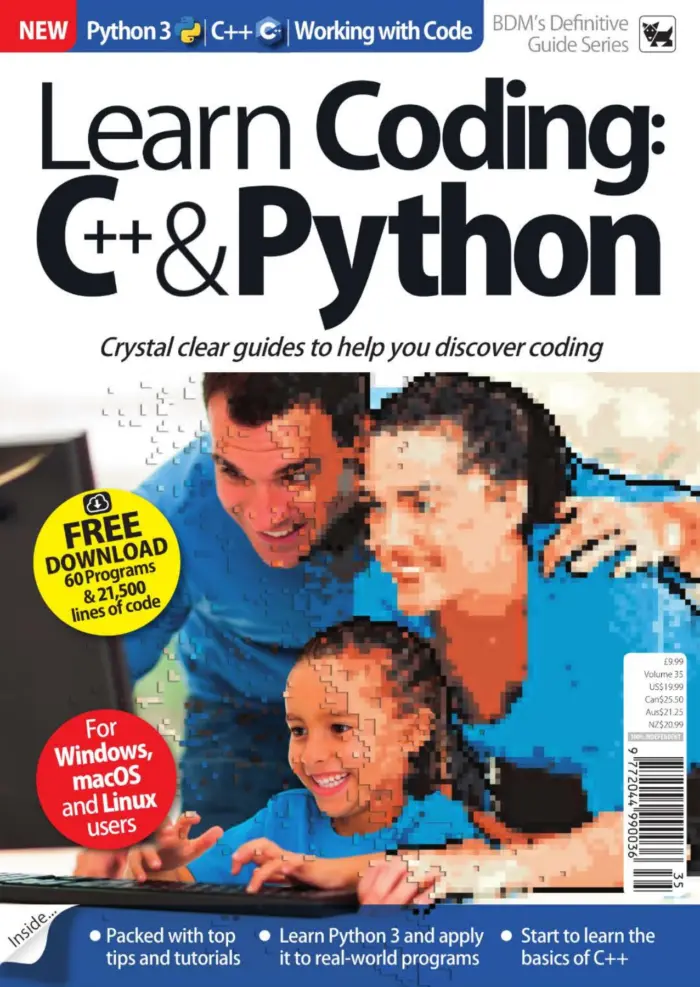
Learn Coding: C++ & Python Vol 35
Sold by BDM Publications Original price was: $5.00.$2.50Current price is: $2.50.



There are no reviews yet.