

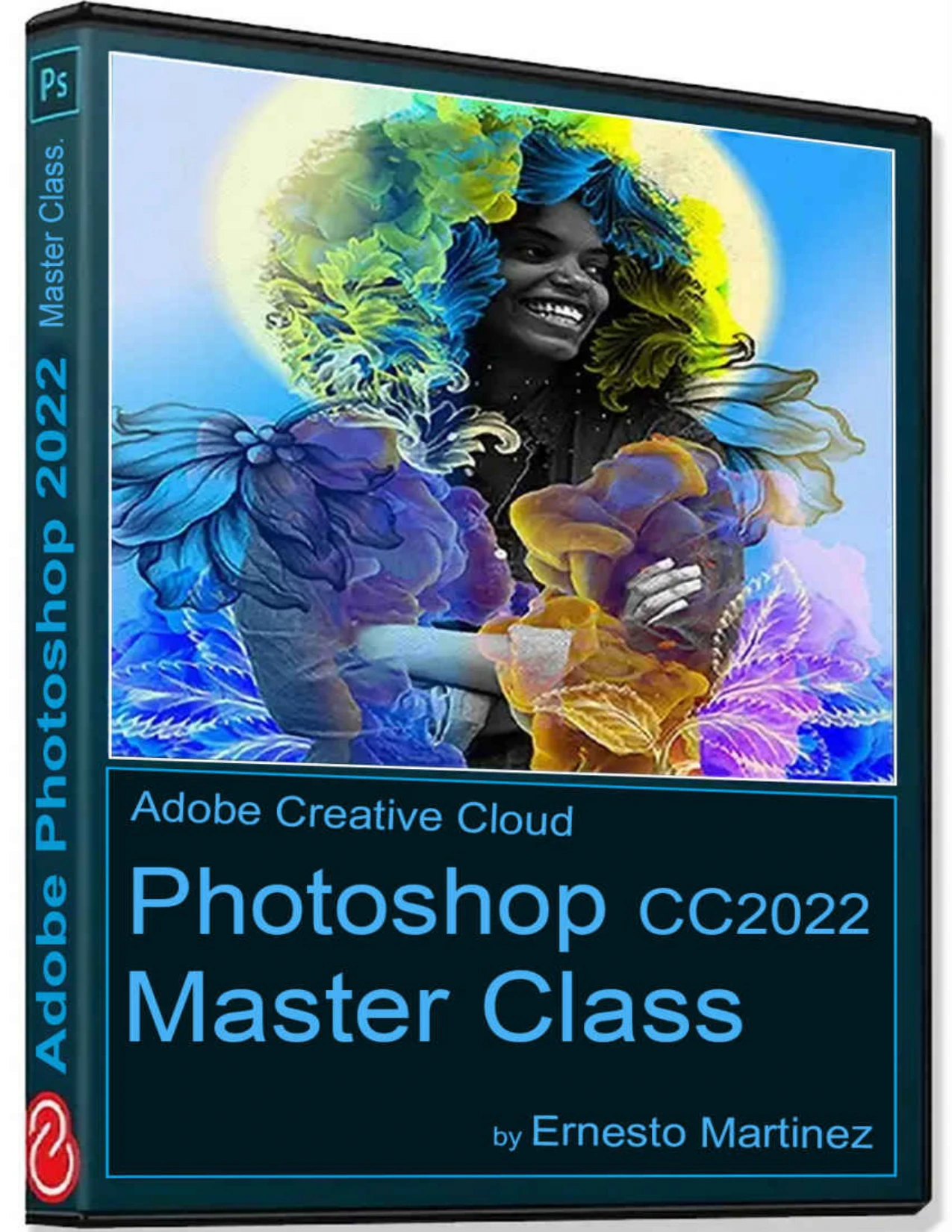
Photoshop 2022 Master Class: The Creative World Powered by Photoshop
Original price was: $5.00.$2.50Current price is: $2.50.

Ernesto Martinez
Product Specs:
- File Type: PDF
- File Size: 10.1 MB
- Book Language: English
- Total Page Count: 220
- Instant Download
Photoshop 2022 Master Class: The Creative World Powered by Photoshop
Ernesto Martinez’s Photoshop 2022 Master Class is a hands-on English-language guide to image editing, composition, and graphic design with Adobe Photoshop. It is built for readers who want a structured way to learn the program, whether they are opening Photoshop for the first time or looking to fill gaps in their everyday workflow.
Rather than treating Photoshop as a list of isolated buttons, the book walks through the workspace, tools, panels, and core concepts in a sequence that mirrors real creative work. The aim is practical fluency: understanding what each tool does, when to use it, and how the pieces fit together.
What the Course Covers 🎨
Early sections introduce Photoshop, file formats, the home screen, and the basic workspace. From there, the material moves into the tool gallery: selection and marquee tools, lasso and quick selection, crop and straighten, retouching with the Clone Stamp, Healing Brush, Patch and Content-Aware tools, plus painting, text, navigation, and measurement tools.
Later chapters cover panels, image management, resampling and resizing, color modes, layer basics, layer groups, blend modes, layer styles, and layered masks. Adjustments such as brightness/contrast, hue/saturation, color balance, and black-and-white conversion are also addressed, along with filters and effects from the Filter Gallery.
From First Edit to Finished Project 🖌️
The final section brings the lessons together in a first photo-editing project. Readers work through resolution and image size, cropping and straightening, lighting and color enhancement, retouching with the Clone Stamp, Healing Brush, and Patch, then focus, sharpness, and saving changes. It is a clear demonstration of how individual tools combine into a complete editing routine.
How the Book Is Structured
The contents are organised into numbered chapters and lessons with reference-style explanations of commands, tools, and methods, plus step-by-step instructions for specific projects. That makes it possible to read from beginning to end or jump directly to the chapters that match a current need. The author notes that the book is not intended to replace Adobe’s official documentation or serve as a complete reference to every Photoshop CC feature; instead, it focuses on helping photographers and image designers use Photoshop effectively in their work.
Who Will Find It Useful 💡
This guide is well suited to photographers, graphic designers, digital artists, and hobbyists who want a practical introduction to Photoshop 2022 and its core editing workflows. Beginners can follow the lessons in order, while more experienced users can use the book as a structured reference for tools, panels, layers, masks, adjustments, and filters. If you learn best by seeing how a tool fits into a real project, this master class offers a grounded path through the creative world powered by Photoshop.
User Reviews
Be the first to review “Photoshop 2022 Master Class: The Creative World Powered by Photoshop”
You must be logged in to post a review.
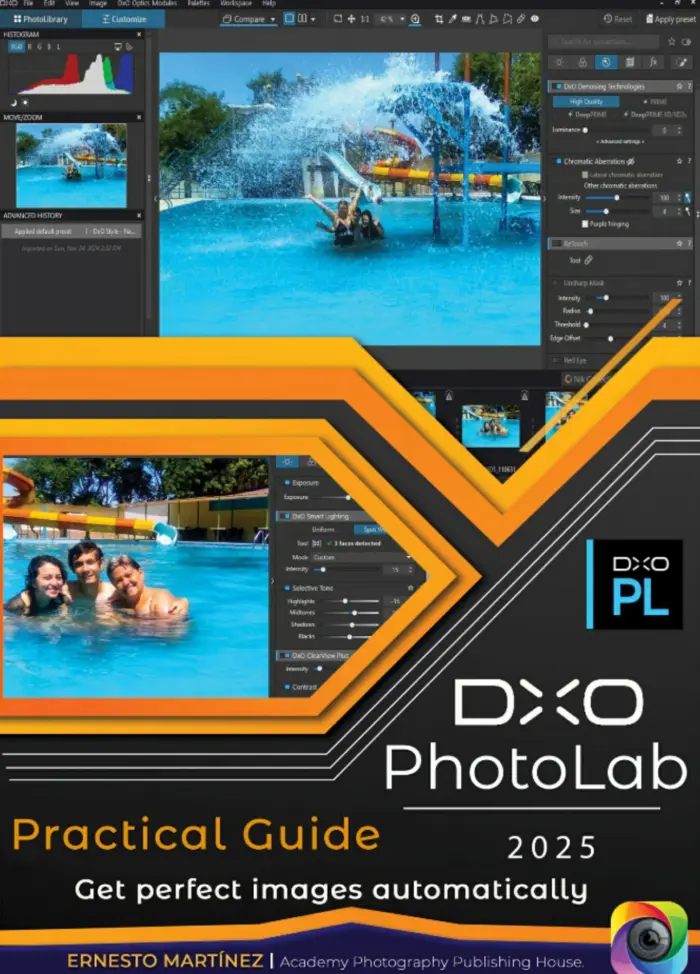
DxO PhotoLab Practical Guide: Get Perfect Images Automatically
Sold by Ernesto Martinez Original price was: $5.00.$2.50Current price is: $2.50.

There are no reviews yet.