

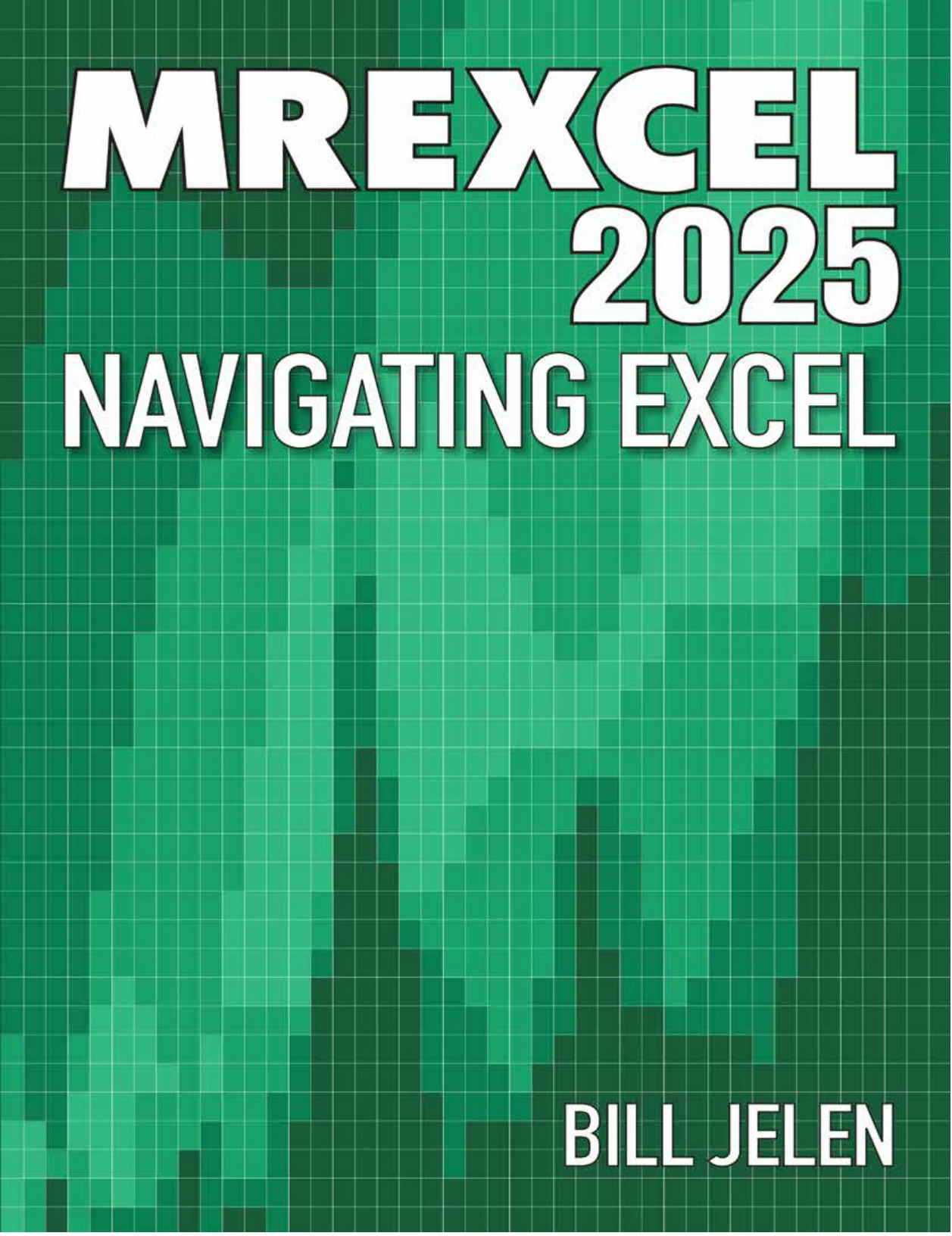
MrExcel 2025 — Navigating Excel
Original price was: $5.00.$2.50Current price is: $2.50.

Bill Jelen
Product Specs:
- File Type: PDF
- File Size: 32.5 MB
- Book Language: English
- Total Page Count: 337
- Instant Download
Microsoft Excel changes fast, and Bill Jelen’s MrExcel 2025 — Navigating Excel is built for the way the program looks and behaves right now. This updated edition collects practical techniques, shortcuts, and explanations that help Excel users move from simply entering data to solving real spreadsheet problems with confidence.
Excel Skills for the 2025 Workspace 💻
Across hundreds of numbered tips and bonus techniques, the book covers the everyday tools that make Excel faster: filling formulas, filtering, formatting, data validation, charts, pivot tables, Power Query, dynamic arrays, and workbook management. The format is intentionally direct. Each tip explains what to do, why it matters, and where the feature fits into a real workflow.
Copilot, Python, and the New Excel
A significant part of this edition addresses Excel’s expanding AI and automation features. You will find coverage of Copilot, Python in Excel, custom agents, AI-generated formulas, sentiment analysis, and ways to use prompts for tasks such as creating visualizations or summarizing data. The book also notes the August 2025 updates around COPILOT() and Pivot Table Auto-Refresh, making this version current for users working in Microsoft 365.
Formulas, Pivot Tables, and Data Analysis 📊
- Core formula techniques, lookup improvements, and dynamic array functions
- Pivot table reporting, slicers, dashboards, and year-over-year comparisons
- Power Query, data profiling, fuzzy matching, and data cleanup
- Charting, sparklines, 3D Maps, forecasting, and visualization ideas
- VBA, macros, the Quick Access Toolbar, and advanced Excel options
Built for Real Spreadsheet Work
The material is organized as a reference you can dip into rather than a linear course. If a task is causing friction—cleaning imported data, building a summary, auditing a formula, or sharing a workbook—there is likely a tip that shortens the path. The bonus tips add useful context, showing related settings and workarounds that often matter more than the headline feature.
Who Will Get the Most From It 🧠
Intermediate and experienced Excel users will find the strongest value here, especially analysts, finance professionals, managers, and power users who work with Microsoft 365. Beginners can use it as a guided look at what Excel can do, but the book assumes readers are comfortable with the basic grid and want to work more efficiently.
Why This Updated Edition Matters
Excel’s AI features are not standing still. A guide that reflects the 2025 interface, Copilot behavior, and recent function changes is more useful than advice written for an older release. MrExcel 2025 — Navigating Excel brings those updates together in a practical, plain-spoken reference for anyone who wants to get more done in Excel without fighting the software.
User Reviews
Be the first to review “MrExcel 2025 — Navigating Excel”
You must be logged in to post a review.
Microsoft Excel 2019 VBA and Macros
Sold by Bill Jelen Original price was: $5.00.$2.50Current price is: $2.50.






There are no reviews yet.