

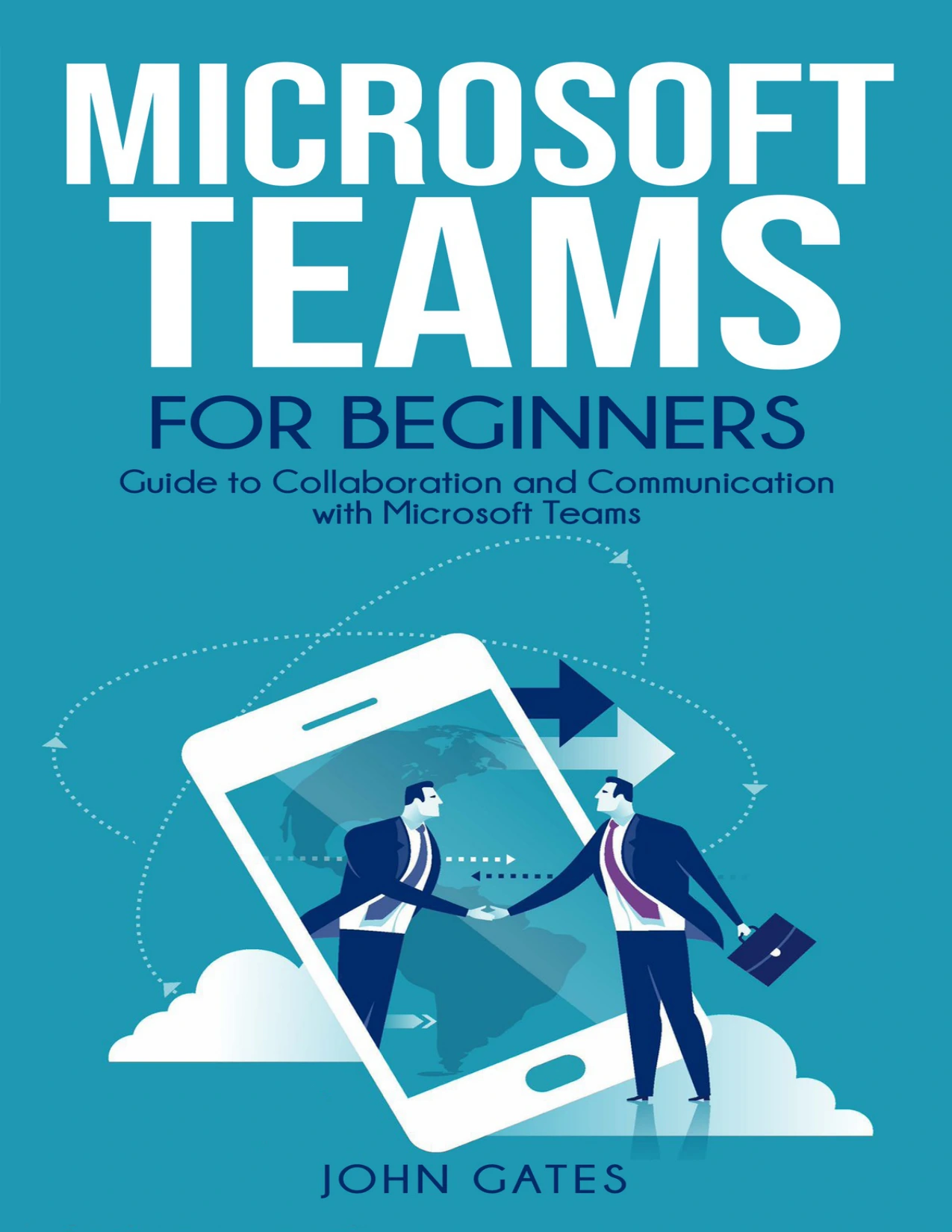
Microsoft Teams for Beginners: Guide to Collaboration and Communication with Microsoft Teams | Microsoft Teams for Beginners
Original price was: $8.00.$4.00Current price is: $4.00.

John Gates
Product Specs:
- File Type: PDF
- File Size: 650.9 KB
- Book Language: English
- Total Page Count: 101
- Instant Download
Microsoft Teams for Beginners: A Clear Start for New Users 💻
Microsoft Teams can look simple from the outside — until you open it and wonder where to begin. John Gates writes for readers who are new to the platform and need a guided path through its core ideas. The book opens with what Teams is, how it grew out of Microsoft’s collaboration tools, and why organizations use it to bring chat, calls, meetings, file sharing, and apps into one workspace.
What the Guide Explores
The eleven chapters move from orientation to everyday use. Early material covers team dynamics, virtual teams, and the basic language of Teams. From there, the guide walks through downloading and installing the app, creating a first team, inviting people, and adjusting team settings. Later chapters turn to the features users meet daily: chats, channels, meetings, apps, bots, and the move from Skype for Business.
- Getting started: installation, terminology, devices, and first steps inside Teams.
- Collaboration basics: how virtual teams work, communicate, and stay aligned.
- Channels and chat: using conversations, channels, and communication levels effectively.
- Apps and bots: discovering, adding, and setting permissions for productivity tools.
- Meetings and admin: scheduling video meetings, managing users, guest access, and policies.
- Mobile and troubleshooting: navigating the Teams mobile app and solving common sign-in or client issues.
From Concepts to Daily Teamwork ⚙️
The book does not stop at definitions. It connects the platform’s features to the practical work of collaboration: sharing files, running meetings, managing channels, and keeping communication organized. Readers who support others will find sections on provisioning users, controlling team settings, and understanding subscription requirements. There is also attention to guest access, which matters for organizations working with external partners, clients, or contractors.
Extending Teams beyond Chat
Teams becomes more useful when it connects to other tools. Gates covers apps already installed, browsing and adding new apps, permissions, and examples of popular Microsoft and third-party integrations. For beginners, this section helps explain how Teams can become a central hub rather than just another chat window.
Mobile, Troubleshooting, and Real-World Use 🧠
The later chapters address what happens when work moves away from the desktop. The mobile chapter walks through the Teams app, navigation, and settings. The troubleshooting chapter gathers common scenarios, including sign-in errors, authentication, guest access problems, diagnostic logs, HTTPS traffic, media traffic, and IP address or port requirements. That material may be especially relevant for readers who offer frontline support or need to understand where problems usually begin.
Who This Book Is For
Microsoft Teams for Beginners is aimed at newcomers, business managers, IT infrastructure staff, and team members who need a working introduction to the platform. It suits readers who want a broad tour of Teams before diving into administrator-level documentation. The style is instructional and example-driven, with step-by-step guidance across setup, collaboration, management, and repair.
Why Teams Knowledge Matters
As remote and hybrid work became common, collaboration platforms moved to the center of everyday business. This guide treats Teams as part of that shift: a place where conversations, meetings, files, and applications meet. For anyone expected to use, support, or roll out Microsoft Teams, it offers a structured first map of the terrain.
User Reviews
Be the first to review “Microsoft Teams for Beginners: Guide to Collaboration and Communication with Microsoft Teams | Microsoft Teams for Beginners”
You must be logged in to post a review.
Original price was: $8.00.$4.00Current price is: $4.00.






There are no reviews yet.