

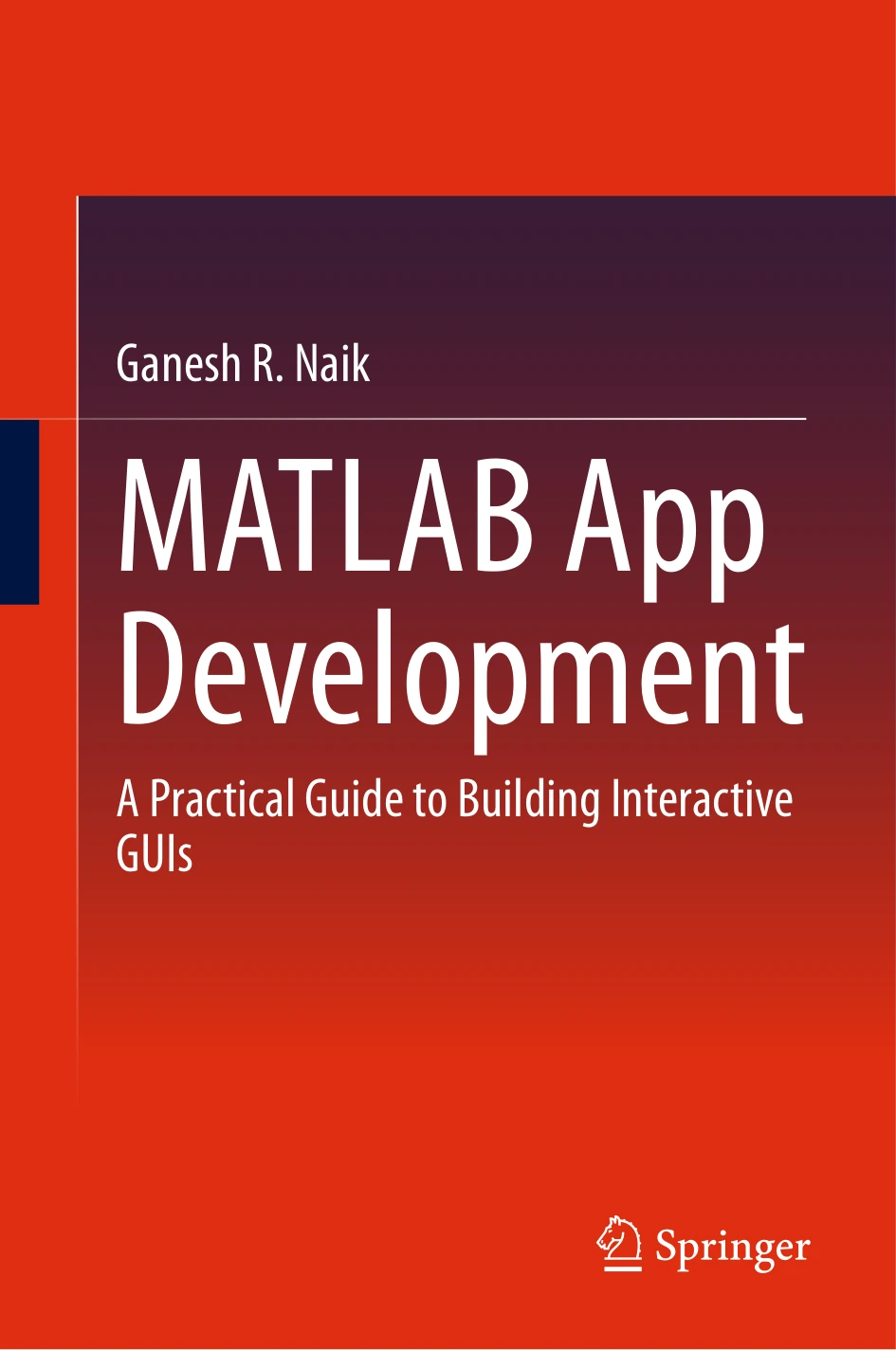
MATLAB App Development: A Practical Guide to Building Interactive GUIs | MATLAB App Development
Original price was: $5.00.$2.50Current price is: $2.50.

Ganesh R. Naik
Product Specs:
- File Type: PDF
- File Size: 6.9 MB
- Book Language: English
- Total Page Count: 190
- Instant Download
Build MATLAB Apps People Actually Want to Use 💻
Plenty of MATLAB projects begin as a script, a function, or a folder of results that only the person who wrote them can interpret. MATLAB App Development is about the step that follows: turning working computation into an interface someone else can open, click through, and understand.
Written by Ganesh R. Naik of the Centre for Artificial Intelligence Research and Optimisation at Torrens University, this guide treats App Designer as a serious development environment rather than an afterthought. The assumption throughout is that you already know your way around MATLAB — and that you are ready to move past scripting into event-driven, object-oriented application design.
Five Parts, One Continuous Path ⚙️
The book builds its material in deliberate stages rather than dropping you into complex code on page one.
- Part I — Introduction: what MATLAB Apps are, why they matter, where to find them, and the best practices worth adopting early.
- Part II — App Designer Fundamentals: the App Designer interface, core user interface components, and how to design and arrange layouts that hold together.
- Part III — App Logic and Behaviour: writing app code, validating and sanitising input, handling errors gracefully, and giving users clear feedback when something goes wrong.
- Part IV — Advanced App Development: advanced UI components, building custom components, advanced layout techniques, and the performance questions that appear once an app grows.
- Part V — Real-World Apps: complete applications that show how the individual pieces combine in practice.
Why the Examples Matter More Than the Theory
Each chapter opens with a brief conceptual grounding, then moves quickly into examples built step by step in App Designer. Code is shown alongside the reasoning behind it — not just what to type, but why a particular approach solves the problem in front of you. A short image processing app appears early as a concrete demonstration of the workflow.
Non-essential code is sometimes trimmed from listings to keep attention on the concept being taught, and the complete, runnable versions are provided through Springer’s GitHub repository. That combination means you can read a chapter for understanding, then open the full app and take it apart yourself.
Written to Be Used, Not Just Read 📚
The book is explicit about how it expects to be read: actively. There are no formal problem sets. Instead, the learning model is exploration — rebuild the apps, move components around, change the callback logic, swap in your own data and algorithms. The skills that come from customising an example tend to stay with you far longer than the example itself.
The closing chapter on real-world apps is where that approach pays off, showing how layout decisions, event handling, validation, and visualisation come together in finished tools.
Who Will Get the Most From It
This is a natural fit for graduate students and researchers who need to package an analysis into something colleagues can run, for educators building teaching tools, and for engineers and analysts in industry who want a faster route to a usable interface than starting from scratch in a general-purpose framework. A basic familiarity with MATLAB is expected; no prior App Designer experience is assumed.
If you have ever finished a piece of MATLAB code and wished other people could use it without reading your source, this book is aimed squarely at that gap.
Available From Digital Delights
This listing is for the digital edition, ready to read on your device of choice. Add it to your library and start building the interface your work deserves.
User Reviews
Be the first to review “MATLAB App Development: A Practical Guide to Building Interactive GUIs | MATLAB App Development”
You must be logged in to post a review.
Original price was: $5.00.$2.50Current price is: $2.50.

There are no reviews yet.