

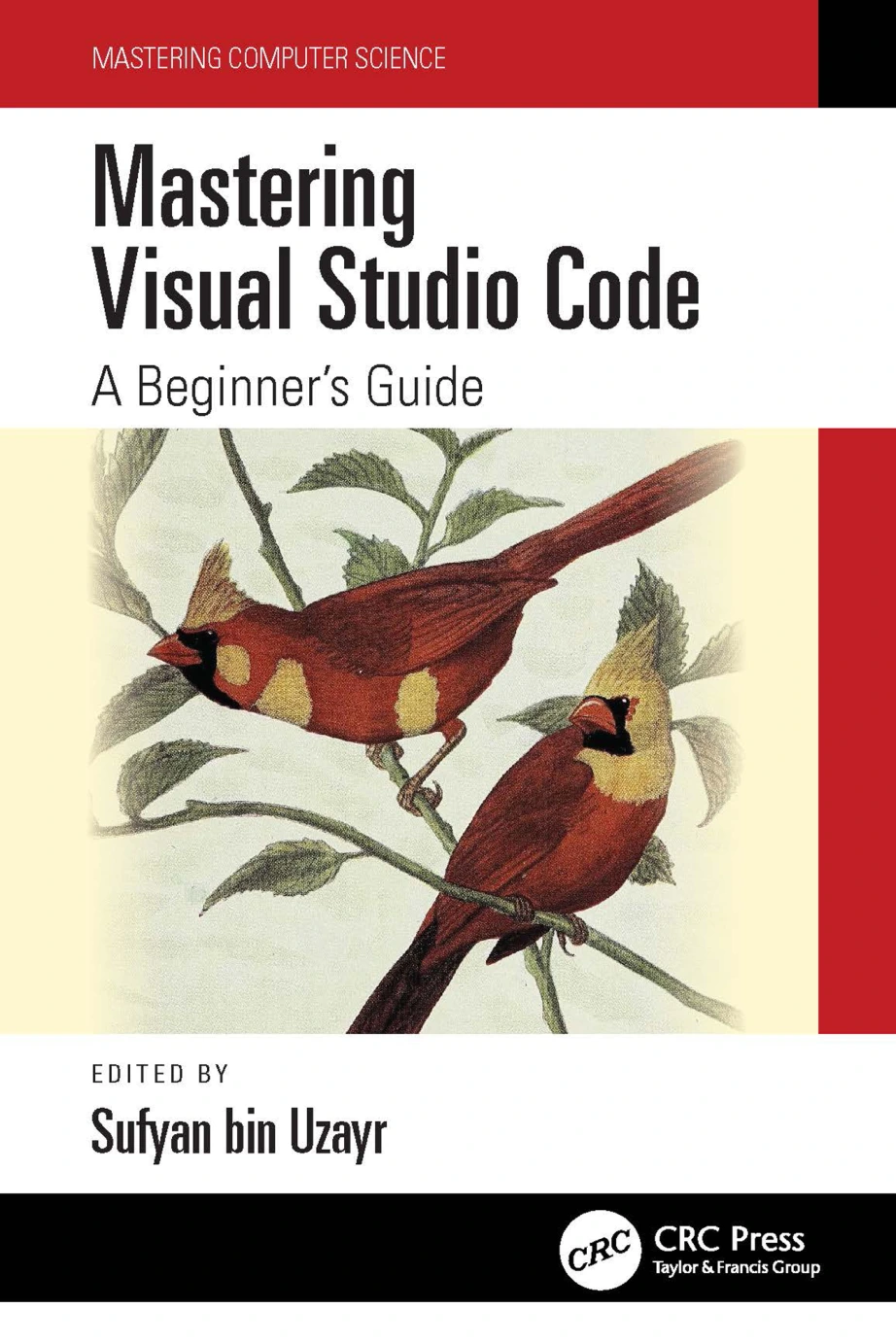
Mastering Visual Studio Code: A Beginner’s Guide
Original price was: $5.00.$2.50Current price is: $2.50.

Jaskiran Kaur
Product Specs:
- File Type: PDF
- File Size: 23.8 MB
- Book Language: English
- Total Page Count: 270
- Instant Download
Meet the Editor Behind Modern Development 💻
Visual Studio Code is free, open-source, and famously lightweight for a tool that can feel like a full development environment. This beginner’s guide from CRC Press’s Mastering Computer Science series introduces VS Code as both a text editor and a launchpad for languages such as Java, C++, Python, CSS, Go, and Docker files. It explains why a capable editor matters and how VS Code’s interface, extensions, and debugging tools fit into daily programming work.
From Installation to a Comfortable Workflow ⚙️
The book begins with the practical basics: installation on macOS and Linux, the difference between text editors and IDEs, and the features that separate Visual Studio from Visual Studio Code. From there, it explores the user interface, command palette, keyboard shortcuts, theming, and the settings that make the editor feel personal rather than imposed.
Files, Folders, Projects, and Git
Working with real code means managing real files. The guide covers VS Code workspaces, multi-root workspaces, searching across files, file encoding, quick navigation, and project creation. There is also attention to source control: tracking a project with Git, making changes inside a workspace, and creating branches. For beginners, this is often where an editor stops feeling like a notepad and starts feeling like a workbench.
Editing Code in Your Language 💡
Chapters on editing code introduce language identifiers, file associations, find and replace, multi-cursor editing, and default key bindings. JavaScript receives early attention, and the material is designed to help readers become fluent with VS Code while working in the language they already use—or are just beginning to learn.
Extensions, Customization, and the Wider Editor Landscape
VS Code’s extension ecosystem is one of its greatest strengths. The book discusses what extensions can do, how to install the PowerShell extension, and how the API and keymaps support customization. It also places VS Code beside Atom, Sublime Text, Notepad++, and Microsoft Visual Studio, giving readers context for the tool choices they will encounter in classrooms, teams, and tutorials.
Who Will Find This Guide Useful? 📚
This is a beginner’s guide, but it does not assume the reader has never seen code. It suits students, self-taught programmers, and developers who want a structured walkthrough of VS Code before building their own preferences and shortcuts. The step-by-step format is especially helpful for readers who learn best by following along and trying each feature in a real workspace.
A Practical Starting Point for VS Code
If you are ready to move beyond a basic text editor, this guide offers a calm, detailed route into one of the most widely used tools in modern software development. It is a digital edition from Digital Delights, ready to accompany your next coding session.
User Reviews
Be the first to review “Mastering Visual Studio Code: A Beginner’s Guide”
You must be logged in to post a review.
Original price was: $5.00.$2.50Current price is: $2.50.






There are no reviews yet.