

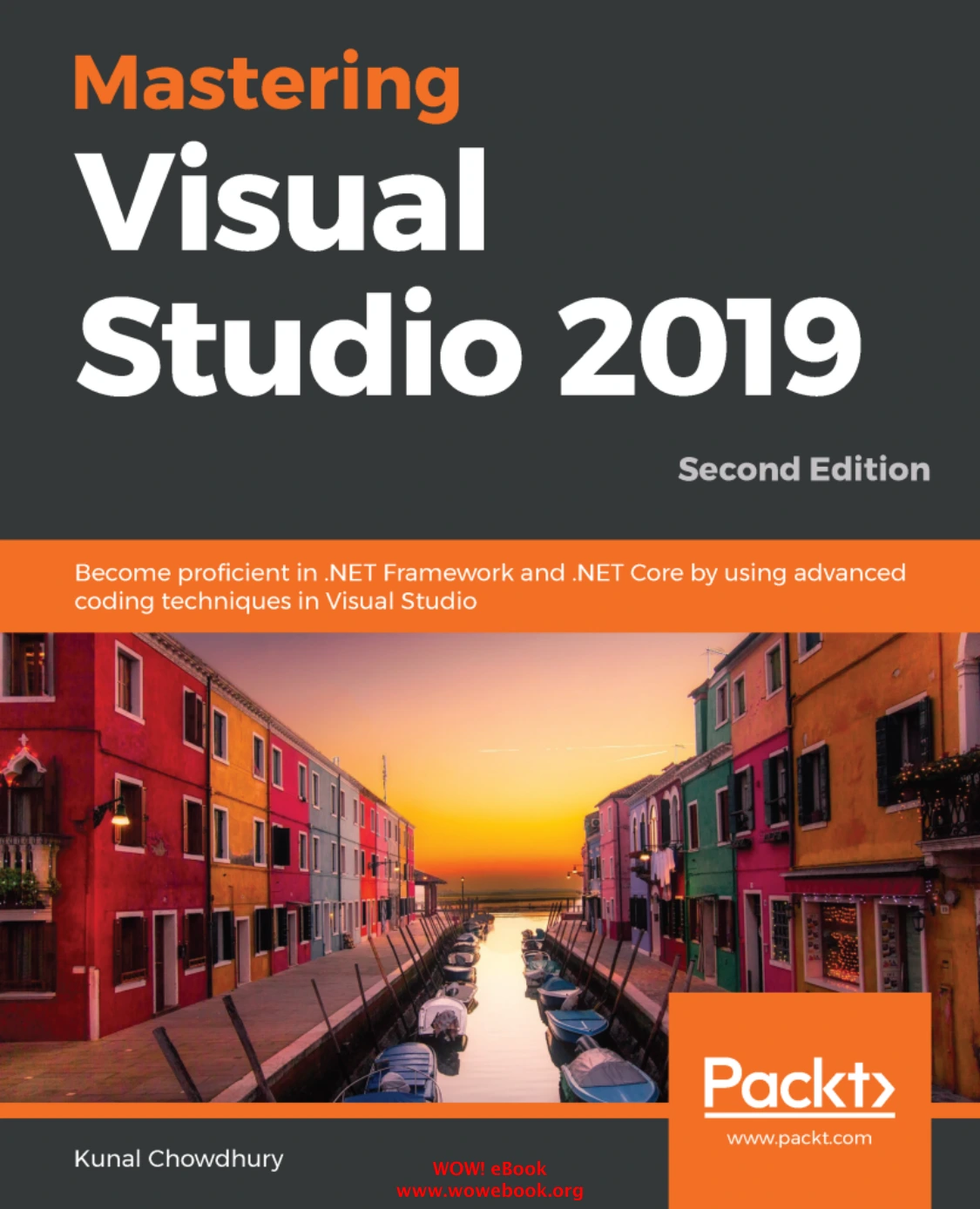
Mastering Visual Studio 2019: Become proficient in .NET Framework and .NET Core by using advanced coding techniques in Visual Studio, Second Edition | Mastering Visual Studio 2019
Original price was: $5.00.$2.50Current price is: $2.50.

Kunal Chowdhury
Product Specs:
- File Type: PDF
- File Size: 12.5 MB
- Book Language: English
- Total Page Count: 363
- Instant Download
Mastering Visual Studio 2019, Second Edition: A Practical Tour of Toolchain
Visual Studio 2019 is more than an editor. It is a workspace developers design interfaces, debug running applications, manage packages, and deploy projects to the cloud. Kunal Chowdhury’s second edition of Mastering Visual Studio 2019 walks through that workspace with a developer’s eye, focusing on the features and workflows that matter when you are building real applications.
The book is organized in two broad sections. The first examines what changed in the Visual Studio 2019 IDE. The second moves into application development, covering desktop, cloud, web, and packaging tasks. That structure makes it useful both as a guided read and as a reference you can return to when a particular tool or project type needs attention.
What’s New in the Visual Studio 2019 IDE 💻
The opening chapter looks at the installation experience, the redesigned Start window, improved search, Quick Actions for refactoring, IntelliCode, one-click code cleanup, Clipboard History, debugging window search, Time Travel Debugging, and Live Share. These features are presented in the context of everyday development rather than as isolated release notes, so you can see how they fit into a coding session.
Desktop Development with WPF
From there, the book turns to Windows desktop applications built with WPF. It explains the WPF architecture and XAML syntax, then works through layouts such as Grid, StackPanel, Canvas, DockPanel, WrapPanel, and UniformGrid. Data binding, converters, and triggers receive dedicated attention, giving you a foundation for building responsive desktop interfaces with a clear separation between UI and logic.
Cloud Development with Microsoft Azure ⚙️
Cloud computing basics, including IaaS, PaaS, and SaaS, set the stage for a practical Azure section. You will find coverage of creating an Azure account, configuring Visual Studio 2019 for Azure development, building and managing web apps, creating App Service plans, publishing applications, adding SQL data connections, integrating mobile app services, and scaling an App Service plan. The emphasis stays on the developer workflow from local project to cloud deployment.
.NET Core, TypeScript, and NuGet 🧠
The later chapters Core and Core, including console apps, class libraries, solution files, dependency resolution, unit testing, and publishing options such as FDD and SCD. TypeScript is introduced through variables, basic datatypes, classes, interfaces, inheritance, and configuration. A final chapter on NuGet covers the Package Manager, creating and building packages, working with dependencies, and publishing to the NuGet store.
Who This Book Is For
This second edition is aimed at developers who already have a grounding in C# and want to work more confidently in Visual Studio 2019. It can help intermediate developers who need a structured look at the IDE and its surrounding toolchain. Readers looking for an introduction to programming itself may find the pace demanding, but those with some experience will recognize the practical scenarios and tool-focused explanations.
A Useful Snapshot of the Ecosystem
Because the book is tied to Visual Studio 2019,.NET Core, and the Azure tooling of that period, it also serves as a clear snapshot of how Microsoft’s development stack was evolving. The concepts around WPF, XAML, NuGet, and cloud deployment remain relevant for understanding work, while the IDE-specific guidance gives the material a concrete, hands-on character.
User Reviews
Be the first to review “Mastering Visual Studio 2019: Become proficient in .NET Framework and .NET Core by using advanced coding techniques in Visual Studio, Second Edition | Mastering Visual Studio 2019”
You must be logged in to post a review.
Original price was: $5.00.$2.50Current price is: $2.50.






There are no reviews yet.