

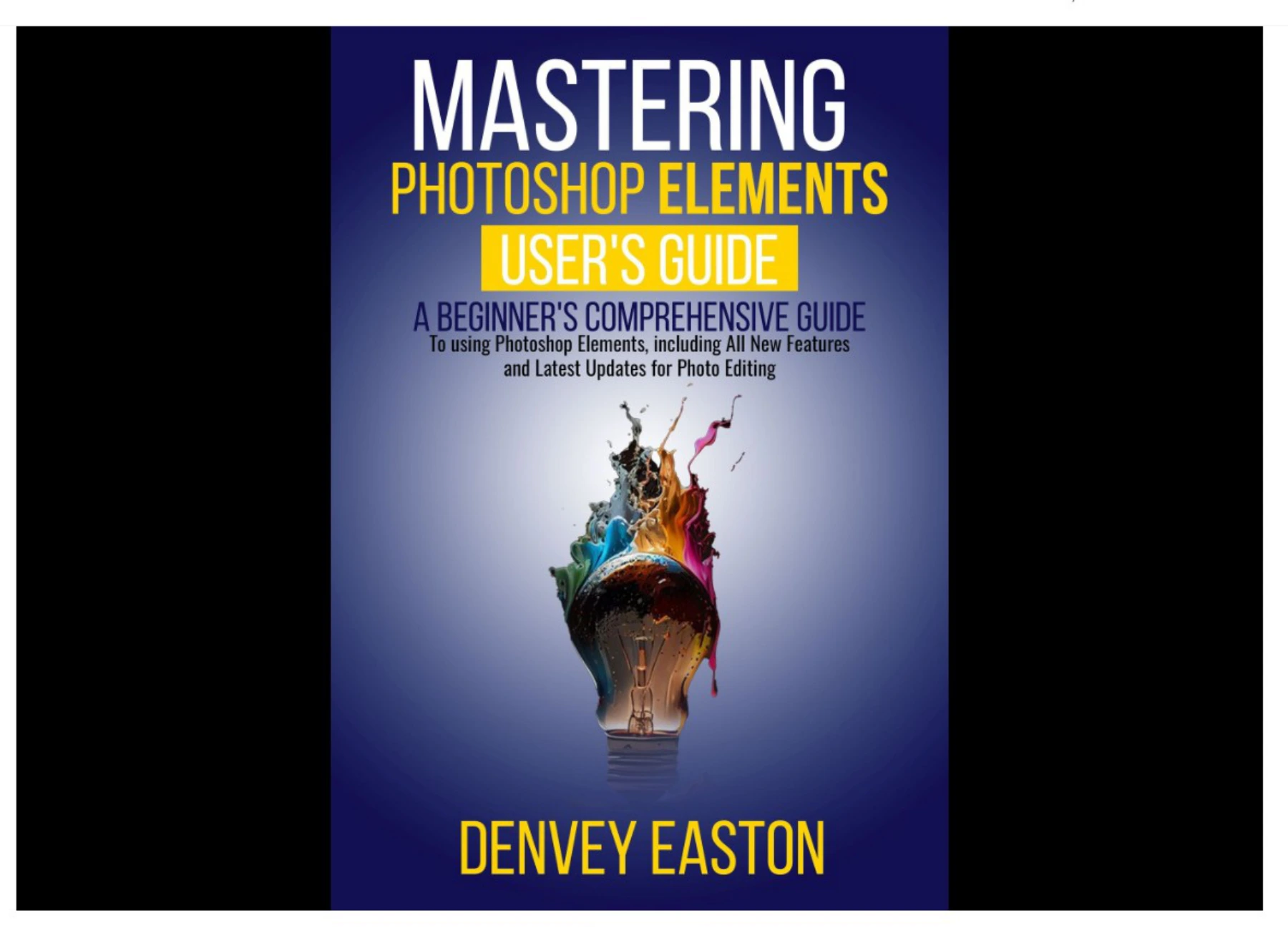
Mastering Photoshop Elements 2024: A Beginner’s Comprehensive Guide to Using Photoshop Elements, Including All New Features and Latest Updates for Photo Editing | Mastering Photoshop Elements 2024
Original price was: $5.00.$2.50Current price is: $2.50.

Denvey Easton
Product Specs:
- File Type: PDF
- File Size: 27.2 MB
- Book Language: English
- Total Page Count: 151
- Instant Download
Photoshop Elements has long been the friendly doorway into Adobe’s photo-editing world, and the 2024 release adds AI-powered shortcuts that make it even more approachable. Denvey Easton’s guide is written for readers who want clear instructions rather than jargon—a structured companion for learning the software from the ground up.
Start with the 2024 Interface and Workflow
The opening chapters review what is new in Photoshop Elements 2024 and then help you get comfortable with the interface, installation, and file management. You will learn how to import images from a camera, card reader, hard drive, CD/DVD, mobile device, or Lightroom, and how to create catalogs that keep a growing photo library organized.
Organize, Rate, and Find Your Photos
Before editing, the book shows how to view, rate, label, sort, and filter photos. It also explains geo-tagging and practical ways to find images quickly when a collection expands. These early workflow habits are useful for beginners who want to spend more time editing and less time searching.
Edit with Guided and Expert Modes
Core corrections are covered step by step: cropping, rotating, flipping, adjusting color and lighting, using Auto Smart Tone, removing blemishes and objects, reducing noise, sharpening, and correcting camera distortion. Guided Edits provide quick fixes, while Expert Edit mode opens up shadows and highlights, hue and saturation, color casts, white balance, color replacement, skin tone, haze reduction, and linear gradient correction.
Layers, Filters, Brushes, and Text
Layers are introduced from the ground up, including adjustment layers, composite images, and flattening or merging. The guide then moves through the Filter Gallery, artistic and sketch filters, distort and texture filters, brush stroke effects, borders, and photo effects. Later chapters cover paint tools, brush options, gradients, erasers, shapes, the Mixer Brush, text boxes, text effects, text on a shape, converting text to shapes, and text layers.
Composite Images and Photo Merging
Photomerge receives dedicated attention, with basic merging, Group Shot, Panorama, photo collages, blending exposures, double exposures, and layer alignment. Shape tools, custom shapes, straight lines, paths to selections, rulers, guides, and marquee cropping are also explained for readers who want more control over composition and layout.
AI Tools and Advanced Mode
The 2024 release brings AI-assisted editing to the foreground. Chapters explore Photoshop AI Generative Fill, extending images, creating unique composite images, generating realistic objects, and removing objects. The book also covers the new Advanced Mode, light and dark interface customization, background blur, adding a blue sky, Adobe Stock integration, and new Quick Actions.
Output for Web, Print, and Sharing
Once an image is ready, the guide explains resizing for the web, saving for web, optimizing JPEGs, slicing images, creating a web photo gallery, and emailing photos. Print workflow, exporting images, burning photos to disc, and slideshows round out the practical side of finishing and sharing your work.
Who Will Get the Most from This Guide
This is a beginner-focused resource for hobbyist photographers, family historians, social media creators, and anyone moving from basic phone snapshots to more deliberate photo editing. If you prefer a patient, walk-through approach to Photoshop Elements 2024—rather than a dense technical manual—the book’s chapter-by-chapter structure makes it easy to follow in order or jump to the task you need. 📷✨
User Reviews
Be the first to review “Mastering Photoshop Elements 2024: A Beginner’s Comprehensive Guide to Using Photoshop Elements, Including All New Features and Latest Updates for Photo Editing | Mastering Photoshop Elements 2024”
You must be logged in to post a review.
Original price was: $5.00.$2.50Current price is: $2.50.





There are no reviews yet.