

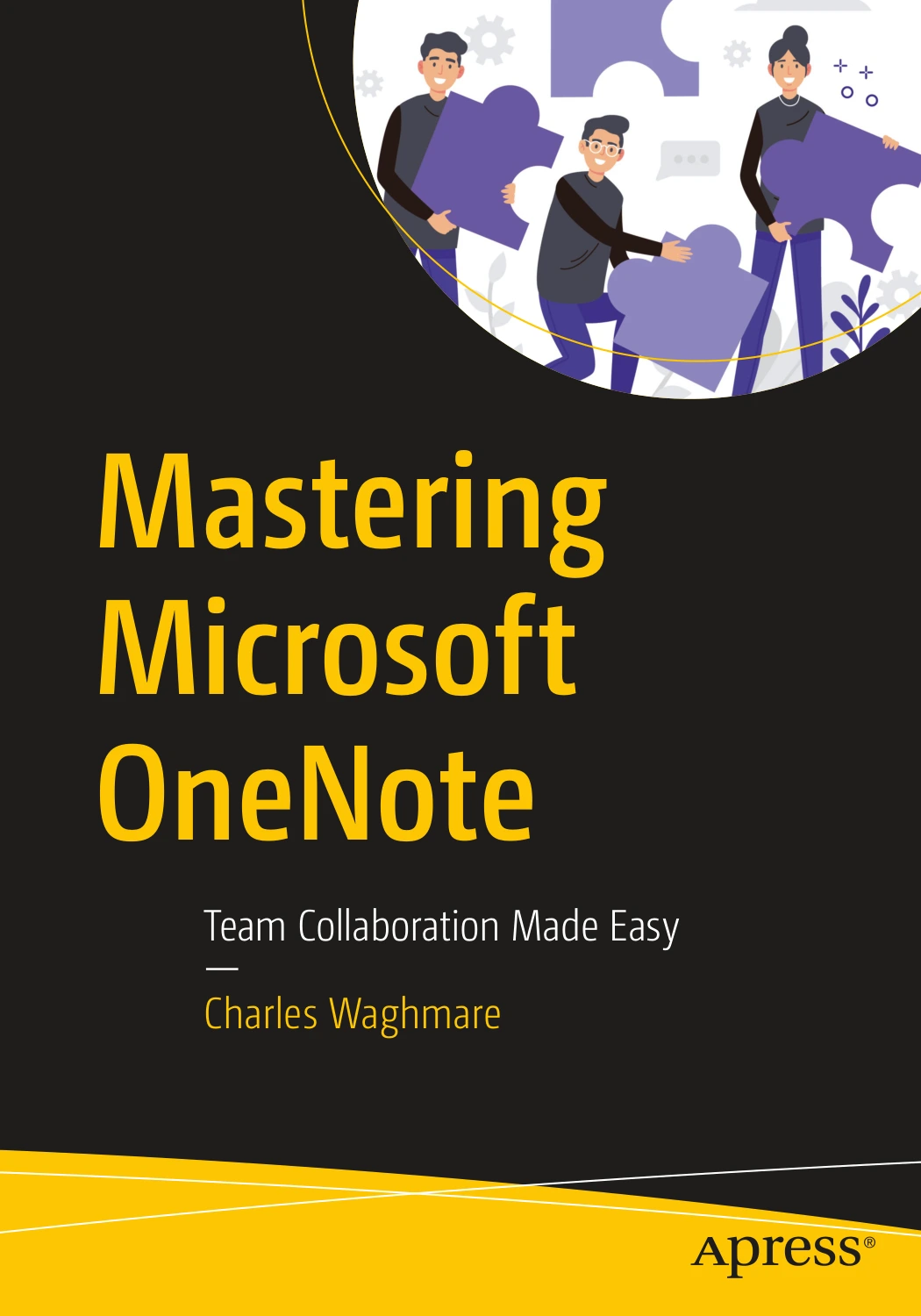
Mastering Microsoft OneNote: Team Collaboration Made Easy
Original price was: $5.00.$2.50Current price is: $2.50.

Charles Waghmare
Product Specs:
- File Type: PDF
- File Size: 32.9 MB
- Book Language: English
- Total Page Count: 298
- Instant Download
OneNote as a Shared Workspace, Not Just a Notebook
Microsoft OneNote can hold far more than quick jottings. In Mastering Microsoft OneNote: Team Collaboration Made Easy, Charles Waghmare treats OneNote as a working environment for teams, projects, and personal knowledge. Published by Apress, the book moves from foundational notebook setup to collaboration, automation, governance, and everyday productivity. It is written for readers who want to use Microsoft 365 more deliberately—whether they are new to OneNote or already using it but missing its deeper capabilities.
From First Notebook to Daily Workflow
The opening chapters establish the essentials: creating a notebook and storing it in OneDrive, opening a notebook kept on your computer, and using cut, copy, and paste tools efficiently. Page templates receive attention as a time-saving device, followed by workflows for academic research management, annotating and reviewing research, training program creation, and digital lesson plans. A discussion of knowledge management patterns—personal knowledge base versus team knowledge—sets up the book’s larger argument that OneNote can serve both individual thinking and shared organizational memory.
Handwriting, Audio, and Notes That Capture More 🎙️
OneNote’s multimedia side gets its own chapter. Readers learn how to handwrite digital notes, record audio and video, and weigh the pros and cons of those approaches. The coverage matters because notes are not always text: a sketch, a recorded meeting, or a short video explanation can preserve context that typed bullet points lose. Waghmare connects these features to practical use rather than treating them as novelties.
Collaboration, Copilot, and the Microsoft 365 Ecosystem 💡
Collaboration and sharing form the heart of the book. Chapters cover embedding online video, using Copilot in OneNote, summarizing notes, creating to-do lists, generating project plans, and researching notes with Copilot. The book also explains when OneNote, Microsoft Loop, and SharePoint Online each make sense, which helps readers avoid forcing one tool into every scenario. The result is a grounded view of where OneNote fits inside a broader Microsoft 365 workflow.
Search, Tags, and the Power of a Findable Archive
Managing and searching OneNote is treated as a skill in itself. The book explains adding and removing tags, searching notes, and using OCR-based search, audio transcript search, and handwritten note search. Formatting with bullets and tables, and applying the look of other content to text, round out the daily mechanics. The emphasis is on making information retrievable later—because a note has little value if no one can find it when it matters.
Automation, Outlook, Teams, and Power Shortcuts 🛠️
Later chapters move into power-user territory. Readers see how to add Outlook meeting details to a notebook, take notes in a Microsoft Teams meeting, and automatically generate Teams meeting notes. The book examines automation dependencies and system boundaries, then shares ten power shortcuts, including capturing a screenshot of any screen area, copying text from a picture, quickly creating a table, and changing the default font type, size, and color. These are small efficiencies, but they add up across a working week.
Project Management, Governance, and Personal Productivity 🔐
OneNote’s project management potential is explored through Getting Things Done (GTD), capturing and clarifying work, planning and reviewing, executing actions, and scaling GTD across projects. There are dashboards, weekly planners, Outlook Tasks integration, Kanban board structures, professional templates, multi-project notebook design, and an honest look at OneNote’s limitations as a project management tool. Security and compliance receive serious attention: password-protected sections, enterprise governance, roles and accountability, access controls, data privacy, lifecycle governance, and usage in regulated industries. The final chapter turns to personal productivity—habit tracking, learning journals, home management, personal finance tracking, digital bullet journaling, and personal knowledge archives.
Who This Guide Is For
The book is likely to appeal to professionals, team leads, project managers, consultants, HR and operations staff, students, educators, and IT or knowledge management specialists. Its range means it can support a reader who is setting up a first notebook and a reader who needs to design governance for shared notebooks across a department. The material assumes an interest in Microsoft 365 rather than deep programming knowledge, and it stays focused on practical application.
Why It Belongs in a Microsoft 365 Library
Mastering Microsoft OneNote is not a quick-start pamphlet. It is a substantial Apress guide that treats OneNote as part of a larger productivity and collaboration system. For Digital Delights readers who work with Microsoft 365, it offers a structured path from basic note-taking to team knowledge management, with enough attention to security and governance to remain useful in professional settings. If your notes, meetings, and project plans already live in OneNote—or if you want them to—this book provides a thoughtful, experience-based map of what the platform can do.
User Reviews
Be the first to review “Mastering Microsoft OneNote: Team Collaboration Made Easy”
You must be logged in to post a review.
Original price was: $5.00.$2.50Current price is: $2.50.




There are no reviews yet.