

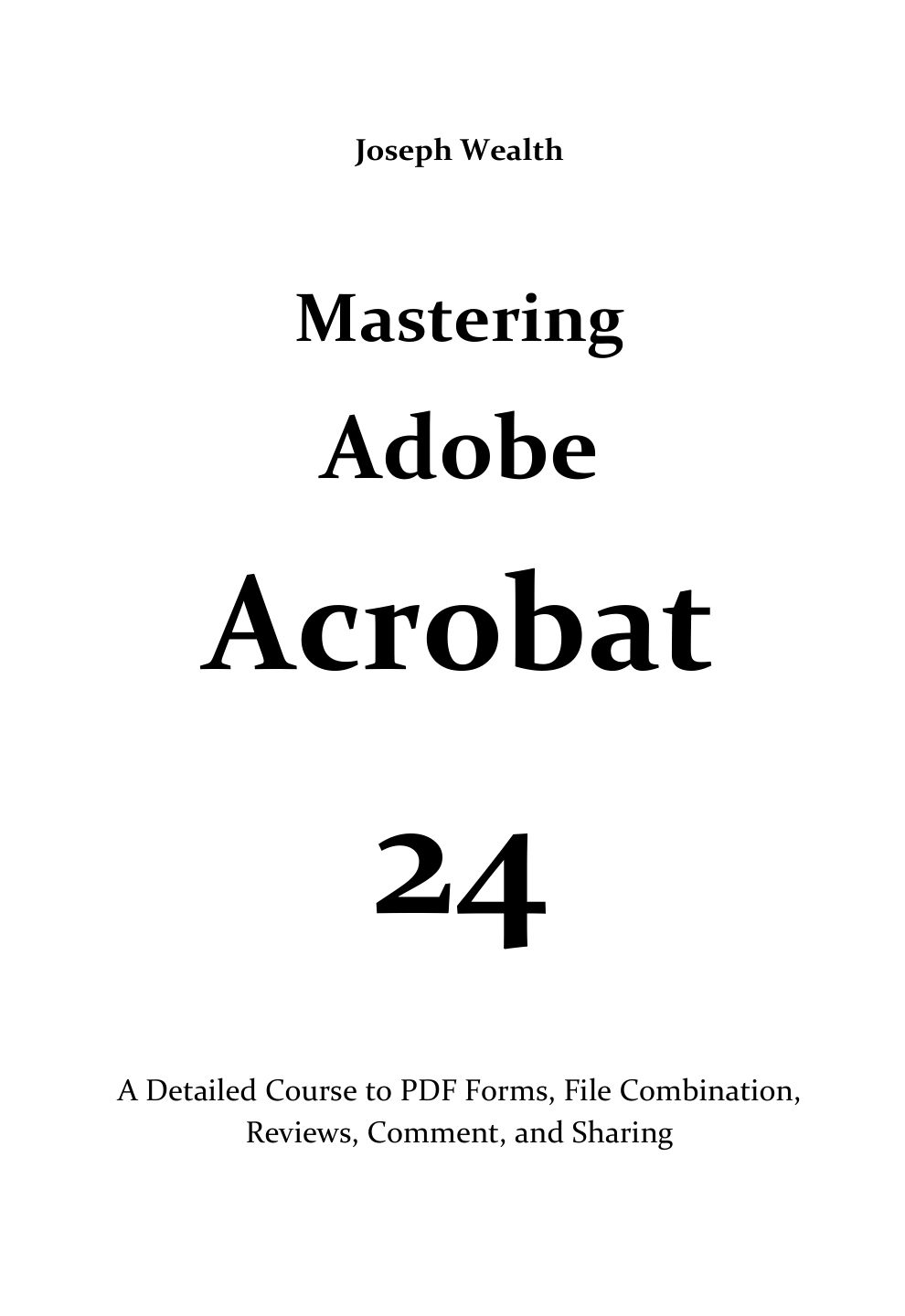
Mastering Adobe Acrobat 24: A Detailed Course to PDF Forms, File Combination, Reviews, Comment, and Sharing | Mastering Adobe Acrobat 24
Original price was: $5.00.$2.50Current price is: $2.50.

Joseph Wealth
Product Specs:
- File Type: PDF
- File Size: 8.6 MB
- Book Language: English
- Total Page Count: 261
- Instant Download
Mastering Adobe Acrobat 24: A Practical PDF Course 📄
Adobe Acrobat rewards users who know where its tools live and how they fit together. This course-style guide by Joseph Wealth follows that practical path, showing how to build PDF forms, combine and organise files, run reviews, add comments, and share documents with confidence in Acrobat and Acrobat Pro environments.
Build Forms That Work
Opening chapters start with form creation from scratch and from existing documents. The guide examines field properties in detail — general, appearance, position, options, actions, calculations, signed, format, and validation tabs — before moving into action buttons, web forms, barcode fields, tabbing order, and data collection. Readers who need forms that behave properly for recipients will find the procedural focus useful.
Organise and Repackage PDFs
Once forms are covered, the book turns to document assembly and page management. It explores merging and combining files, inserting PDFs and blank pages, renumbering, rotating, extracting, replacing, and deleting pages. Later sections cover headers and footers, Bates numbering, watermarks, backgrounds, and PDF Portfolios, giving readers a wider toolkit for preparing polished, professional documents.
Reviews, Comments, and Shared Workflows ✍️
Collaboration is treated as a core Acrobat skill. The text walks through sharing files online, preparing managed reviews, hosting shared reviews on Office 365 or SharePoint, participating in PDF reviews, and using drawing markup and annotation tools. It also covers text markups, comment colours, custom stamps, approval workflows, digital stamp identities, and comment management.
Who This Guide Suits
This is a hands-on resource for office professionals, administrators, designers, educators, and anyone who handles PDFs as part of a regular workflow. It is especially relevant for readers who need to create forms, coordinate document reviews, or move files between teams without losing control of the final result. The instruction is practical rather than theoretical, with topics arranged around real Acrobat tasks.
What You Can Put Into Practice 🗂️
- Creating and distributing interactive PDF forms
- Customising form fields, calculations, and action buttons
- Combining, splitting, and reorganising PDF pages
- Adding headers, footers, Bates numbering, watermarks, and backgrounds
- Building and sharing PDF Portfolios
- Running reviews with comments, markups, stamps, and approvals
If your PDF work has outgrown simple viewing and printing, Mastering Adobe Acrobat 24 offers a structured way to build the skills that make Acrobat a genuine document-production and collaboration tool.
User Reviews
Be the first to review “Mastering Adobe Acrobat 24: A Detailed Course to PDF Forms, File Combination, Reviews, Comment, and Sharing | Mastering Adobe Acrobat 24”
You must be logged in to post a review.
Mastering Adobe Acrobat 24: Guide for Beginner and Professional Users
Sold by Joseph Wealth
Go Pro with Adobe InDesign: Beginner’s to Expert Guide 2024
Sold by Joseph Wealth
Beginners Guide To Adobe Acrobat Pro 2024
Sold by Joseph Wealth
Corel Draw Graphics Suite 2024 Guide for Beginners
Sold by Joseph Wealth
Go Pro with Adobe Acrobat Pro 2024: Beginner’s to Expert Guide
Sold by Joseph Wealth Original price was: $5.00.$2.50Current price is: $2.50.






There are no reviews yet.