

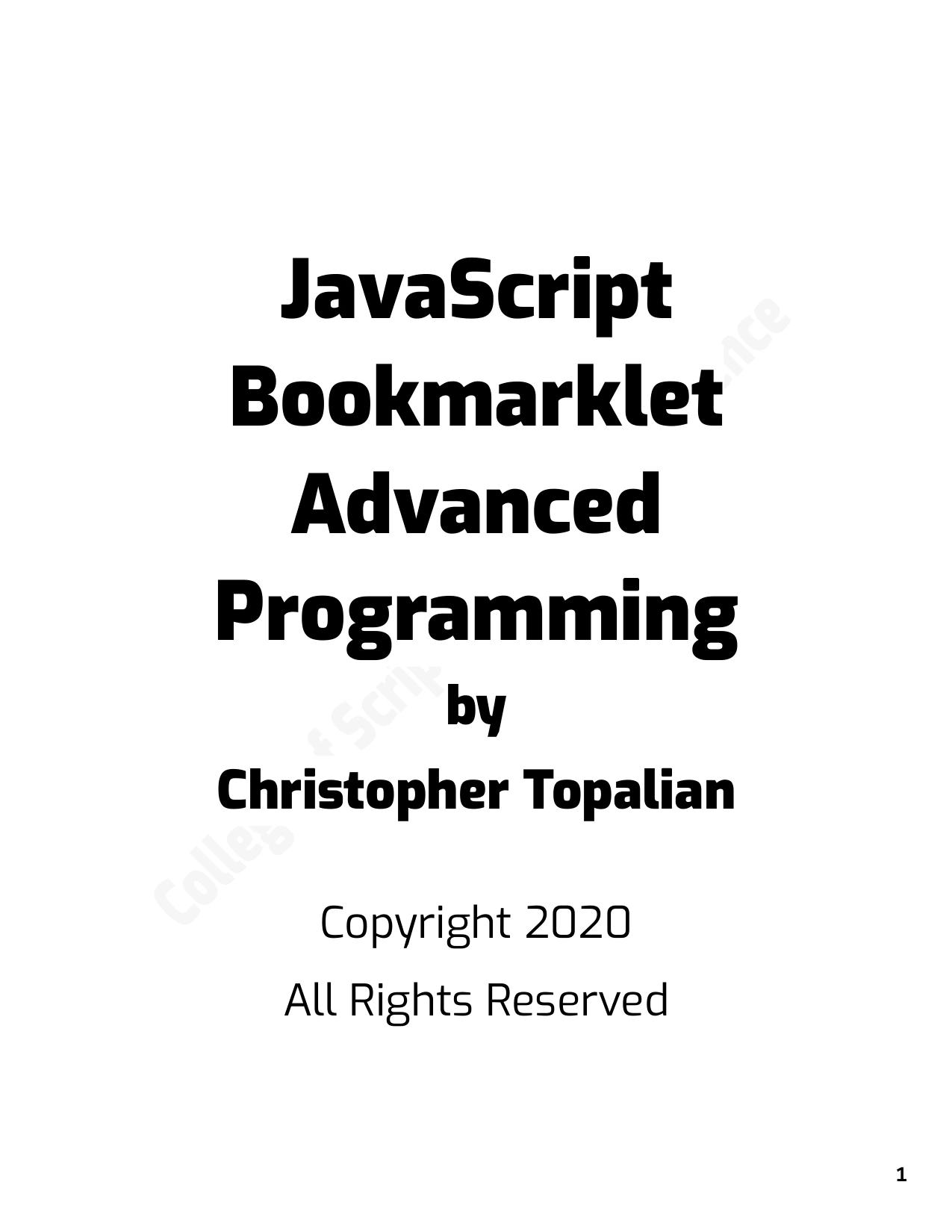
JavaScript Bookmarklet Advanced Programming
Original price was: $5.00.$2.50Current price is: $2.50.

Christopher Topalian
Product Specs:
- File Type: PDF
- File Size: 3.0 MB
- Book Language: English
- Total Page Count: 71
- Instant Download
What can a short JavaScript script do when it lives in a browser bookmark? In JavaScript Bookmarklet Advanced Programming, Christopher Topalian teaches through practical browser examples, moving from entering simple code to building bookmarklets that interact with webpages.
The approach is hands-on: readers encounter code examples alongside demonstrations of what happens when they run them. That makes the book a useful starting point for experimenting with JavaScript in the browser, especially for learners who prefer to try an idea and see the result.
From browser console to bookmarklet 💻
The opening material explains how to run JavaScript in a browser console and how to place code in a bookmark’s location field. From there, examples introduce prompts, conditional statements, loops, functions, and objects—the building blocks behind the later page-interaction projects.
Make webpages respond
Later examples use JavaScript to create and style page elements, including paragraphs and buttons, and to display information such as page text and link addresses. These demonstrations give readers a concrete way to explore how scripts work with the elements already present in a webpage.
Video controls and useful little tools
Video-focused examples cover actions such as play, pause, mute, volume adjustment, and moving through a video. Other listed projects include timers and opening a new window with custom HTML. Together, they show the range of small browser utilities the book explores.
A practical read for curious JavaScript learners
This example-led introduction may suit beginners and self-directed learners who want to practice core JavaScript ideas in a browser context. Work through the examples at your own pace, then use them as prompts for your own experiments. Explore the book at Digital Delights.
User Reviews
Be the first to review “JavaScript Bookmarklet Advanced Programming”
You must be logged in to post a review.
Original price was: $5.00.$2.50Current price is: $2.50.
There are no reviews yet.