

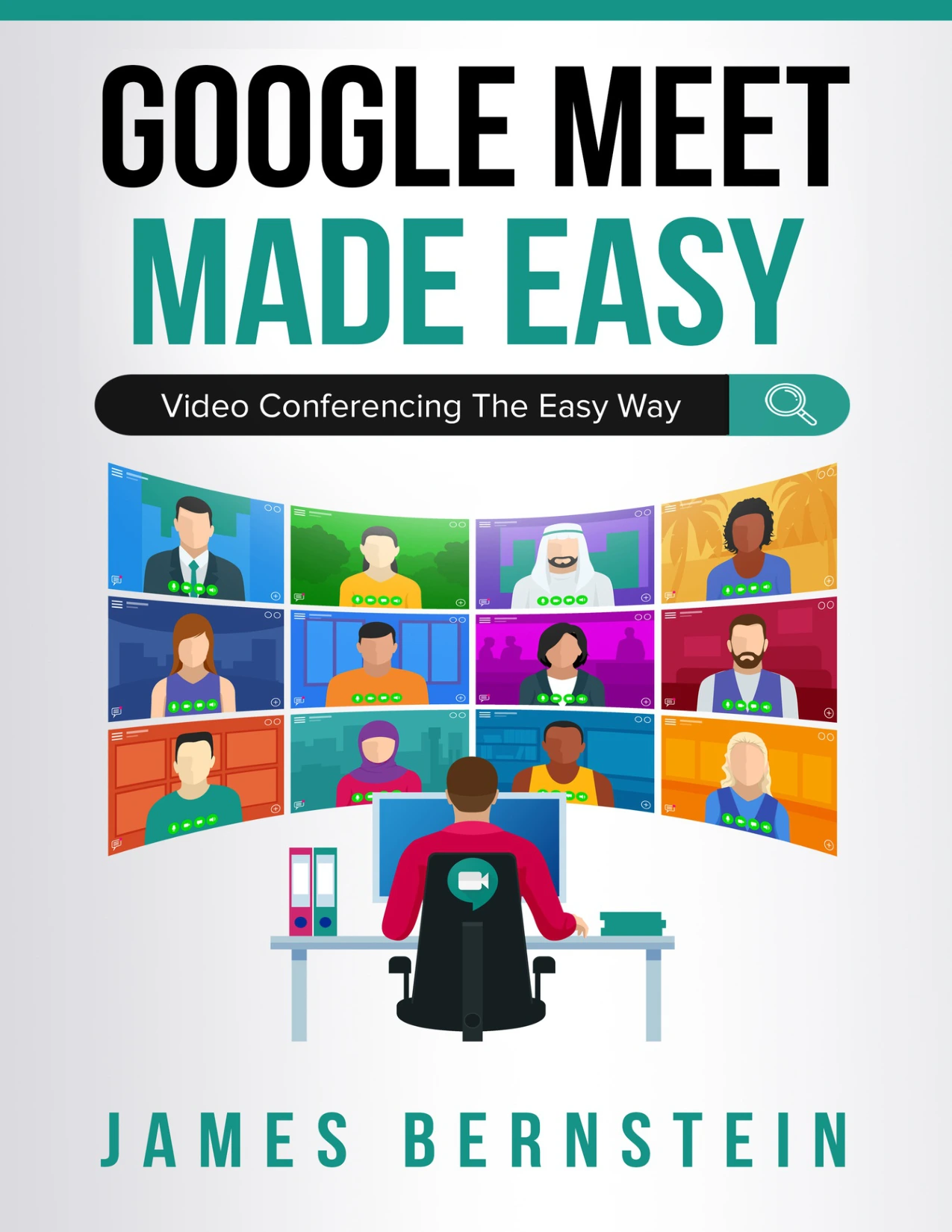
Google Meet Made Easy: Video Conferencing the Easy Way
Original price was: $5.00.$2.50Current price is: $2.50.

James Bernstein
Product Specs:
- File Type: PDF
- File Size: 11.3 MB
- Book Language: English
- Total Page Count: 87
- Instant Download
Online meetings can feel much simpler once the basic controls and routines are familiar. In Google Meet Made Easy: Video Conferencing the Easy Way, James Bernstein offers a practical introduction to joining and hosting Meet calls, sharing what is on your screen, and finding the settings that shape a meeting.
Start with the essentials
The book begins with an overview of Google Meet and its interface, then walks through joining a meeting and using the service on a smartphone or tablet. It also explains Google accounts and how they relate to taking part in or hosting meetings.
Bring people into the conversation
Chapters on hosting and joining cover scheduling a meeting, inviting participants, viewing who is present, and using chat. These are the everyday steps that help turn a meeting link into a useful conversation.
Share your screen—and more
Screen sharing receives its own chapter, alongside a look at attachments. The book also introduces additional features such as captions, participant views, and adding whiteboard capabilities.
Make the setup your own
The final chapter explores audio, video, and other settings, giving readers a place to turn when they want to adjust how Meet works for them. The six-chapter structure moves from orientation to practical meeting tasks and customization.
A clear starting point for Meet users
This guide is suited to readers seeking an accessible introduction to Google Meet, whether they are preparing to join calls or learning the steps involved in hosting them. It is part of the Computers Made Easy series.
User Reviews
Be the first to review “Google Meet Made Easy: Video Conferencing the Easy Way”
You must be logged in to post a review.
Original price was: $5.00.$2.50Current price is: $2.50.






There are no reviews yet.