

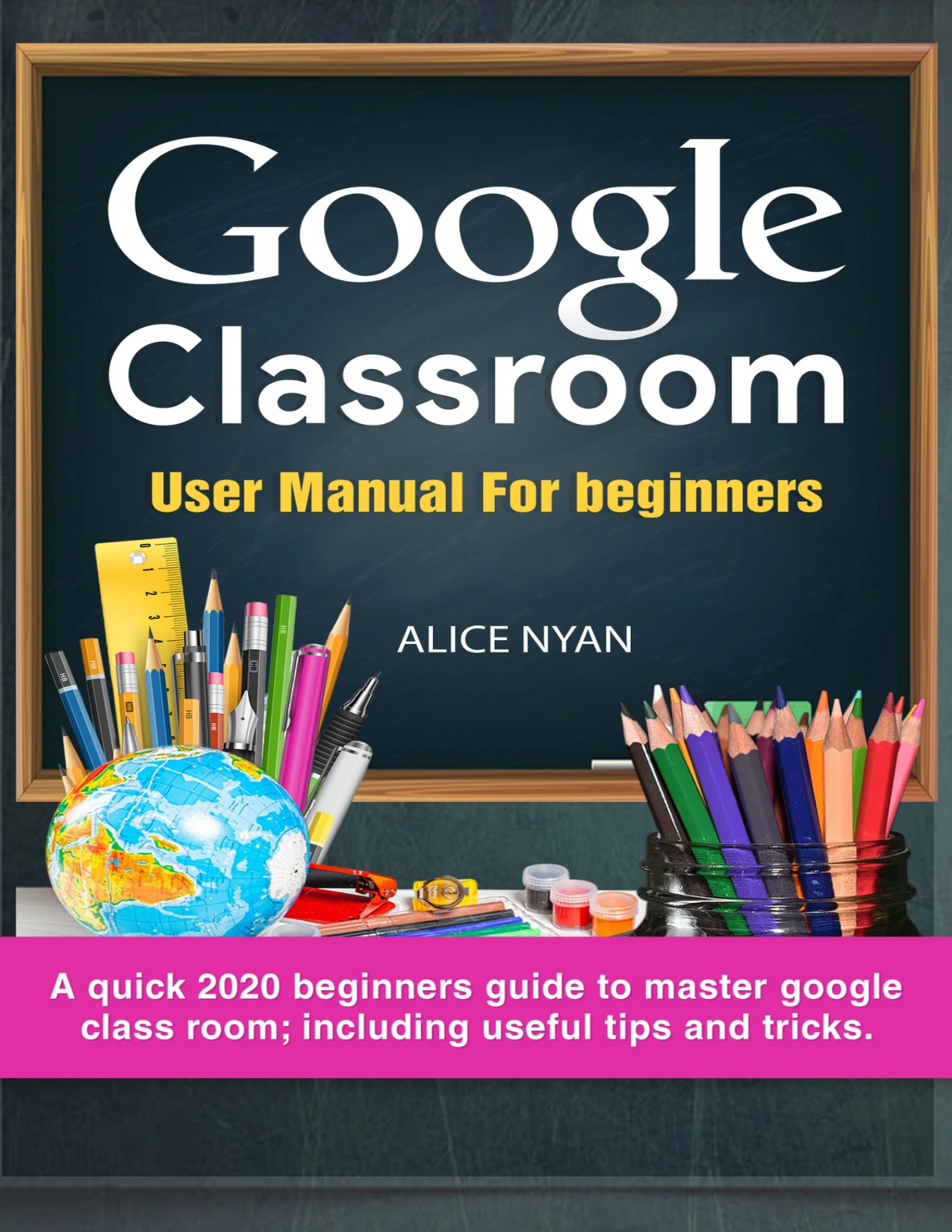
Google Classroom User Manual for Beginners: A Quick 2020 Beginners Guide to Master Google Classroom, Including Useful Tips and Tricks
Original price was: $5.00.$2.50Current price is: $2.50.

Alice Nyan
Product Specs:
- File Type: PDF
- File Size: 704.1 KB
- Book Language: English
- Total Page Count: 21
- Instant Download
Getting a class online involves more than posting assignments: teachers also need a workable routine for sharing materials, tracking submissions, and keeping communication clear. Alice Nyan’s Google Classroom User Manual for Beginners introduces those everyday tasks in a step-by-step, entry-level guide focused on the platform’s classroom workflows.
Start with the classroom basics
The opening chapters explain what Google Classroom is and how to get started, including creating a class and adding students. From there, the guide turns to the practical organization that helps a digital class stay usable: arranging content, sharing links and resources, and keeping the class feed from becoming cluttered.
Assignments, materials, and class files
A substantial portion of the book follows the assignment process. It covers creating an assignment, changing a due date, attaching lesson materials, and locating the class folder in Google Drive. The chapters also address inviting students and co-teachers, managing students, and grading assignments—useful fundamentals for readers learning how the pieces fit together.
Build a manageable routine
Alongside setup instructions, Nyan offers tips on email alerts, online discussions, grade management, and keeping parents informed. These topics bring attention to the decisions that shape day-to-day classroom use, not just the initial creation of a class.
For educators new to Google Classroom
This introductory manual is aimed at teachers and other education readers who want a guided overview of Google Classroom’s core functions. Its 2020 focus is reflected in the title; readers should bear in mind that platform interfaces and features can change over time.
For a first look at class setup, assignments, organization, and communication, this guide lays out the essentials in a clear, task-centered sequence. 📚
User Reviews
Be the first to review “Google Classroom User Manual for Beginners: A Quick 2020 Beginners Guide to Master Google Classroom, Including Useful Tips and Tricks”
You must be logged in to post a review.
Original price was: $5.00.$2.50Current price is: $2.50.





There are no reviews yet.