

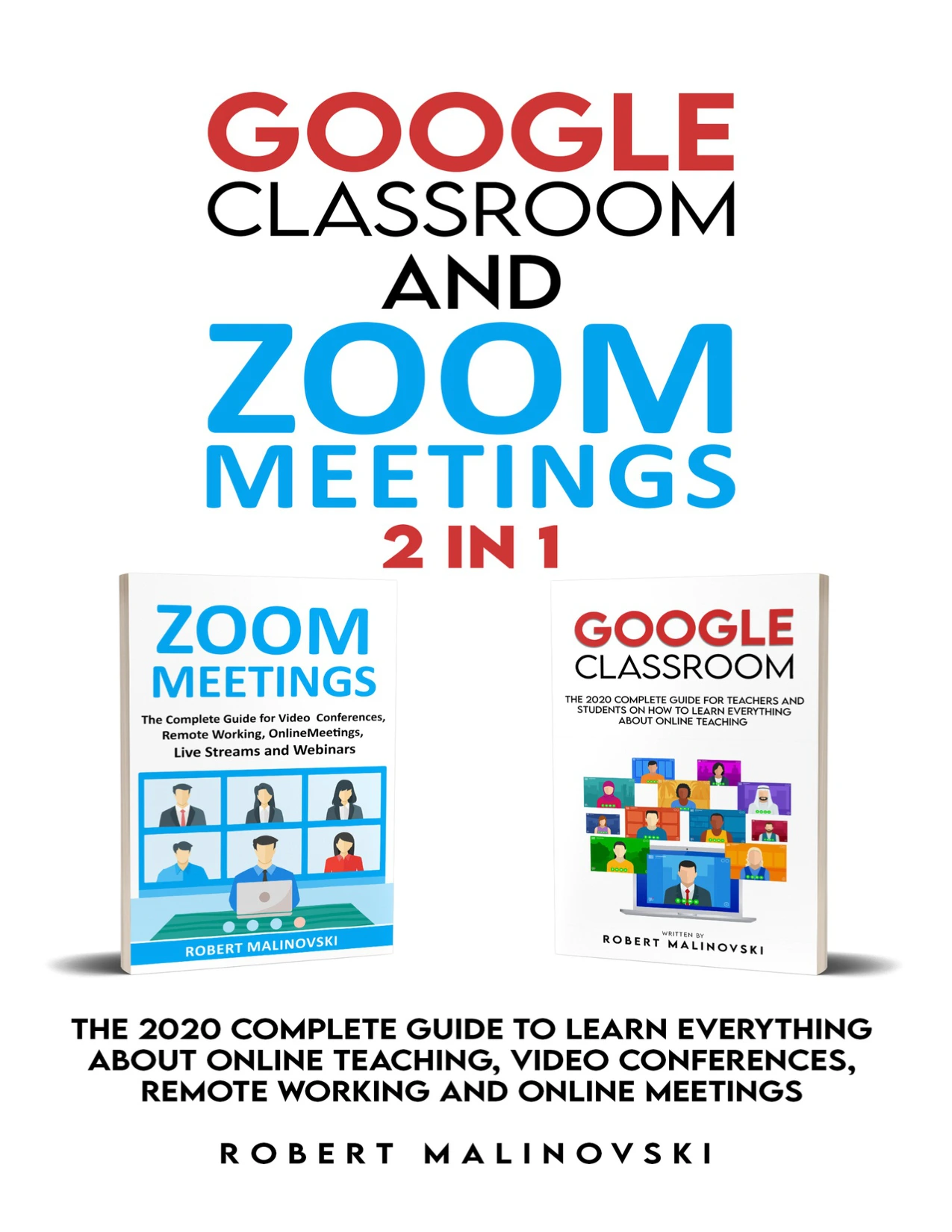
Google Classroom and Zoom Meetings: 2 in 1: The 2020 Complete Guide to Learn Everything About Online Teaching, Video Conferences, Remore Working And Online Meetings
Original price was: $5.00.$2.50Current price is: $2.50.

Robert Malinovski
Product Specs:
- File Type: PDF
- File Size: 4.3 MB
- Book Language: English
- Total Page Count: 143
- Instant Download
Running an online class involves more than switching on a camera. Teachers also need ways to share materials, collect assignments, communicate with students, and keep meetings organized. This 2020 guide brings Google Classroom and Zoom Meetings together, with practical introductory coverage of digital classroom routines and online meetings.
Organize classroom work with Google Classroom
The Google Classroom section explains the platform’s role in managing coursework and teacher–student communication. Topics include creating and organizing classes, distributing assignments, collecting student work, grading, and providing feedback. The book also describes how Classroom connects with Google Drive and tools such as Docs, Sheets, and Calendar.
Make online learning more connected
Alongside the nuts and bolts of assignments, the guide considers benefits such as collaboration, communication, access to course materials, and opportunities to support student engagement. These themes make the Classroom material relevant to educators thinking through how digital tools can fit into everyday teaching.
Plan clearer, more effective online meetings
The contents also include Zoom Meetings and broader video-conferencing guidance. They cover choosing web-based meeting tools, collaboration features, what is needed to start a meeting, setup tips, and ways to organize an effective online session.
A practical starting point for teachers and students
Written for readers exploring online teaching and digital meeting tools, this combined guide offers an introduction to two familiar platforms and the routines around them. Because it is a 2020 publication, some software details may no longer reflect current interfaces or features; it is best read as a period-specific introduction rather than an up-to-date software manual.
User Reviews
Be the first to review “Google Classroom and Zoom Meetings: 2 in 1: The 2020 Complete Guide to Learn Everything About Online Teaching, Video Conferences, Remore Working And Online Meetings”
You must be logged in to post a review.
Original price was: $5.00.$2.50Current price is: $2.50.





There are no reviews yet.