

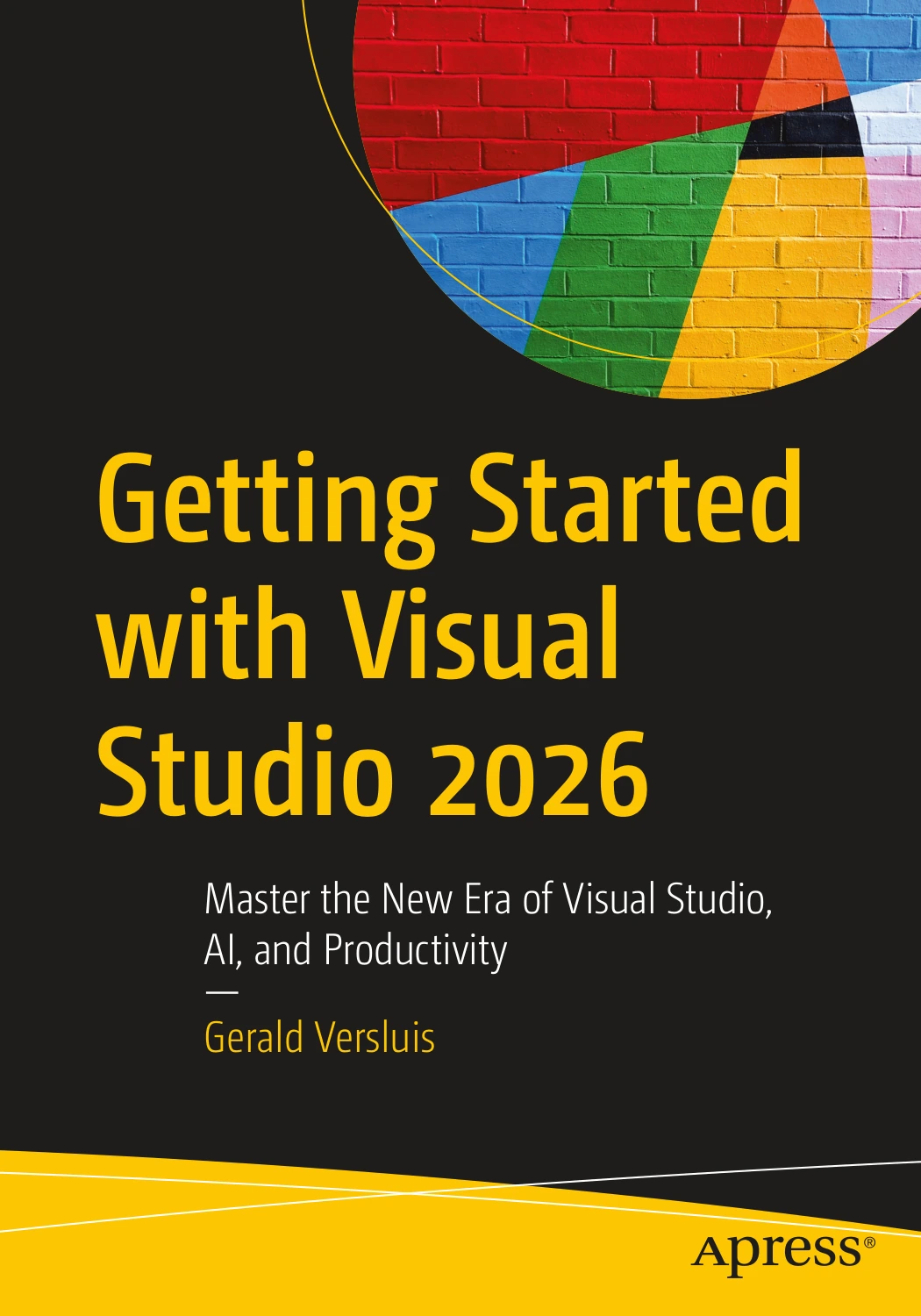
Getting Started with Visual Studio 2026
Original price was: $72.29.$36.15Current price is: $36.15.

Gerald Versluis
Product Specs:
- File Type: PDF
- File Size: 22.1 MB
- Book Language: English
- Total Page Count: 336
- Instant Download
Visual Studio’s 2026 release brings a refreshed IDE, a new update cadence, and a deeper place for AI-assisted development in everyday coding. Gerald Versluis’s guide helps developers make sense of those changes, from setting up the environment to working with projects, debugging, testing, and Copilot features.
Rather than treating the IDE as a collection of menus, the book follows the work developers actually do: finding their way around a solution, improving code, diagnosing problems, and adapting familiar workflows to new tools.
Get Oriented in the Updated IDE
The opening chapters cover installation, configuration, the updated interface, navigation, search, and Solution Explorer. Readers also encounter migration considerations for Visual Studio 2022 projects and extensions, helping them plan a move without overlooking the setup details that can disrupt a team’s routine.
From Editing to Debugging
Coverage of IntelliSense, code analysis, refactoring, breakpoints, exception handling, and Hot Reload connects editing decisions with the process of understanding and correcting code. Later, testing and profiling chapters explore test discovery, failed-test debugging, code coverage, CPU and memory analysis, and performance tools.
Make AI Tools Work for Your Workflow
GitHub Copilot receives substantial attention, including chat, code completion, Agent Mode, multi-file edits, debugging assistance, and AI-supported testing. The book also examines custom instructions, agents, reusable prompt files, agent skills, and Model Context Protocol connections. Its coverage gives readers a way to evaluate where these tools fit into development work—and where their own judgment remains essential.
For Developers Updating Familiar Skills
This guide is aimed at readers who already know Visual Studio 2022 or an earlier release and want to get productive with Visual Studio 2026. Developers, advanced hobbyists, students, and professionals working with C# can use it to explore the IDE’s new features while keeping core tasks—organizing projects, debugging, testing, and maintaining performance—in view.
User Reviews
Be the first to review “Getting Started with Visual Studio 2026”
You must be logged in to post a review.
Original price was: $72.29.$36.15Current price is: $36.15.
There are no reviews yet.