

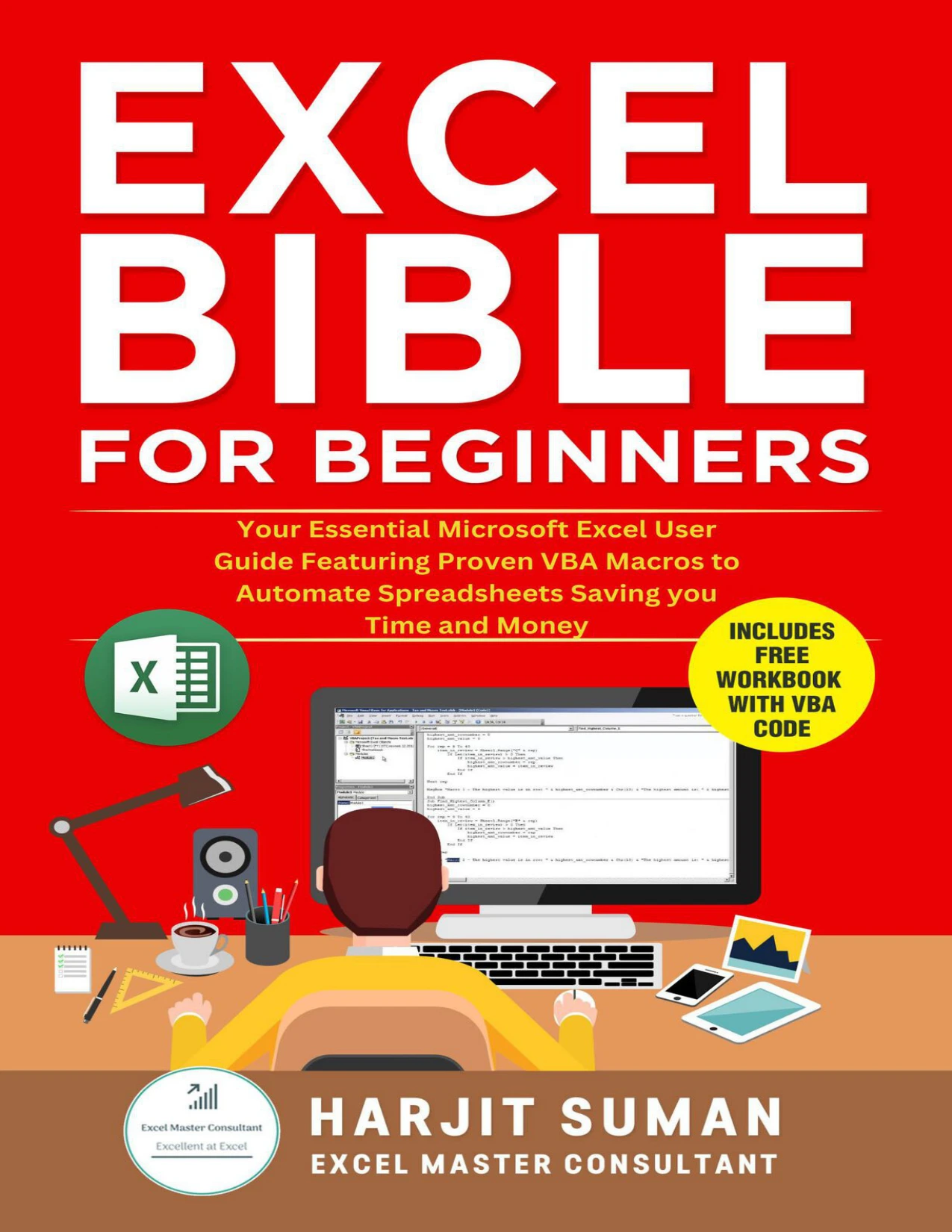
Excel Bible for Beginners: Your Essential Microsoft Excel User Guide Featuring Proven VBA Macros to Automate Spreadsheets Saving you Time and Money
Original price was: $4.00.$2.00Current price is: $2.00.

Harjit Suman
Product Specs:
- File Type: PDF
- File Size: 2.1 MB
- Book Language: English
- Total Page Count: 103
- Instant Download
Repetitive spreadsheet chores have a way of multiplying. This Excel VBA macro guide by Harjit Suman brings together ready-to-use code for common worksheet, workbook, chart, formula, and PivotTable tasks, with an introductory chapter to help readers get started in the Visual Basic Editor.
The book is arranged as a practical reference: find a task, locate its macro, and follow the guidance for using it in an Excel workbook. Prior VBA experience is not required to use the ready-made macros; readers interested in coding can also explore how the examples are added and run.
Macros for everyday Excel tasks
The examples span a broad range of spreadsheet work, from unhiding sheets and autofitting rows or columns to highlighting duplicates, creating charts, and refreshing PivotTables. Formula-related macros handle tasks such as changing text case, working with dates, removing spaces, and replacing blank cells with zeros.
Rather than treating each part of Excel as a separate destination, the collection groups automation ideas by the objects and jobs they address: worksheets, workbooks, highlighting, charts, formulas, and PivotTables.
A gentle starting point for VBA
For readers new to macros, the opening material introduces VBA terminology and walks through setting up the Developer tab, finding the Visual Basic Editor, inserting a module, and running macros. That orientation helps make the later examples easier to approach, even if the main goal is simply to use existing code.
From quick fixes to more advanced tasks
The listed examples extend beyond basic formatting. They include creating workbook backups, attaching a workbook to an email, creating a PivotTable, saving a selected range as a PDF, converting a range to an image, and building a table of contents. The result is a task-led collection readers can dip into when a familiar spreadsheet job comes around again.
Who may find it useful
This guide is suited to Excel users who want to automate recurring tasks, explore practical VBA examples, or keep a categorized set of macro ideas close at hand. Beginners can start with the introductory chapter; more experienced users may prefer to go straight to the relevant task section.
User Reviews
Be the first to review “Excel Bible for Beginners: Your Essential Microsoft Excel User Guide Featuring Proven VBA Macros to Automate Spreadsheets Saving you Time and Money”
You must be logged in to post a review.
Excel Bible for Beginners: Excel for Dummies Book Containing the Most Awesome Ready to Use Excel VBA Macros
Sold by Harjit Suman
Excel Bible for Beginners: Excel for Dummies Guide to the Best Excel Tools, Tips and Shortcuts You Must Know
Sold by Harjit Suman
Excel Formulas and Functions: The Step by Step Excel Book for Beginners on how to Master Lookup Formulas using the XLOOKUP Function
Sold by Harjit Suman Original price was: $4.00.$2.00Current price is: $2.00.






There are no reviews yet.