

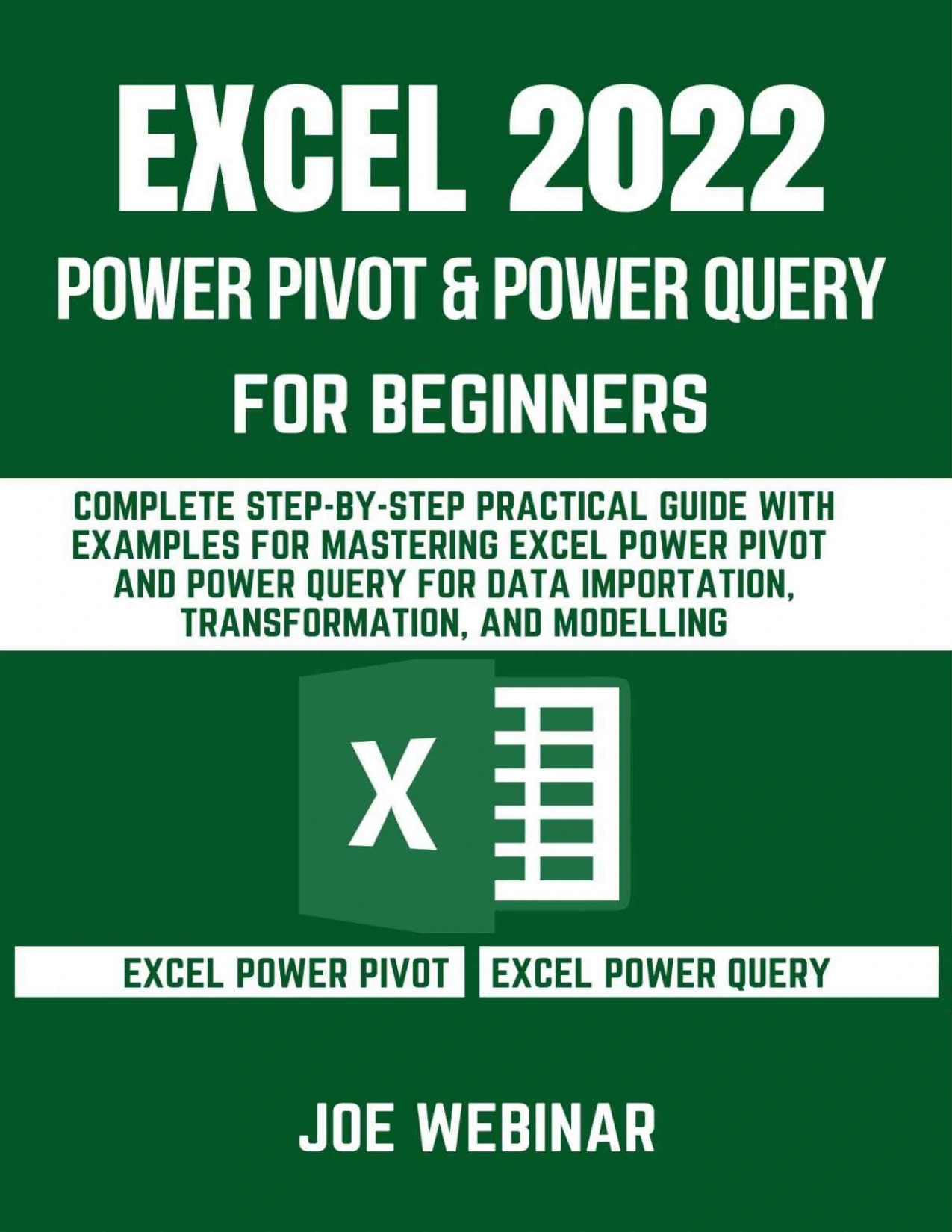
Excel 2022 Power Pivot & Power Query for Beginners: Complete Step-by-Step Practical Guide with Examples for Mastering Excel Power Pivot and Power Query for Data Importation, Transformation, and Modelling
Original price was: $5.00.$2.50Current price is: $2.50.

Joe Webinar
Product Specs:
- File Type: PDF
- File Size: 7.6 MB
- Book Language: English
- Total Page Count: 100
- Instant Download
When spreadsheets start drawing data from multiple places, the challenge is not just getting the rows into Excel—it is making them consistent, connected, and useful. This beginner-focused guide to Excel Power Pivot and Power Query walks through that work in a practical sequence, from importing and cleaning data to relating tables and preparing information for analysis.
Joe Webinar covers both tools: Power Query for bringing data in and transforming it, and Power Pivot for working with data models, relationships, calculations, and reports. The emphasis is on concrete operations and repeatable steps rather than treating data preparation as a one-off chore.
Build a working data model with Power Pivot
The opening chapters introduce the Power Pivot interface and show how Excel tables can be added to a data model. From there, the guide explores relationships between tables, managing those relationships, importing from external sources, and refreshing connections. It also introduces calculated columns, measures, and DAX expressions—useful concepts for readers beginning to move beyond a single-sheet view of their data.
Turn imported data into usable data
Power Query receives substantial attention. Topics include importing from files and databases, working with queries and their steps, and cleaning or reshaping information. The book discusses removing duplicates, handling empty fields, joining text, replacing or trimming text, extracting characters, splitting columns, and changing data types. It also covers pivoting and unpivoting, custom columns, conditional logic, aggregation, and grouping.
Bring separate sources together
Later sections address appending and merging queries, including join types, as well as reusing query steps. These techniques help readers understand how individual transformation steps fit into a broader workflow for combining data.
For Excel users learning data workflows
This guide is intended for readers looking for an introductory, task-oriented path through Power Pivot and Power Query. Its contents move from interface setup and foundational concepts toward transformations, modelling, and productivity considerations, making it relevant to Excel learners who want to explore these tools in a more organized way.
User Reviews
Be the first to review “Excel 2022 Power Pivot & Power Query for Beginners: Complete Step-by-Step Practical Guide with Examples for Mastering Excel Power Pivot and Power Query for Data Importation, Transformation, and Modelling”
You must be logged in to post a review.
Original price was: $5.00.$2.50Current price is: $2.50.






There are no reviews yet.