

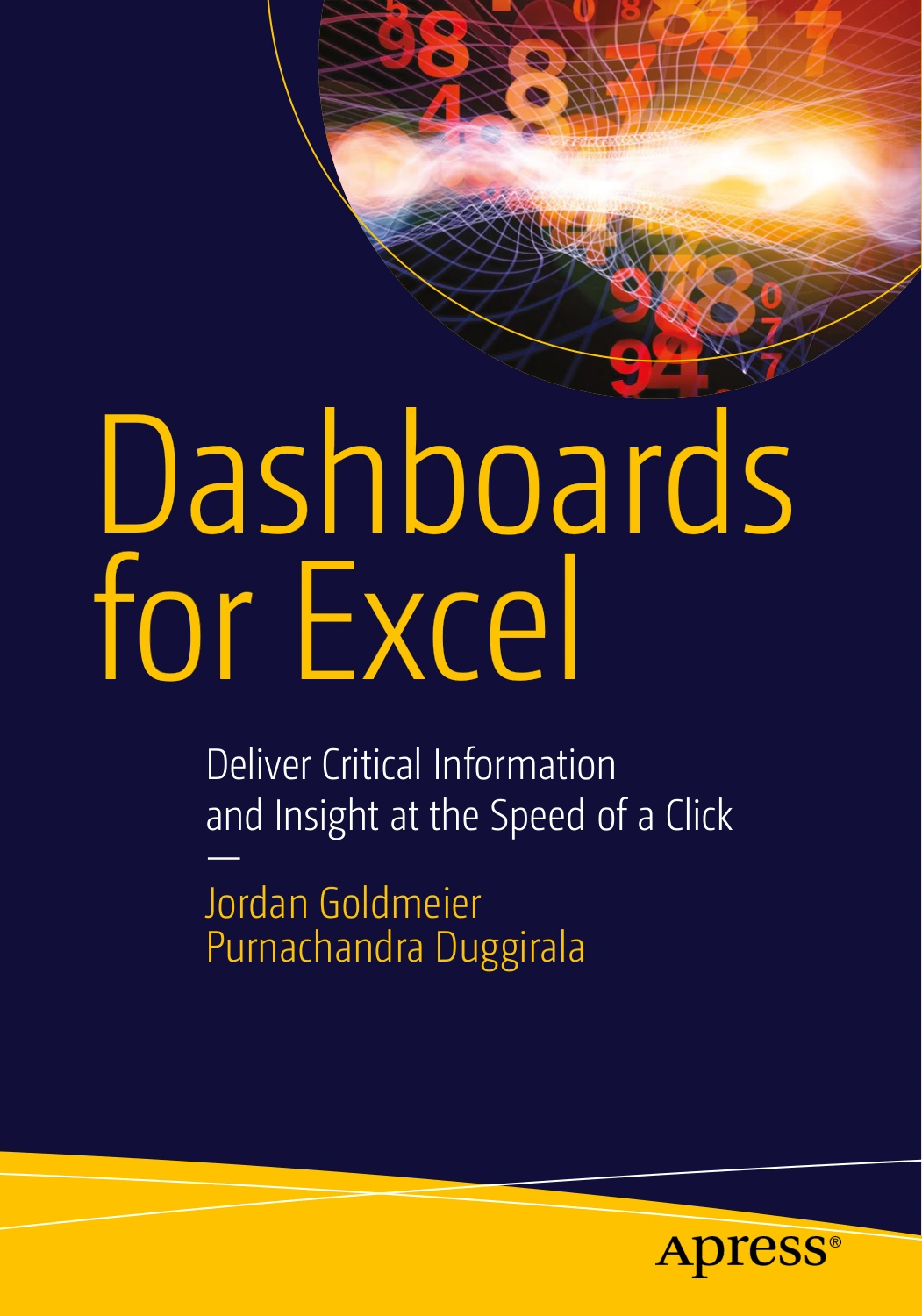
Dashboards for Excel
Original price was: $55.99.$28.00Current price is: $28.00.

Jordan Goldmeier
Product Specs:
- File Type: PDF
- File Size: 32.2 MB
- Book Language: English
- Total Page Count: 545
- Instant Download
A useful Excel dashboard does more than gather charts on one screen: it helps people notice what matters and make sense of the numbers. Dashboards for Excel brings together the visual principles, spreadsheet techniques, and design decisions involved in building interactive dashboards and decision-support tools.
Jordan Goldmeier and Purnachandra Duggirala guide readers from the fundamentals of visualization to more advanced Excel development. The book pairs practical methods with a critical look at common dashboard mistakes—helpful for anyone who wants a spreadsheet to communicate clearly, not just look busy.
Start with how people read information
The opening section examines dashboard design and visual perception, then applies visualization principles to Microsoft Excel. It considers how charts and other visual elements can make information easier to interpret, and why attractive-looking displays do not always work well.
Design beyond the worksheet grid
From dashboard planning and development practices to an introduction to Visual Basic for Applications, the authors explore the choices behind a robust Excel solution. Attention to common pitfalls helps connect the design of a dashboard with the way it behaves in real use.
Bring formulas, charts, and interaction together
Later chapters cover formula concepts, metrics, chart design, form controls, user input, and sensitivity analysis. A multi-chapter interactive Gantt chart example brings together visualization and the presentation of details on demand, showing how separate dashboard elements can work as part of one system.
Explore Excel’s data tools
The final section turns to the Excel 2013 data model, PivotTables, slicers, Power Query, and PowerPivot. Together, these topics provide a broad view of dashboard development, from shaping and presenting information to enabling interaction.
This book is aimed at Excel users who build dashboards or decision-support systems and want to strengthen both their design judgment and their technical approach. Its blend of visualization guidance and hands-on Excel topics makes it a practical reference for developers, analysts, and other spreadsheet practitioners.
Original price was: $55.99.$28.00Current price is: $28.00.






There are no reviews yet.