

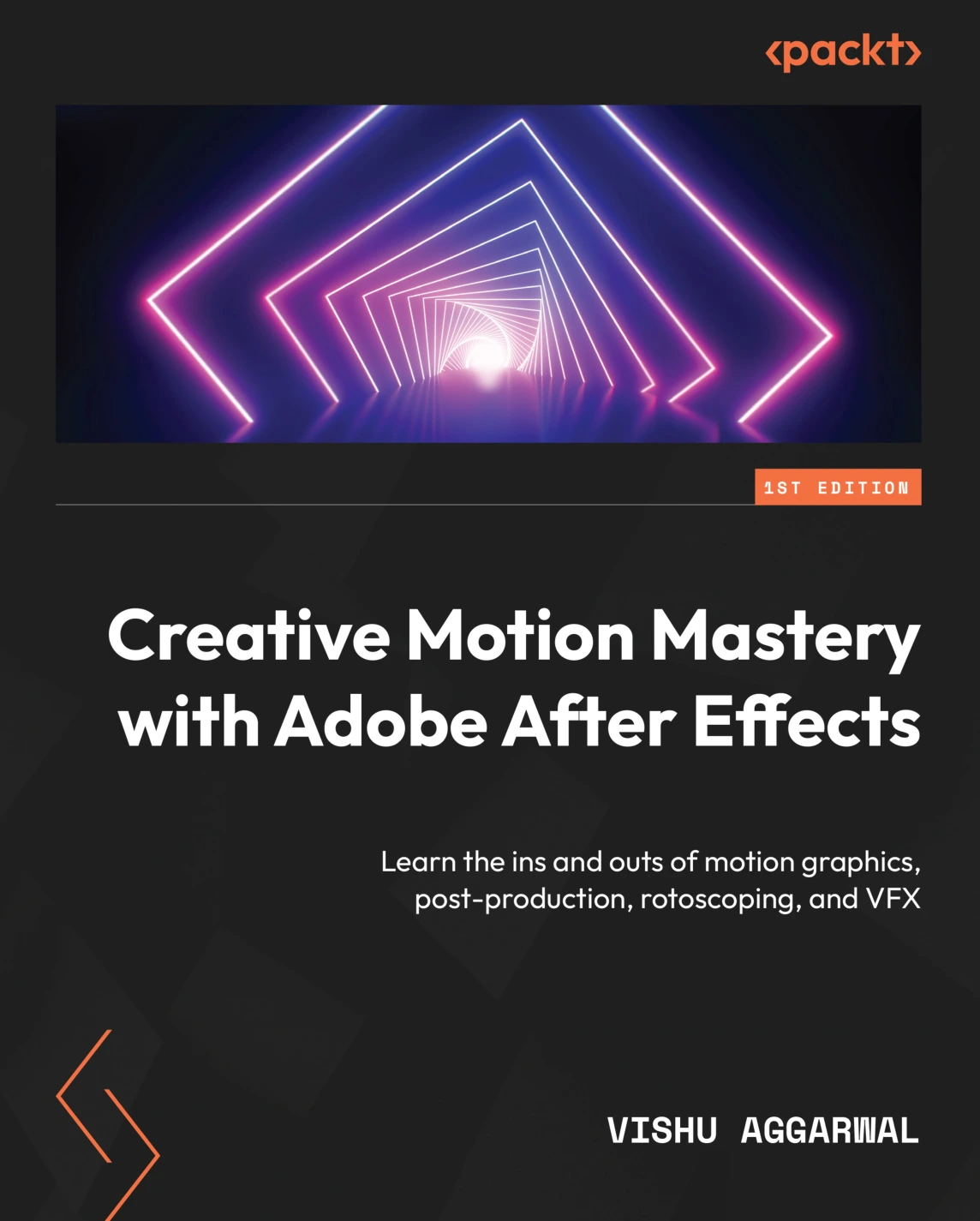
Creative Motion Mastery with Adobe After Effects
Original price was: $34.19.$17.09Current price is: $17.09.

Vishu Aggarwal
Product Specs:
- File Type: PDF
- File Size: 60.0 MB
- Book Language: English
- Total Page Count: 332
- Instant Download
Motion graphics often bring together several disciplines: animation, design, footage, and finishing. Creative Motion Mastery with Adobe After Effects by Vishu Aggarwal approaches that work as a sequence of practical projects, moving from the application’s interface and core workflow into motion design, post-production, and visual effects.
Rather than treating After Effects as a collection of isolated tools, the book connects techniques to the projects they help create—from animated text and graphics to compositing and tracked elements. Its examples are based on After Effects 2022 and later versions.
Start with the workflow, then make things move
The opening chapters introduce the workspace, media imports, compositions, keyframes, effects, and presets. From there, readers work with text and shape layers, build animated charts and transitions, and bring Photoshop and Illustrator artwork into After Effects. The progression gives essential interface skills a clear creative purpose.
Build motion graphics with more control
Text animation, Bezier paths, layer relationships, expressions, and the Graph Editor all feature in the motion-graphics section. A chapter on templates for Premiere Pro also shows how After Effects compositions can be prepared for use in an editing workflow.
Move from animation into post-production
The later material turns to color correction and grading, rotoscoping, mask tracking, and chroma keying. Particle simulations explore effects such as rain, fire, smoke, and snow, while chapters on 2D and 3D tracking address placing graphics into moving footage.
Finish and manage the work
Rendering, export formats, codecs, and project archiving round out the process. That end-to-end emphasis makes this more than a tour of individual effects: it follows the work from setup through delivery.
Who may find it useful
Aimed at graphic and UX/UI designers, e-learning designers, motion graphics artists, video editors, and VFX practitioners, the book is most approachable for readers with at least a little familiarity with After Effects. Knowledge of Photoshop and Illustrator is helpful for the chapters that bring artwork from those applications into animated compositions.
For readers ready to turn After Effects features into finished motion and visual-effects work, Aggarwal’s project-led guide offers a structured place to build that practice.
User Reviews
Be the first to review “Creative Motion Mastery with Adobe After Effects”
You must be logged in to post a review.
Original price was: $34.19.$17.09Current price is: $17.09.




There are no reviews yet.