

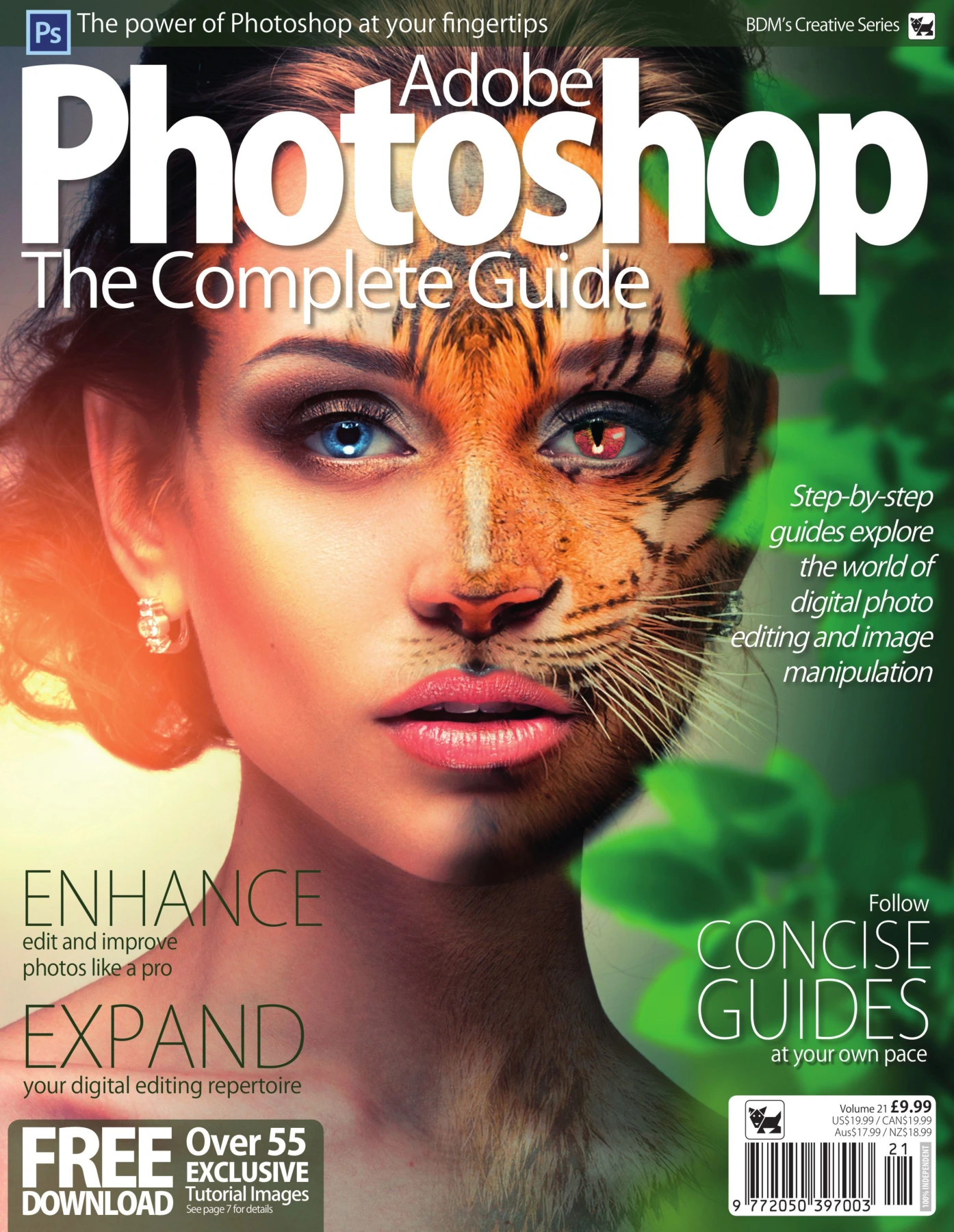
Adobe Photoshop – The Complete Guide VOL 21
Original price was: $5.00.$2.50Current price is: $2.50.

James Gale
Product Specs:
- File Type: PDF
- File Size: 109.4 MB
- Book Language: English
- Total Page Count: 148
- Instant Download
A practical Photoshop guide with a strong hands-on focus
Adobe Photoshop – The Complete Guide is built for readers who want a clear, visual route into photo editing rather than a theory-heavy manual. As part of BDM’s Creative Series, Volume 21, it introduces the Photoshop workspace and then steadily moves into the techniques that matter most in everyday editing: selections, layers, masks, adjustment tools, retouching, raw processing, and creative effects.
The publication’s structure makes its purpose easy to see. It begins with the essentials and then expands into more advanced workflows, including HDR images, blend modes, infrared processing, panorama stitching, and the tilt-shift effect. That progression gives the book a workshop feel: each section builds on the one before it, making it useful for readers who like to learn by doing.
What the guide covers
- Main interface and tool overview
- Selections, healing tools, clone stamping, and brush-based editing
- Layers, masks, curves, levels, and adjustment layers
- Exposure, contrast, saturation, and lens correction
- Adobe Camera Raw and raw file workflows
- Creative text effects, skin retouching, HDR, blend modes, and tilt-shift
Built for steady skill-building
This title suits readers who want a structured Photoshop reference they can return to while working on real images. The step-by-step layout is especially helpful for photographers and creative hobbyists who prefer a sequence of practical demonstrations over a quick-start overview.
If you’re looking for a visual Photoshop manual that starts with the fundamentals and keeps moving toward more ambitious editing techniques, this volume offers a well-organized path through the software’s core creative tools.
User Reviews
Be the first to review “Adobe Photoshop – The Complete Guide VOL 21”
You must be logged in to post a review.
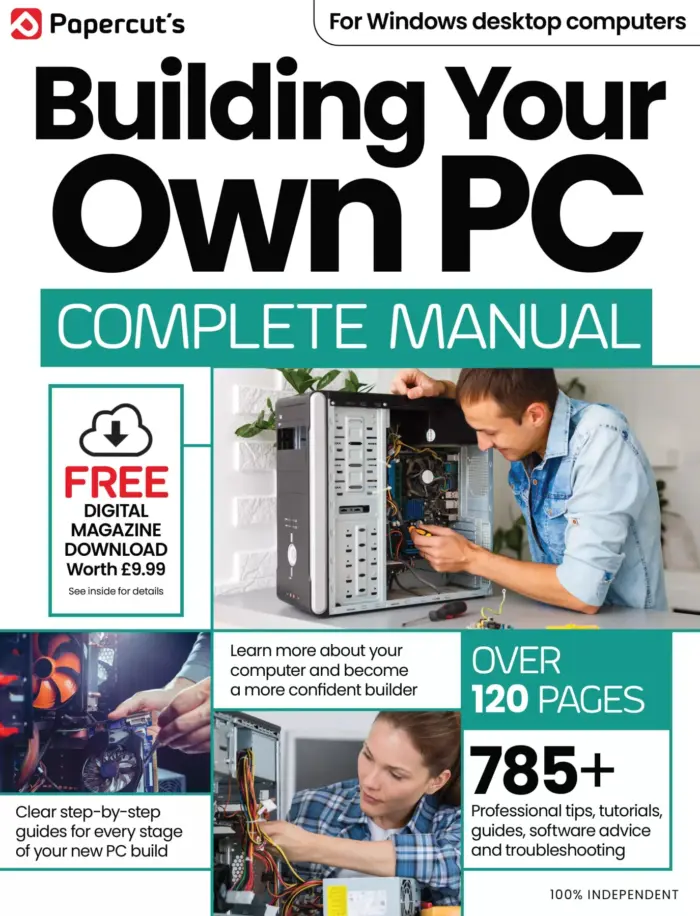
Building Your Own PC The Complete Manual
Sold by James Gale Original price was: $5.00.$2.50Current price is: $2.50.


There are no reviews yet.