

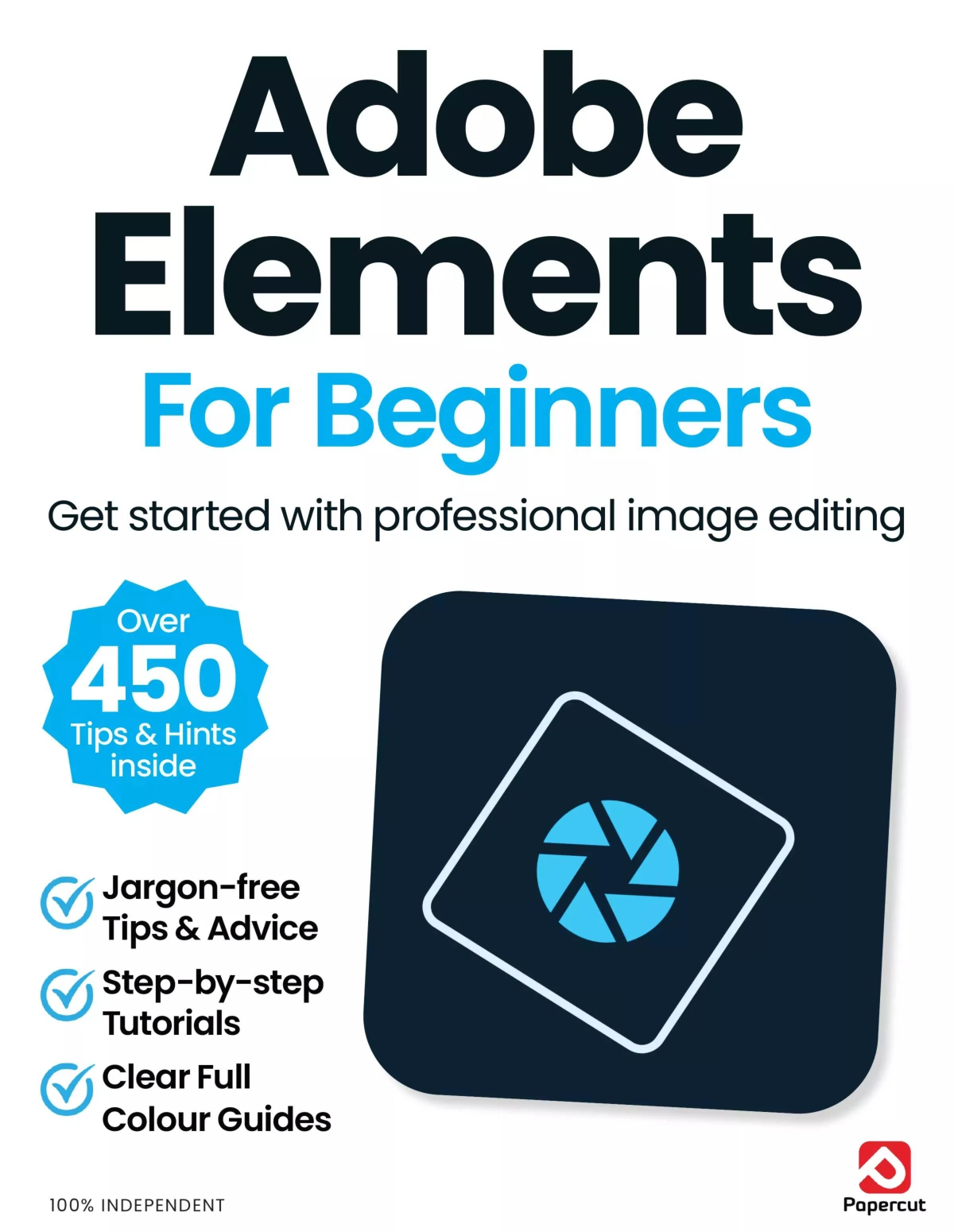
Adobe Photoshop Elements For Beginners
Original price was: $13.36.$6.68Current price is: $6.68.

Papercut
Product Specs:
- File Type: PDF
- File Size: 48.8 MB
- Book Language: English
- Total Page Count: 80
- Instant Download
Adobe Photoshop Elements For Beginners is a clear, practical introduction to one of Adobe’s most approachable photo-editing tools. Written for new users, it focuses on getting comfortable with the software’s core spaces and everyday tasks without assuming prior experience.
A friendly path into Photoshop Elements
The opening material sets the tone immediately: this is a beginner guide that aims to make Photoshop Elements feel usable, not intimidating. It introduces the program as both an editor and an organiser, then helps readers understand where each part fits into a simple photo workflow.
What the guide covers
- The Home screen and main starting points
- Quick, Guided, and Expert editing modes
- Organising and cataloguing photos
- Tagging, rating, and sorting images
- Using Camera Raw and related editing tools
- Common beginner tasks such as cropping, retouching, and basic adjustments
Built for step-by-step learning
The book’s structure is especially helpful for readers who learn best by doing. It moves through the software in a guided, hands-on way, with chapters arranged to support gradual skill-building rather than information overload. That makes it a sensible choice for anyone who wants a plain-English introduction to Photoshop Elements and the Organiser.
Why readers may appreciate it
Instead of treating photo editing as a technical puzzle, the guide keeps the focus on practical use: importing images, organising a collection, and making straightforward improvements with confidence. It is a natural fit for beginners, hobby photographers, and anyone who wants a printed-style walkthrough of the software’s main features.
At a glance
Subject: Adobe Photoshop Elements and photo organisation
Approach: Beginner-friendly, step-by-step instruction
Focus: Editing, organising, and learning the software’s main workspaces
If you are looking for a straightforward introduction to Photoshop Elements, this guide offers a calm, structured place to start 📷
User Reviews
Be the first to review “Adobe Photoshop Elements For Beginners”
You must be logged in to post a review.

Internet Security User Manual — Issue 6 (2025)
Sold by Papercut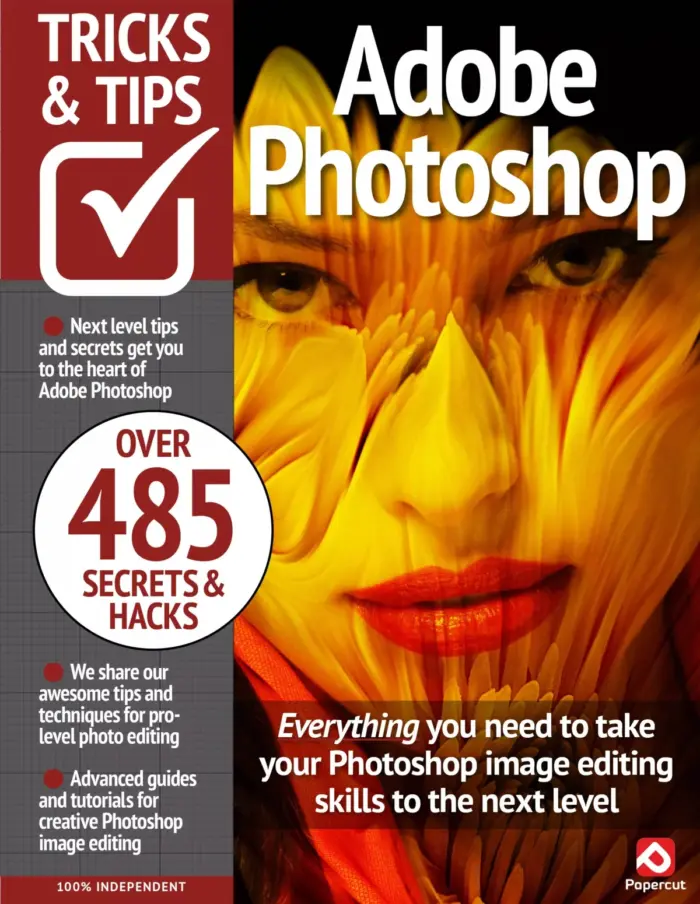
Adobe Photoshop Tricks & Tips
Sold by Papercut
GoPro The Complete Manual – Summer 2026 (28th Edition)
Sold by Papercut
Instagram Tricks & Tips — 19th Edition (2024)
Sold by Papercut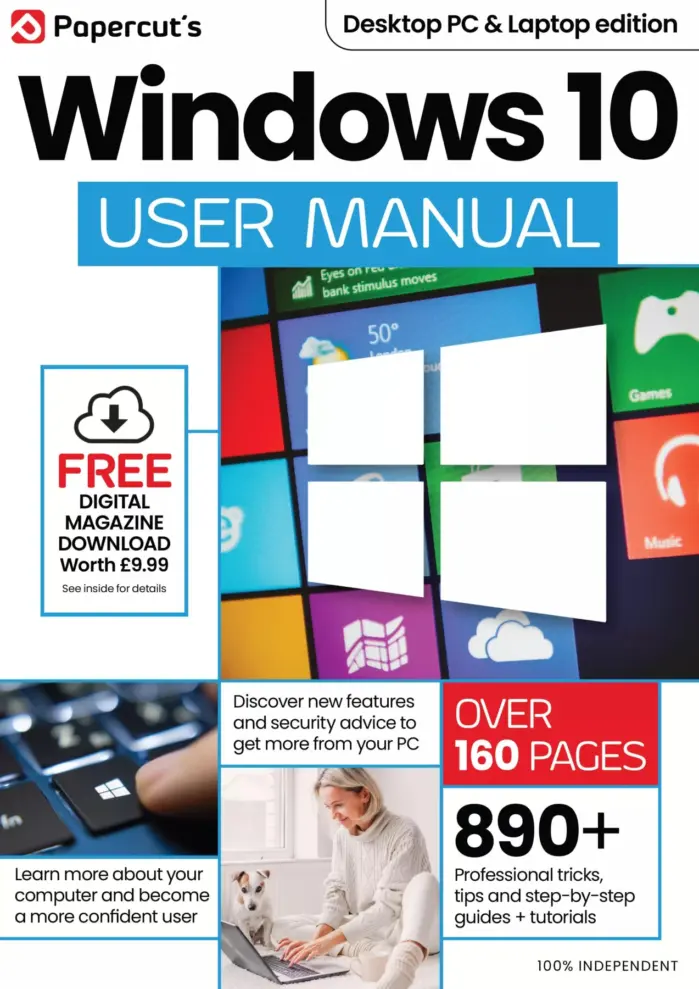
Papercut’s Windows 10 User Manual – 24th Edition, 2025
Sold by Papercut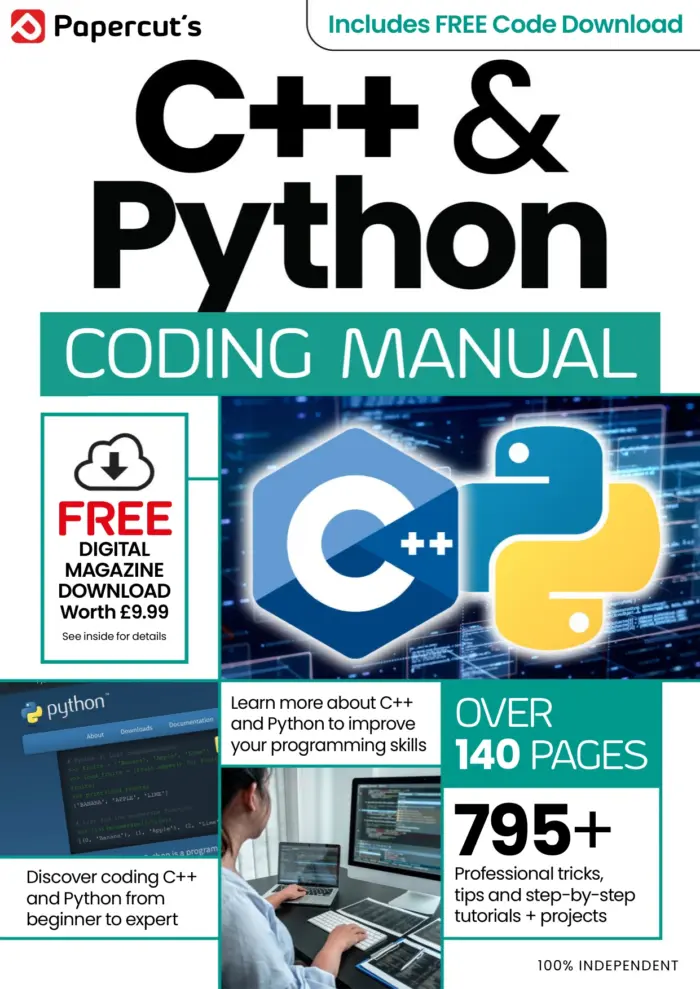
Python & C++ The Complete Manual Issue 7
Sold by Papercut Original price was: $13.36.$6.68Current price is: $6.68.



There are no reviews yet.