

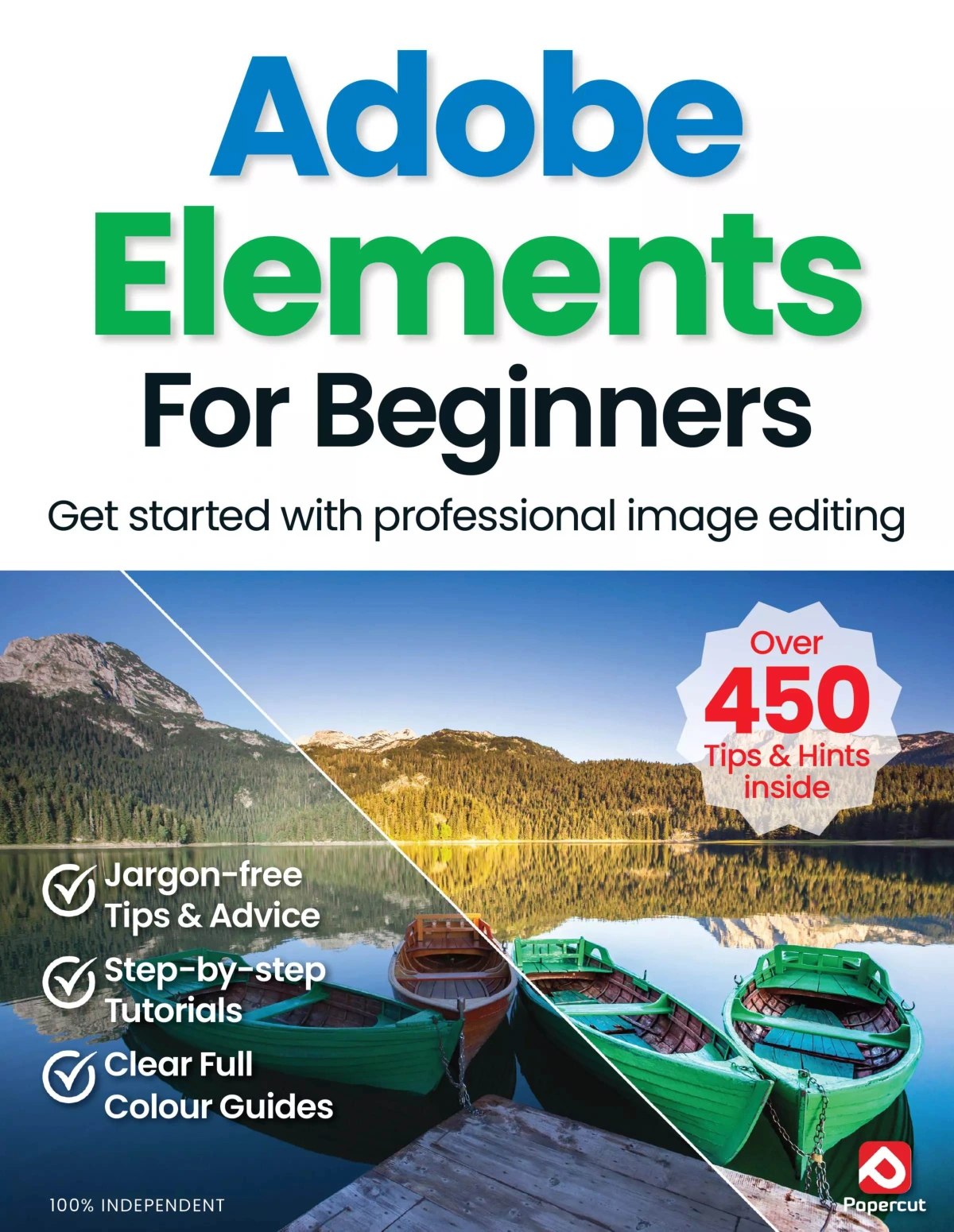
Adobe Elements For Beginners
Original price was: $10.70.$5.35Current price is: $5.35.

Papercut
Product Specs:
- File Type: PDF
- File Size: 50.2 MB
- Book Language: English
- Total Page Count: 82
- Instant Download
Adobe Elements For Beginners is a practical, beginner-friendly guide to Adobe Photoshop Elements, built for readers who want a clear path into photo editing without wading through jargon. The book focuses on the essentials: how the software is organised, what each workspace does, and how to start editing and managing your photos with confidence.
Start with the basics, then build from there
The opening chapters introduce Photoshop Elements in plain, accessible language. You get a guided tour of the Home screen, the Editor, and the Organiser, along with the core ideas behind each area. That makes it easier to understand where to work, what to click, and how the different parts of the program fit together.
Learn the main editing workspaces
The guide covers the software’s Quick, Guided, and Expert modes, showing how they serve different kinds of tasks. Quick Edit is aimed at fast fixes and common corrections, while Guided Mode offers step-by-step help for popular edits. Expert Mode brings together a fuller set of tools for hands-on editing and more detailed control.
Get organised as you edit
Photo editing is only half the story here. The Organiser section explains how to sort, tag, rate, and search your images, with coverage of albums, keywords, people tagging, locations, and related cataloguing tools. For anyone with a growing photo library, that practical side of Elements is often just as useful as the editing features themselves.
Designed for new users
This edition is clearly aimed at readers who are new to Photoshop Elements or who want a straightforward refresher on the current interface and workflow. The tone is instructional and approachable, with an emphasis on making the software feel manageable from the first page onward.
If you are looking for a clear introduction to Adobe Photoshop Elements and a sensible way to get started with image editing and photo organisation, this title fits that brief neatly.
User Reviews
Be the first to review “Adobe Elements For Beginners”
You must be logged in to post a review.

Online Security For Beginners (23rd Edition 2026)
Sold by Papercut
Adobe Photoshop For Beginners
Sold by Papercut
Adobe Photoshop for Beginners – 23rd Edition 2026
Sold by Papercut
Google User Manual – Issue 5, 2024
Sold by Papercut
Make Your Own PC Tricks & Tips – 23rd Edition 2026
Sold by Papercut
Coding & Programming User Manual
Sold by Papercut Original price was: $10.70.$5.35Current price is: $5.35.






There are no reviews yet.