

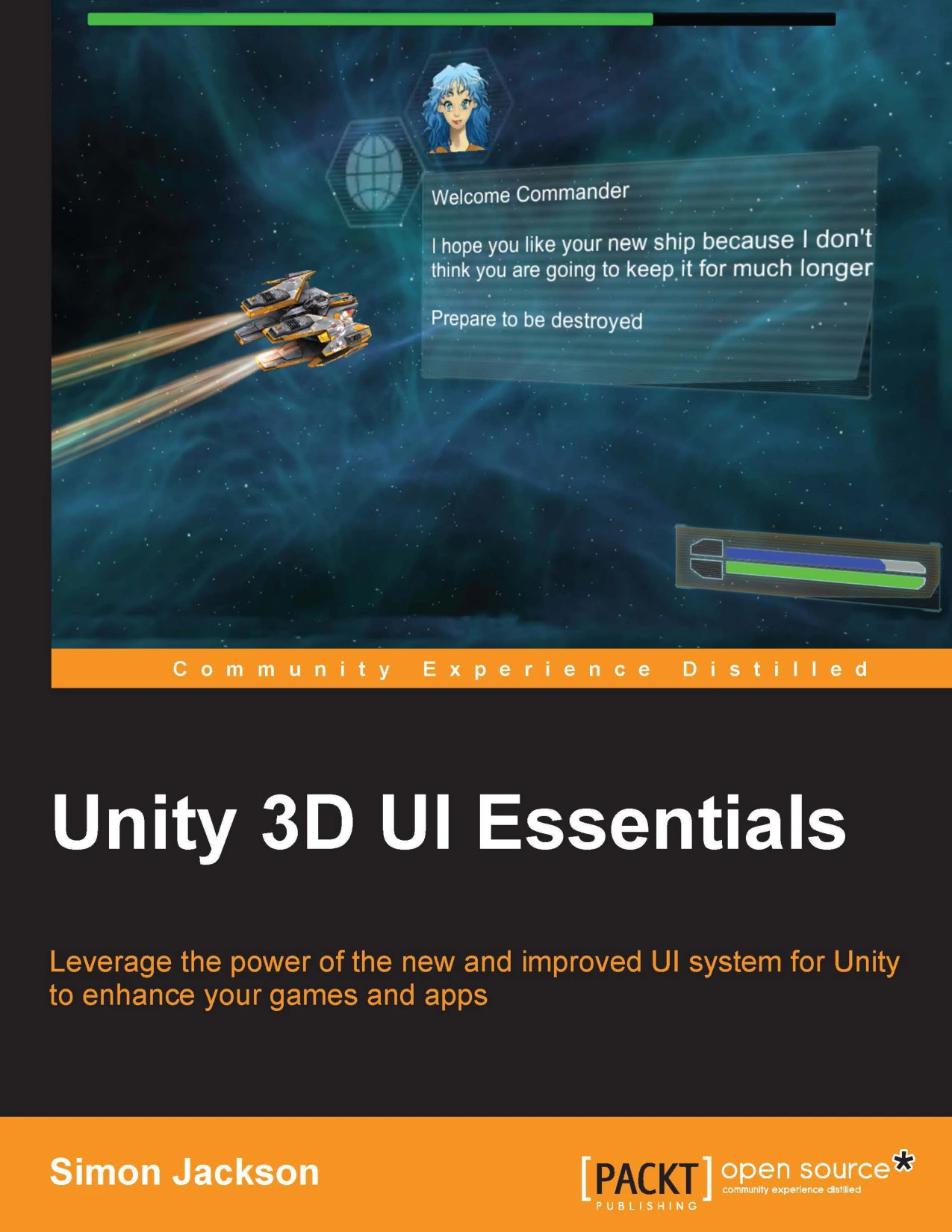
Unity 3D UI Essentials
Original price was: $5.00.$2.50Current price is: $2.50.

Simon Jackson
Product Specs:
- File Type: PDF
- File Size: 6.6 MB
- Book Language: English
- Total Page Count: 280
- Instant Download
Build Better Unity Interfaces Without the Old GUI Pain 🎮
Unity’s user interface system has not always been friendly. For years, developers wrestled with a limited GUI that made polished menus, HUDs, and in-game screens harder than they needed to be. Unity 3D UI Essentials arrives as that old workflow was being replaced by a more flexible, canvas-based approach. Simon Jackson offers practical guidance for using this improved toolset to create interfaces that feel like natural parts of your game or application.
This ebook is designed to help you move from scattered UI experiments to a reliable, reusable way of building screens and interactive elements. The emphasis stays on real projects: how layouts adapt, how events flow, and how to keep your interface code clean while you focus on the experience players actually see.
What You’ll Explore ⚙️
Jackson works from the ground up, introducing the key components of Unity’s UI pipeline and then connecting them to game logic. Expect to work with:
- Canvas hierarchies and how they affect rendering order
- Layout groups, anchors, and responsive scaling for multiple screen sizes
- Event handling, buttons, sliders, input fields, and interactive feedback
- UI animation and transitions that give interfaces a more polished feel
- Ways to connect UI state to gameplay code without turning your project into a tangled mess
Each area is explained with a focus on practical implementation, so you can test ideas quickly and see how changes affect the final result.
Why This Book Matters Now
Good UI can make the difference between a title that feels intuitive and one that frustrates players within seconds. Unity’s newer UI system offers a much better starting point, but its many components and options can still overwhelm developers new to the engine or coming from older GUI approaches. This guide reduces that learning curve by showing how the pieces fit together in real game scenarios.
Because the book was written as Unity’s modern UI workflow was gaining momentum, it captures the core concepts that continue to underpin UI development in the engine today. That makes it a useful reference for understanding how layouts, events, and rendering work behind the scenes.
Who Should Read This Book
If you’re a Unity developer who has avoided deep UI work, or you’re building your first game and need to create menus, inventory screens, or HUD elements, this book gives you a structured introduction. It will also suit developers who have used the older Unity GUI and want to update their knowledge to the newer component-based approach.
No prior UI-specific experience is required, though basic familiarity with Unity and C# scripting will help you get the most from the examples.
Digital Delights Note
This ebook edition gives you the full text in a searchable, portable format. Whether you’re working through the examples alongside the engine or using the book as a reference while you build, it’s designed to fit into a real development workflow.
User Reviews
Only logged in customers who have purchased this product may leave a review.
Original price was: $5.00.$2.50Current price is: $2.50.





There are no reviews yet.