

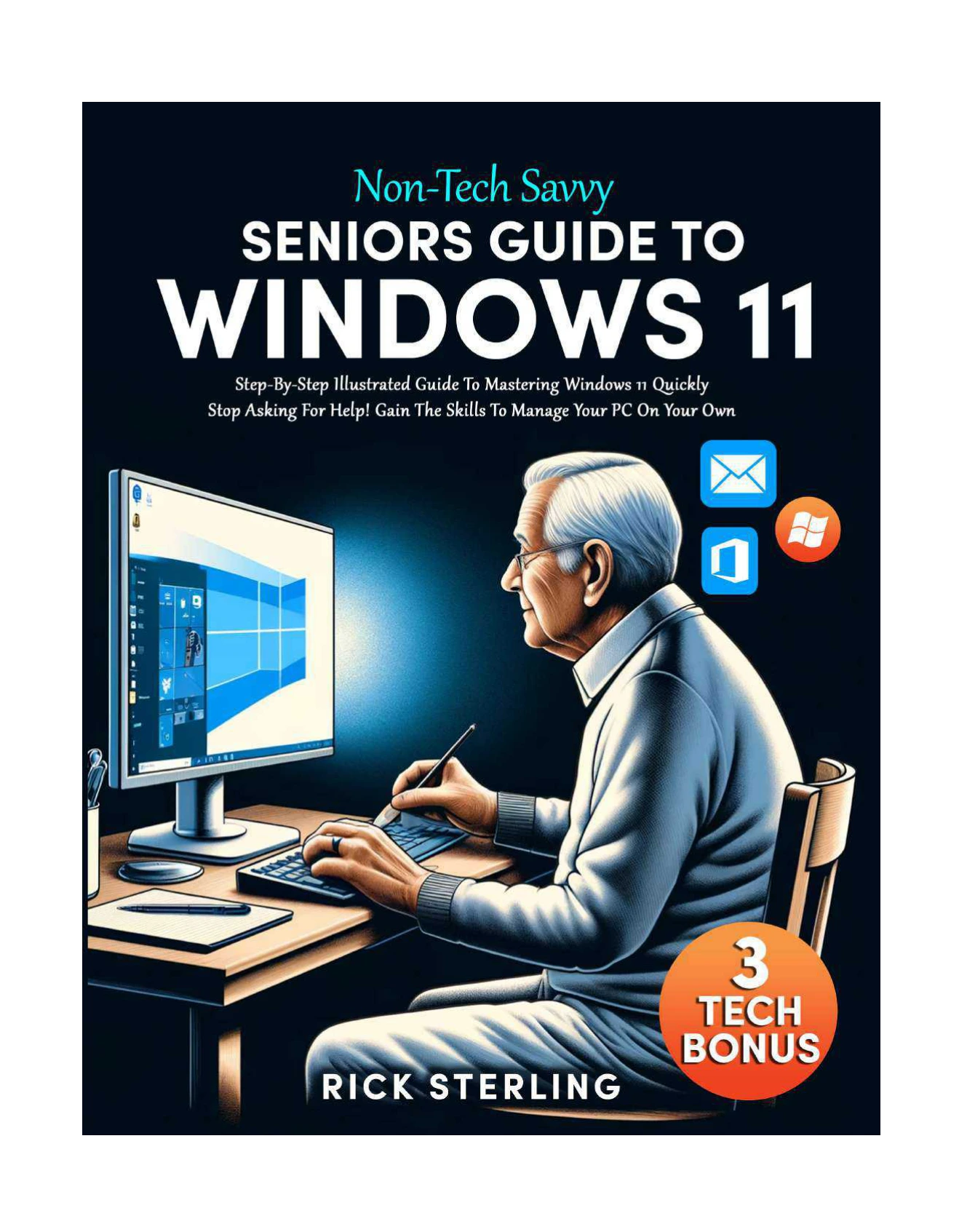
Non-Tech Savvy Seniors Guide to Windows 11
Original price was: $5.00.$2.50Current price is: $2.50.

Rick Sterling
Product Specs:
- File Type: PDF
- File Size: 19.7 MB
- Book Language: English
- Total Page Count: 127
- Instant Download
A Gentle Introduction to Windows 11 for Seniors 💻
Windows 11 can feel like a new neighbourhood: the streets are familiar, but the landmarks have moved. Rick Sterling’s Non-Tech Savvy Seniors Guide to Windows 11 is written for readers who want a calm, patient tour rather than a technical manual. Published in 2024, it starts with the big picture—what Windows 11 is, why Windows remains so widely used, and how the newest version differs from Windows 10 and earlier releases—before moving into the everyday tasks that matter most.
From File Explorer to Personal Settings
The early chapters focus on getting comfortable with the desktop. Readers are introduced to File Explorer, copying and pasting files, creating folders, sorting and viewing items, and finding files that seem to have disappeared. From there, the guide turns to Settings, Microsoft accounts, local accounts, Windows Hello sign-in options, personalisation, taskbar changes, notifications, and Start menu customisation. Accessibility features receive dedicated attention, including contrast themes, touch keyboard options, font and visual adjustments, colour filters, and pointer visibility.
Everyday Skills, Explained Step by Step
Later chapters widen the scope to common activities:
- Exploring the desktop, managing windows, using Snap layouts, taking screenshots, and creating multiple desktops.
- Setting up printers and scanners, connecting Bluetooth devices, and linking an Android phone.
- Installing useful applications such as Google Chrome, VLC Media Player, Norton Antivirus, WhatsApp, and Zoom.
- Backing up important documents and photos, and choosing between OneDrive, Google Drive, and Dropbox.
- Browsing the web with Microsoft Edge or Google Chrome, managing bookmarks, tabs, history, private browsing, and pop-ups.
- Staying safer online by recognising phishing emails, creating stronger passwords, and using two-factor authentication.
- Sending and receiving email through the Windows Mail app and Gmail, including attachments, formatting, and spam folders.
Bonus Material for Extra Confidence
The book closes with bonus chapters that are especially useful for uncertain readers: 30 quick Windows 11 tips, a common-questions FAQ, a glossary of terms, and a conclusion that pulls the lessons together. Rather than assuming prior knowledge, the guide explains each feature in plain language and keeps the focus on practical results—being able to find a file, change a setting, send a message, or browse without worry.
Who Will Find This Guide Useful?
This is a strong fit for seniors, absolute beginners, and anyone who has felt overwhelmed by a new computer or a Windows update. It is also helpful for family members, friends, or carers who want a shared reference when assisting someone else. The tone is reassuring rather than patronising, and the scope is broad enough to serve as a first handbook for Windows 11.
Start at Your Own Pace ✨
Available as a digital ebook from Digital Delights, this guide can be read in order or dipped into whenever a particular task comes up. If you have been putting off learning Windows 11 because it looks too different, this book offers a straightforward way to build familiarity one step at a time.
User Reviews
Be the first to review “Non-Tech Savvy Seniors Guide to Windows 11”
You must be logged in to post a review.
Original price was: $5.00.$2.50Current price is: $2.50.






There are no reviews yet.