

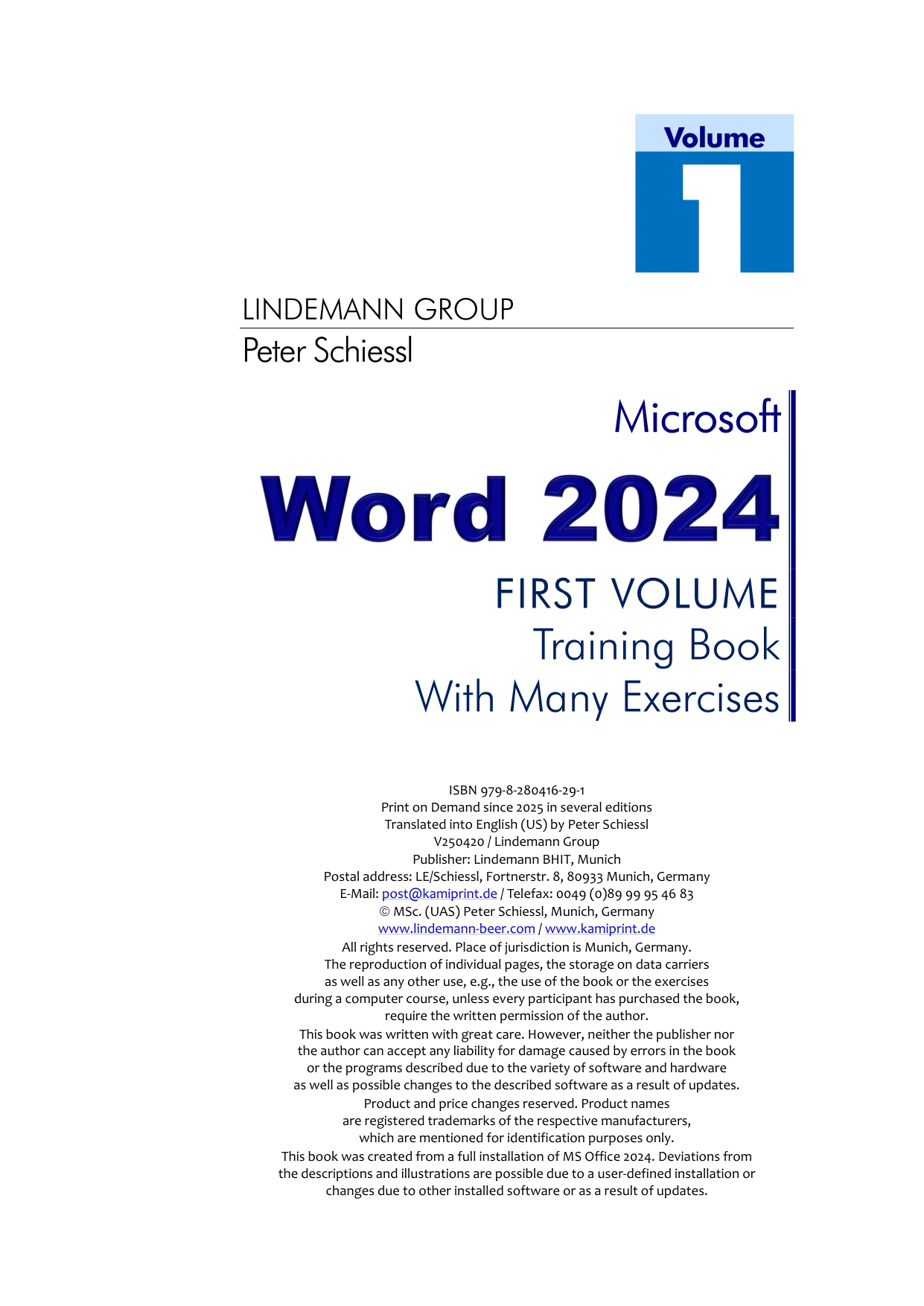
MS Word 2024 – Volume 1
Original price was: $5.00.$2.50Current price is: $2.50.

Peter Schiessl
Product Specs:
- File Type: PDF
- File Size: 44.9 MB
- Book Language: English
- Total Page Count: 135
- Instant Download
Build a Solid Foundation in Microsoft Word 2024 💻
Microsoft Word remains the go-to tool for writing, formatting, and sharing documents in homes, schools, and offices. This first volume of Peter Schiessl’s MS Word 2024 series gives beginners a carefully paced introduction to the program, starting with the essentials and moving step by step into practical formatting skills.
Rather than jumping between disconnected tips, the book follows a logical teaching sequence. You begin with the basic operation and structure of Word, write your first texts, and learn how to format and save them. Later chapters expand into font selection, special paragraphs, borders, shading, page setup, hyphenation, spell checking, quick links, icons, tabs, and tables. The volume closes with WordArt, a letter-writing exercise, and the Help system.
What This Volume Covers 📝
- Getting around the Word interface and understanding its structure
- Writing, formatting, and saving your first documents
- Choosing fonts and handling special paragraphs
- Adding borders and shading for clearer pages
- Setting up pages, hyphenation, and spell checking
- Using quick links and icons
- Aligning text with tabs and tables
- Creating WordArt, drafting a letter, and using Help
From First Text to Confident Formatting
Each topic builds on the last. By the time you reach tabs and tables, you have the context to use them well. The book keeps the focus on practical, everyday document work, making it a suitable companion for self-study or a classroom setting.
Who This Book Is For
If you are new to Microsoft Word 2024, returning to the program after a break, or teaching others the basics, this volume offers a structured path. Students, office users, and anyone who needs clear written documents will find the progression helpful. It is also a useful reference for instructors who want a ready-made sequence for introductory lessons.
Why Start with Volume 1?
Word has many features, but a strong foundation makes the rest easier to learn. This first volume deliberately focuses on the core skills that every document depends on: entering text, shaping paragraphs, laying out pages, and saving your work. That focus makes it easier to build good habits from the beginning.
Begin Your Word 2024 Journey
Add MS Word 2024 – Volume 1 to your Digital Delights library and work through the essentials at your own pace. Whether you are preparing for study, work, or personal projects, the clear progression from basic operation to practical formatting gives you a dependable starting point.
User Reviews
Only logged in customers who have purchased this product may leave a review.
Original price was: $5.00.$2.50Current price is: $2.50.





There are no reviews yet.