

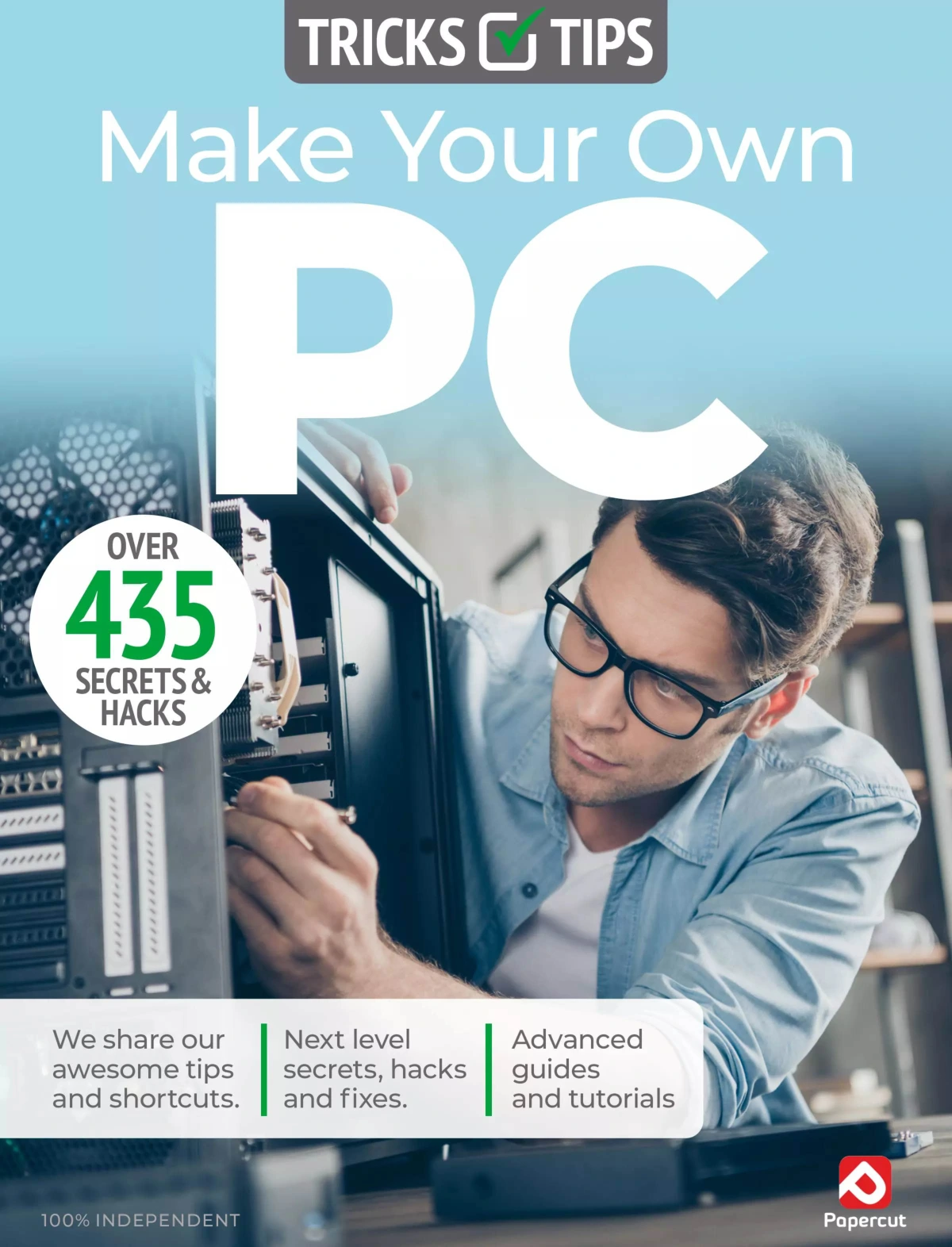
Make Your Own PC Tricks & Tips: 22nd Edition 2025
Original price was: $13.36.$6.68Current price is: $6.68.

Papercut
Product Specs:
- File Type: PDF
- File Size: 46.7 MB
- Book Language: English
- Total Page Count: 80
- Instant Download
A Practical Companion for Confident PC Ownership
Make Your Own PC Tricks & Tips is aimed at the reader who wants more from their desktop computer than a factory-built box can offer. The 22nd Edition 2025 takes a task-based approach, moving from the physical build of a PC through software installation, upgrades, maintenance, and a first look at Linux. It is written for users who want to understand what happens inside the case and why it matters.
Across its 80 pages, the guide combines step-by-step instruction with the kind of shortcuts and insider knowledge that come from decades of hands-on experience.
Start with the Build ⚙️
The hardware section works through a complete first build in a logical order. You begin with preparation: choosing a case, removing panels, and fitting motherboard standoffs correctly. From there, the guide covers:
- Navigating the motherboard and fitting the CPU
- Adding a CPU cooler and memory modules
- Installing the motherboard, hard drive, and optical drives
- Fitting the graphics card and power supply unit
- Making power connections and managing cables
- Final checks, first boot, and troubleshooting a build
Each stage is presented as a clear sequence, which helps new builders avoid the common mistakes that turn a straightforward assembly into a frustrating afternoon.
Software, Drivers, and a Faster Machine 💻
Once the hardware is running, the guide shifts to the software side of ownership. It explains how to install the Windows OS and how to upgrade from Windows 7 or 8.1. There are sections on updating the motherboard BIOS, refreshing device drivers, and optimising a PC for better performance. Security is covered too, with practical guidance on protecting a machine from malware.
Upgrade Paths That Extend a PC’s Life
Upgrading is treated as a normal part of PC ownership rather than a specialist job. The guide looks at moving to a solid-state drive and migrating Windows 10 to a new SSD, two changes that can make an older system feel considerably more responsive. The emphasis is on understanding the purpose of each upgrade, not just following instructions blindly.
Linux and the Essential App Toolkit 🧠
A later section introduces Linux, including installation on a PC, for readers who want to explore an alternative operating system. The guide also rounds out its software coverage with 20 essential apps, giving readers a starting point for building a useful everyday setup.
Who Will Get the Most from This Edition
This edition is well suited to desktop users who are comfortable with everyday computing but want to become more self-reliant. It will appeal to first-time builders, people upgrading an existing PC, and anyone who would rather understand a hardware problem than immediately replace the machine. The material assumes an interest in how computers work, but it does not require prior build experience.
A Digital Reference for the Workbench
Because the publication is structured around tasks, it works naturally as a digital reference. You can jump to the build stage, software installation, or upgrade section you need without reading from cover to cover. For readers who want to save money, learn more about how computers work, and set themselves up to solve hardware problems in the future, this 22nd Edition offers a practical place to start.
User Reviews
Be the first to review “Make Your Own PC Tricks & Tips: 22nd Edition 2025”
You must be logged in to post a review.

Apple Watch Tricks & Tips 8 – 2025 UK
Sold by Papercut
Adobe Lightroom For Beginners
Sold by Papercut
Adobe Photoshop Elements For Beginners
Sold by Papercut
Adobe Photoshop for Beginners – 23rd Edition 2026
Sold by Papercut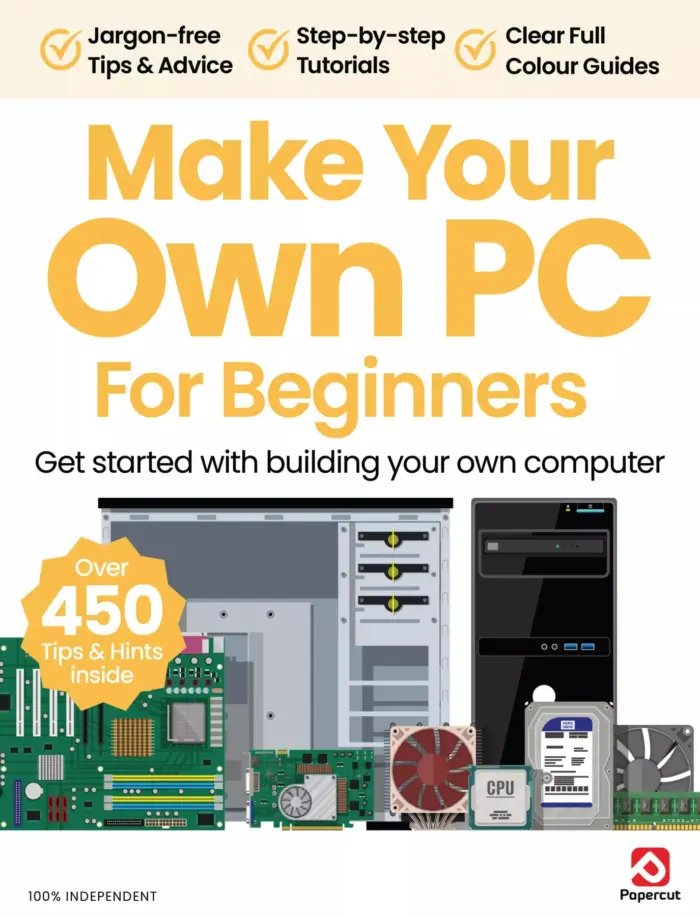
Make Your Own PC For Beginners – 22nd Edition 2025
Sold by Papercut Original price was: $13.36.$6.68Current price is: $6.68.






There are no reviews yet.