

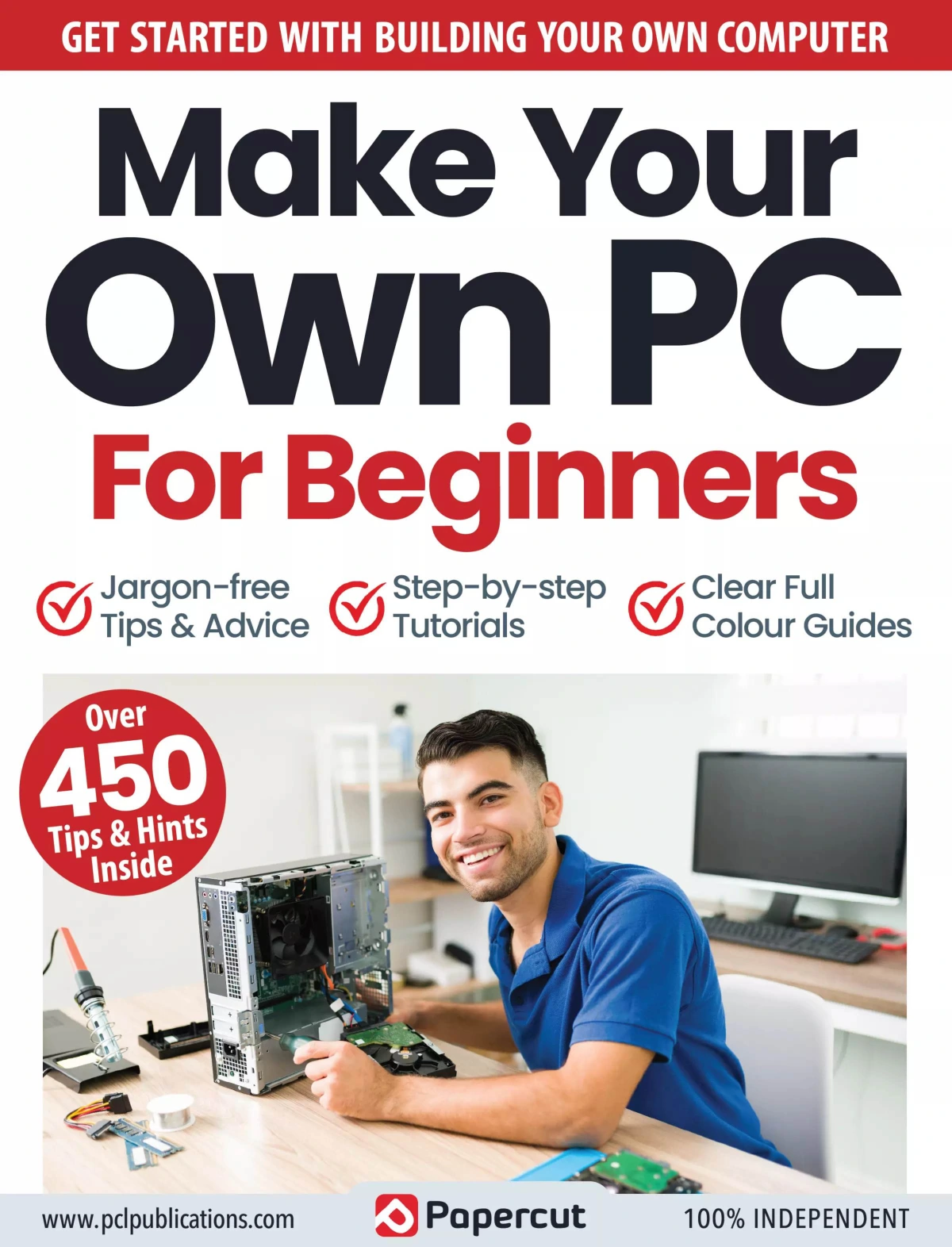
Make Your Own PC For Beginners – October 2023
Original price was: $7.04.$3.52Current price is: $3.52.

Papercut
Product Specs:
- File Type: PDF
- File Size: 31.9 MB
- Book Language: English
- Total Page Count: 54
- Instant Download
Build a PC From the Ground Up 💻
Putting together your own computer can feel like a closed door if you have never seen inside a case. Make Your Own PC For Beginners: October 2023 opens that door with a clear, jargon-free route from the planning stage to a finished build. This 54-page guide from Papercut is written for readers who are starting from zero, but it also respects anyone who has tinkered with upgrades and wants a more confident, structured approach.
Instead of treating PC building as a list of parts, the guide shows how each decision affects the next. Choosing Intel or AMD, for example, shapes the motherboard, processor, and upgrade path. That kind of joined-up thinking is what helps a first build go smoothly.
What the Guide Covers ⚙️
The contents move through the major stages of a custom build:
- Planning your build and setting a realistic budget
- Choosing the right system type, case, and motherboard
- Selecting a processor, RAM, and storage combination
- Understanding graphics cards, power requirements, and optical drives
- Adding expansion cards, cooling, and cable management
- Pre-build precautions and a jargon buster for unfamiliar terms
There is also practical advice on spreading the cost, taking advantage of component deals, and avoiding the bloatware that often comes with pre-built systems.
Intel, AMD, and the Choices That Matter 🧠
For many new builders, the first real fork in the road is the platform. The guide explains why Intel and AMD systems are not interchangeable, and how that choice influences the motherboard and every major component you buy later. It covers the appeal of Intel for gaming and multimedia builds, the value that can be found in previous-generation chips, and the importance of socket compatibility. This is not about pushing one brand over another; it is about helping you understand the trade-offs well enough to make your own call.
Cooling, Longevity, and Learning as You Build 💡
Cooling receives proper attention, with explanations of airflow, fan placement, CPU heatsinks, and graphics card coolers. The guide connects good cooling to better longevity, which is a useful way to think about a build you intend to live with for years. It also highlights the learning that comes from assembling a PC yourself: you finish with a machine you understand, and future upgrades feel far less daunting.
Who This Guide Is For
This edition is aimed at beginners, but it does not assume you want to stay a beginner forever. If you are weighing up a first self-build, trying to make sense of component lists, or simply curious about what goes on inside the case, the step-by-step structure gives you a sensible place to start. It is a practical companion for anyone who wants to save money, choose exactly the right parts, and get the satisfaction of pressing the power button on a PC they built themselves.
User Reviews
Be the first to review “Make Your Own PC For Beginners – October 2023”
You must be logged in to post a review.

iPad & iPadOS 17 Tricks & Tips: 7th Edition 2025
Sold by Papercut
Online Security Tricks & Tips – 22nd Edition, 2025
Sold by Papercut
Apple Watch Complete Manual – 14th Edition 2026
Sold by Papercut
Adobe Elements User Manual – 20th Edition 2025
Sold by Papercut
Adobe Photoshop for Beginners
Sold by Papercut
Instagram Tricks & Tips
Sold by Papercut Original price was: $7.04.$3.52Current price is: $3.52.






There are no reviews yet.