

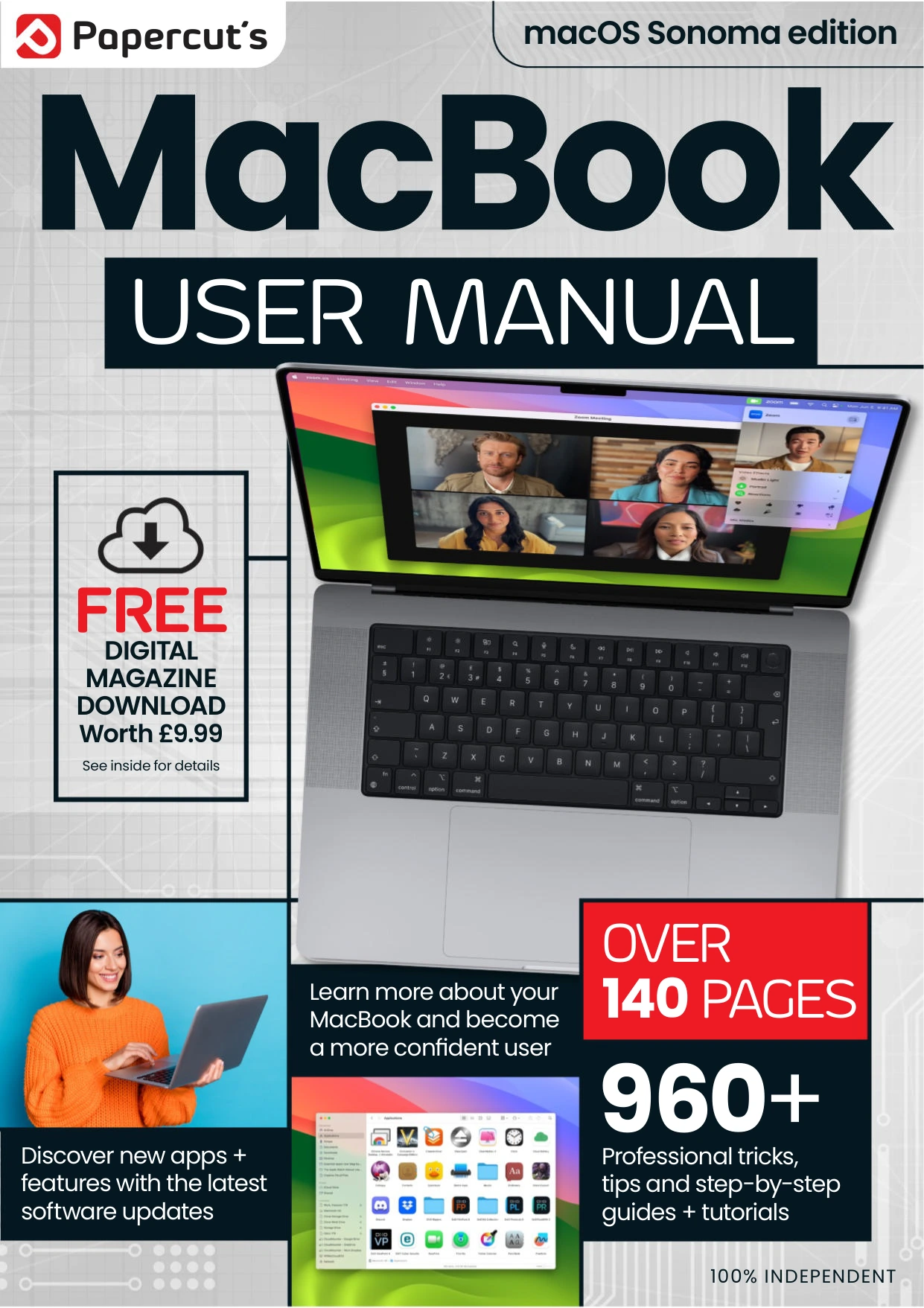
MacBook & macOS The Complete Manual — Issue 5
Original price was: $13.36.$6.68Current price is: $6.68.

Papercut
Product Specs:
- File Type: PDF
- File Size: 50.8 MB
- Book Language: English
- Total Page Count: 148
- Instant Download
macOS Sonoma brings new features to the MacBook desktop, but getting comfortable with them is easier when the everyday essentials are clear, too. MacBook & macOS The Complete Manual — Issue 5 is a hands-on guide that moves from setting up a MacBook to using its apps, connected-device features and security tools.
Its practical, step-by-step approach makes this issue useful for readers who want to find their way around Sonoma and understand how familiar Mac features fit together.
Start with the MacBook essentials 💻
The opening section covers first-time setup, Touch ID, the Sonoma desktop, trackpad gestures, desktop widgets, Wi-Fi and Ethernet, Finder, the Dock, notifications and Spotlight. It also explains organizational touches such as Desktop Stacks, alongside display options including Dark Mode and Night Shift.
Get more from the apps you use every day
Later pages turn to Safari, Mail, Photos, Contacts, Calendar, Reminders, Messages, FaceTime, Maps, Notes and other built-in apps. The coverage ranges from setting up and navigating an app to using selected features for tasks such as editing photos, planning events and managing messages.
See how your Apple devices work together
Issue 5 explores Stage Manager, Continuity, Universal Control and Continuity Camera, as well as iCloud storage and syncing. These sections show how MacBook features can extend across compatible Apple devices and services.
Keep your MacBook backed up and up to date
The closing topics include Time Machine backups, external drives, macOS updates, privacy and security. Together, they round out the guide with practical attention to maintaining and protecting a MacBook, not just finding your way around its desktop.
A practical reference for Sonoma users
With its mix of setup guidance, app walkthroughs and feature explanations, this issue is a useful fit for MacBook owners who prefer clear instructions they can consult as questions arise. Explore the Sonoma features, then return to the relevant section when you need a reminder.
User Reviews
Be the first to review “MacBook & macOS The Complete Manual — Issue 5”
You must be logged in to post a review.

Mac & MacBook User: The AI Issue, Autumn 2025
Sold by Papercut
Adobe Elements User Manual Issue 6
Sold by Papercut
C++ & Python For Beginners
Sold by Papercut
The Complete iPhone & iOS 17 User Manual
Sold by Papercut
Home Networking For Beginners – 11th Edition 2026
Sold by Papercut
Windows 11 For Beginners
Sold by Papercut Original price was: $13.36.$6.68Current price is: $6.68.






There are no reviews yet.