

Adobe Elements Tricks and Tips

Original price was: $5.00.$2.50Current price is: $2.50.

Papercut
Product Specs:
- File Type: PDF
- File Size: 52.1 MB
- Book Language: English
- Total Page Count: 76
- Instant Download
Adobe Elements Tricks and Tips is a practical, visually driven guide for readers who want to do more with Adobe Photoshop Elements. It opens with the fundamentals of image editing and then builds toward more creative, more ambitious techniques, making it a strong fit for anyone who prefers learning by doing.
Learn the workflow behind stronger edits
The early sections focus on the building blocks that sit underneath most good edits: layers, selection tools, image adjustments, cloning, healing, and the use of the Photo Editor’s Expert Mode. That mix matters because it gives readers a clearer sense of how individual tools work together rather than treating each feature as an isolated trick.
Move from correction to creativity
As the guide progresses, it expands into more advanced and more creative work. Topics such as sky replacement, frequency separation, composite images, dodging and burning, and adding rain to a photo show that this publication is not limited to basic fixes. It is designed for readers who want to shape the look and mood of an image with more control.
A hands-on guide to Photoshop Elements
The tone is practical throughout. Instead of abstract theory, the content is built around short, usable techniques that help readers understand how to edit images more confidently inside Photoshop Elements. The result is a guide that should feel approachable to newer users, while still offering enough structure and detail to be useful for more experienced editors.
Topics covered
- Image editing fundamentals
- Working with layers
- Adjusting images
- Selection tools
- Cloning, healing, and enhancement tools
- Draw, fill, shapes, and text
- Advanced creative effects and compositing
Why it stands out
For readers who use Photoshop Elements regularly, this kind of guide is especially valuable because it bridges everyday retouching and more polished creative editing. The sequence of topics suggests a publication built to help users become more fluent inside the software and more deliberate in how they edit photographs.
If you stock digital learning titles for photographers and editors, Adobe Elements Tricks and Tips belongs in that practical, skill-building corner of the catalog where clear instruction and useful workflow advice matter most.
User Reviews
Be the first to review “Adobe Elements Tricks and Tips”
You must be logged in to post a review.

Make Your Own PC For Beginners – 19th Edition 2024
Sold by Papercut
iPhone For Beginners — 24th Edition (2026)
Sold by Papercut
Instagram Tricks & Tips — 22nd Edition (2025)
Sold by Papercut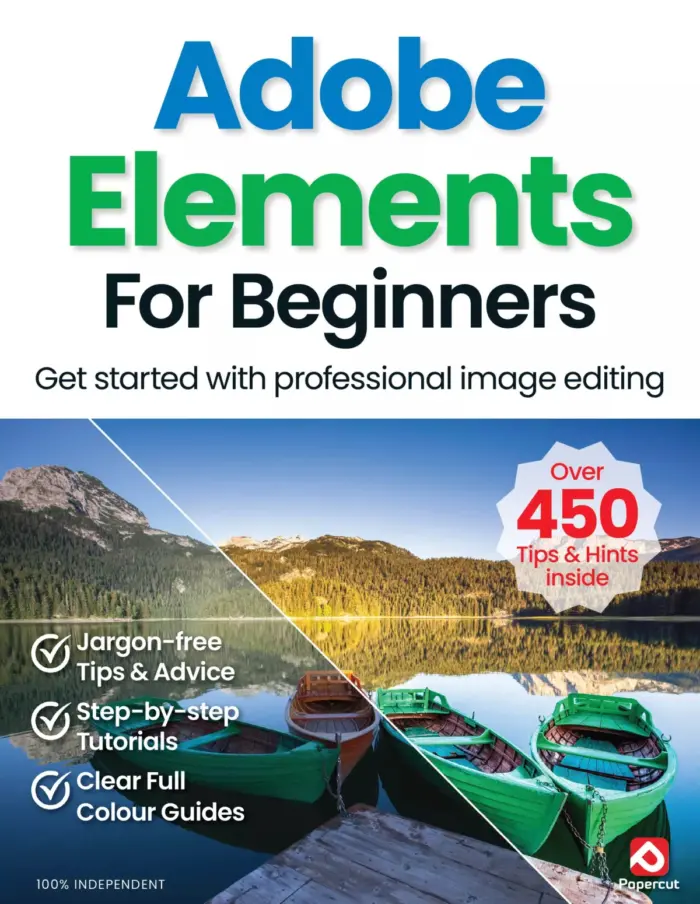
Adobe Elements For Beginners
Sold by Papercut
Windows 11 User Manual – Issue 5, 2024
Sold by Papercut
Papercut’s Windows 10 User Manual
Sold by Papercut Original price was: $5.00.$2.50Current price is: $2.50.





There are no reviews yet.