

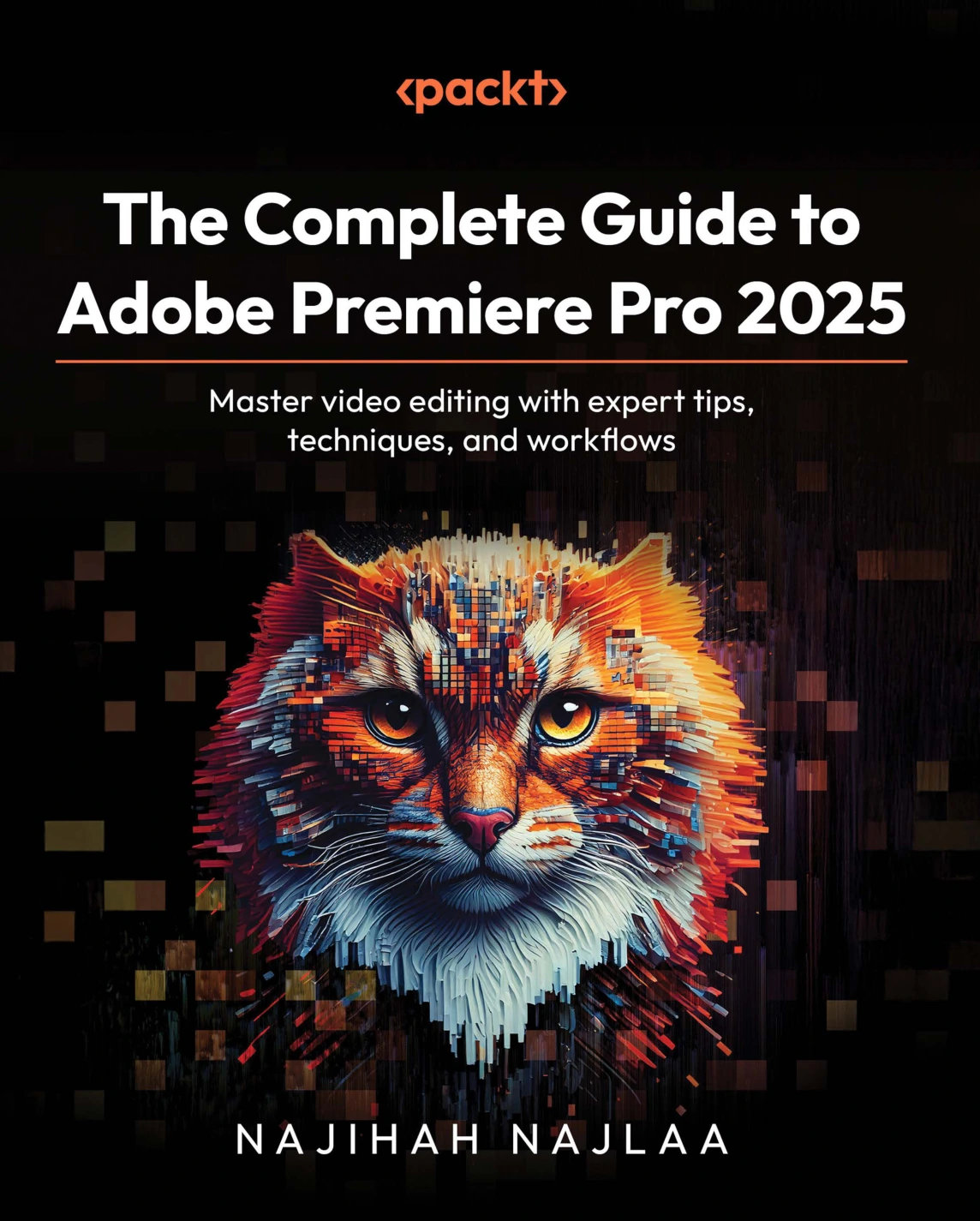
The Complete Guide to Adobe Premiere Pro 2025
Original price was: $5.00.$2.50Current price is: $2.50.

Najihah Najlaa
Product Specs:
- File Type: PDF
- File Size: 61.4 MB
- Book Language: English
- Total Page Count: 596
- Instant Download
Bring Your Video Editing Skills into 2025 🎬
This guide is built around Adobe Premiere Pro 2025, the version that introduces a faster timeline, new workspaces, integration, improved masking, and AI-powered audio and color tools. Rather than simply listing features, it shows how these updates change the way editors organize, cut, and finish projects.
What You’ll Explore
The book moves from the essential setup to advanced finishing techniques:
- New features in Premiere Pro 2025, including the Essentials and Vertical Video workspaces, new import/export interfaces, and recovery mode
- Core editing tools and workflows, from creating projects to staying organized and using the timeline effectively
- Cutting and trimming methods, including hard cuts, jump cuts, match cuts, L-cuts, J-cuts, and the 5 Shots, 10 Seconds rule
- Motion and animated graphics with keyframes, picture-in-picture, split screens, and the Ken Burns effect
- Transitions and audio enhancement, from custom adjustment layers to Essential Sound panel controls and noise reduction
Learn from a Certified Expert
Author Najihah Najlaa brings more than seven years of Adobe training experience to every chapter. Her teaching background shows in the clear, task-focused explanations that help you follow along without getting lost in theory.
Who This Book Is For
If you’re a video editor, content creator, student, or media professional looking to build a solid Premiere Pro 2025 workflow—or upgrade your current skills—this guide provides a structured path from first project to polished output.
User Reviews
Be the first to review “The Complete Guide to Adobe Premiere Pro 2025”
You must be logged in to post a review.
Original price was: $5.00.$2.50Current price is: $2.50.
There are no reviews yet.