

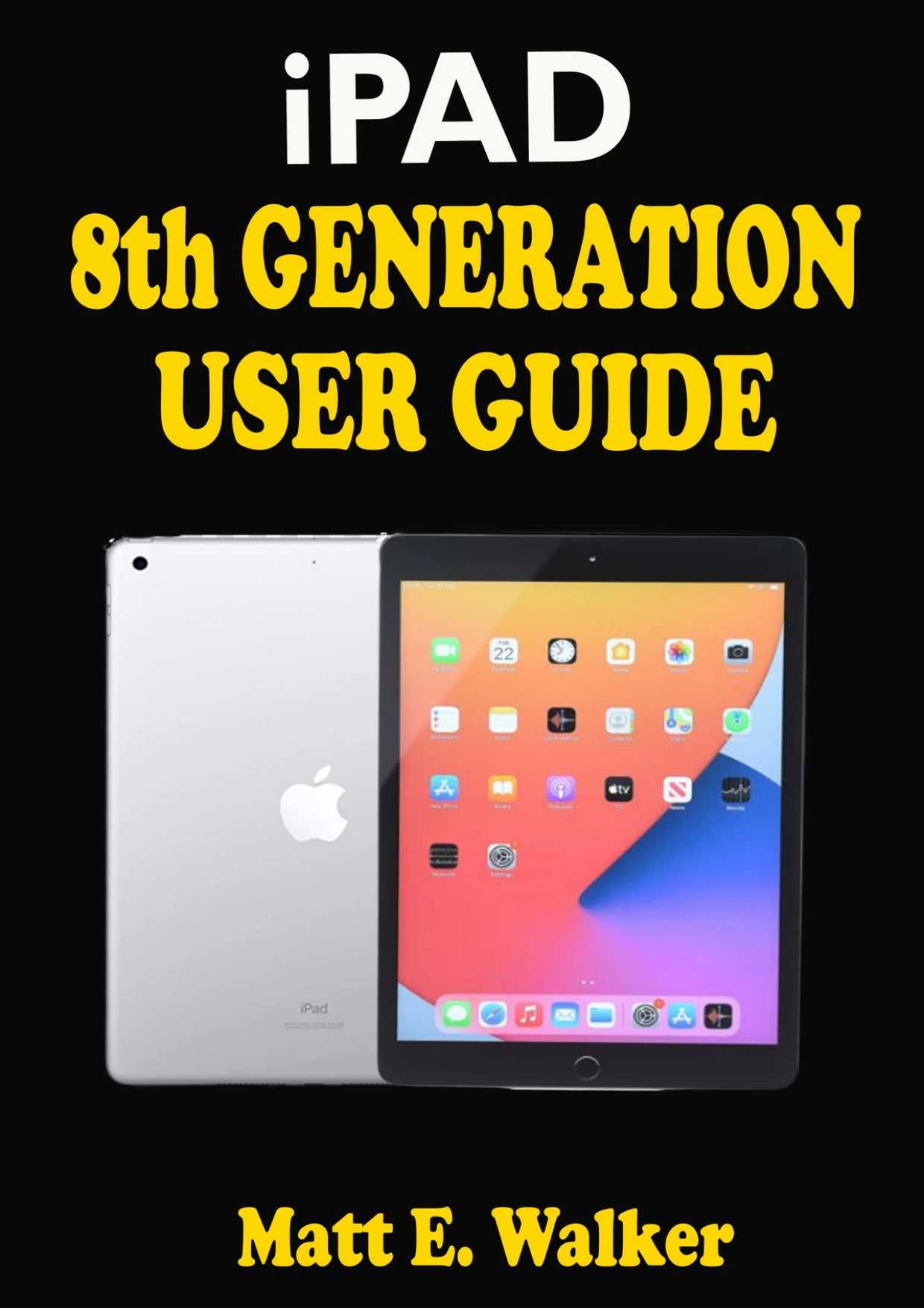
iPad 8th Generation User Guide: A Complete Step By Step Well Illustrated Instructional Practical Guide For Seniors, Pros, And Beginners On How To Use The New Apple iPad 10.2” With Tips And Tricks On iPadOS 14
Original price was: $329.00.$164.50Current price is: $164.50.

Matt
Product Specs:
- File Type: PDF
- File Size: 5.0 MB
- Book Language: English
- Total Page Count: 121
- Instant Download
Getting comfortable with an iPad is often a matter of finding the right instruction at the right moment. Matt E. Walker’s guide is centered on the eighth-generation 10.2-inch iPad and iPadOS 14, with topics arranged around practical tasks—from first-time setup and backups to settings, apps, and family features.
Start with the iPad itself
The opening material introduces the device’s specifications and features, including its A12 Bionic chip, Neural Engine, display, cameras, connectivity, storage, and battery life. This context helps orient readers before they move into setup and everyday use.
Set up, restore, and look after your data
Instructions cover preparing a new iPad, moving from an Android device, creating an Apple ID, backing up through iCloud or iTunes, restoring data, and restarting or resetting the device. The guide breaks these topics into distinct tasks, making it easier to consult when a particular setup or recovery question comes up.
Make everyday controls feel familiar
Later sections address notifications, mouse connections, AssistiveTouch, camera settings, QR-code scanning, sound, wallpaper, Dark Mode, Messages, Siri, widgets, gestures, multitasking, and Control Center. There are also sections on iCloud Keychain and saved passwords, plus sharing audio through AirPods.
More than basic setup
The contents extend to Family Sharing, child Apple IDs, Maps, emoji features, and Health app cycle tracking. Apple Pay and related account tasks also appear. Together, these topics offer a broad snapshot of the features discussed for this iPad and software generation.
A guide for the iPadOS 14 era
Written for seniors, beginners, and more experienced users, this practical guide is tied specifically to the eighth-generation iPad and iPadOS 14. Readers seeking instructions for later iPad models or newer software should keep that scope in mind.
User Reviews
Only logged in customers who have purchased this product may leave a review.
Original price was: $329.00.$164.50Current price is: $164.50.






There are no reviews yet.