

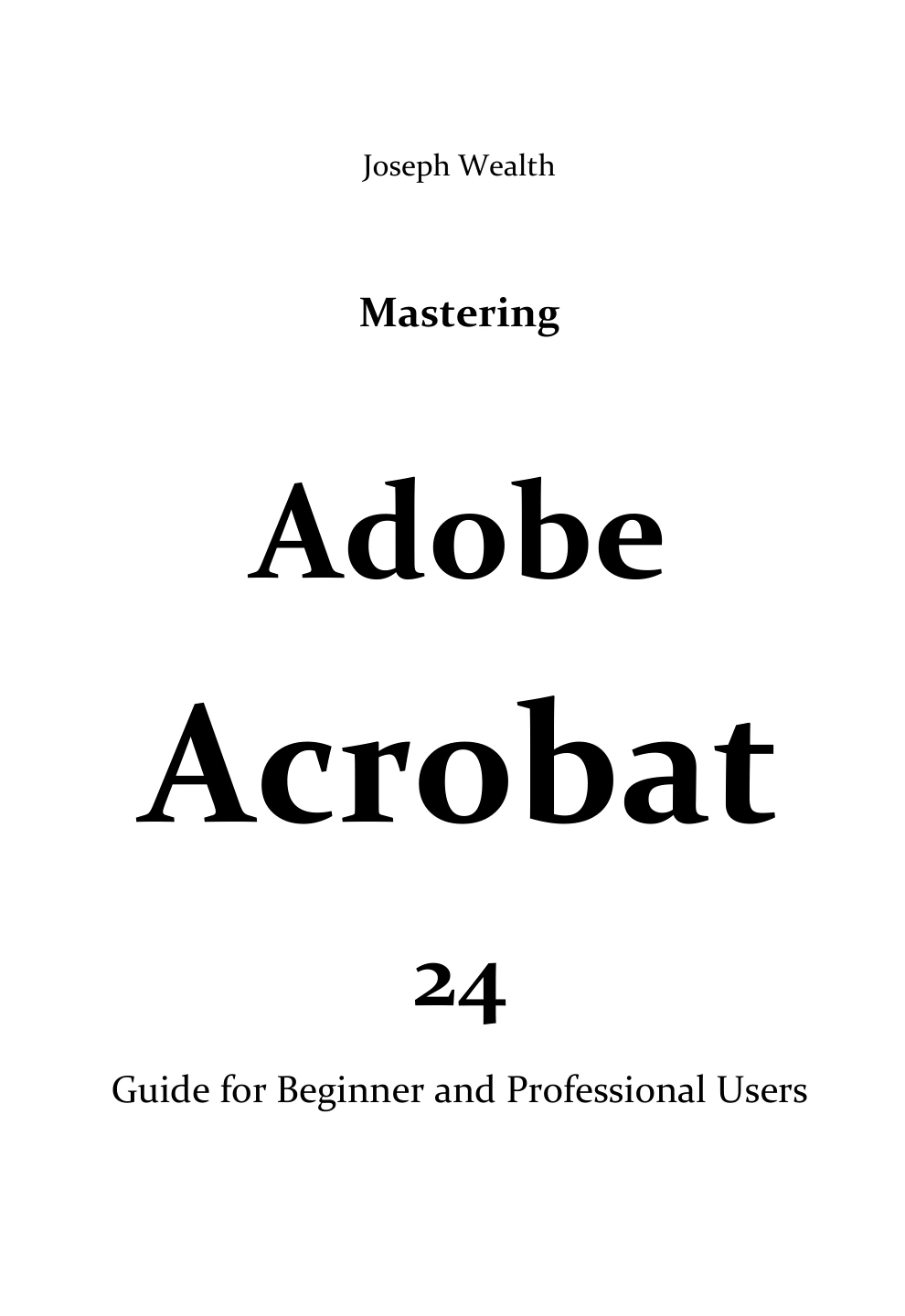
Mastering Adobe Acrobat 24: Guide for Beginner and Professional Users
Original price was: $5.00.$2.50Current price is: $2.50.

Joseph Wealth
Product Specs:
- File Type: PDF
- File Size: 9.2 MB
- Book Language: English
- Total Page Count: 269
- Instant Download
Mastering Adobe Acrobat 24: A Practical PDF Workflow Guide 💻
Adobe Acrobat remains at the center of many document workflows, and this guide is built for readers who want to move from basic PDF handling to confident, professional use. Written by Joseph Wealth, Mastering Adobe Acrobat 24 is a 269-page handbook that addresses both beginners and experienced users. It begins with what is new in Acrobat, then builds outward into creation, editing, optimization, scanning, and automation.
Rather than treating PDFs as simple containers, the book follows the tasks people actually face: converting documents, cleaning up scans, preparing files for review, controlling output quality, and managing complex page structures.
Creating PDFs Across Real-World Workflows
A large part of the guide is devoted to PDF creation. It covers Acrobat menu commands, the Convert-to-PDF tool, drag-and-drop conversion, clipboard capture, PDFMaker on Windows, the Create PDF cloud service, and sharing options for commenting or viewing. There are dedicated sections for converting Word, Excel, PowerPoint, Outlook messages, web pages, AutoCAD drawings, and Visio files, plus app-specific PDFMaker settings. The book also explains the Adobe PDF printer, custom page sizes, Acrobat Distiller, watched folders, PostScript guidelines, and conversion presets.
Editing, Organizing, and Rebuilding PDFs ✏️
Once a PDF exists, the guide shows how to reshape it. Readers can follow along with adding, changing, formatting, deleting, and highlighting text; working with images and objects; and rotating, moving, extracting, splitting, replacing, deleting, or renumbering pages. It also covers headers, footers, watermarks, backgrounds, page thumbnails, bookmarks, links, attachments, layers, and destinations. The result is a useful map of Acrobat’s page-level and document-level editing controls.
Scanned Documents, OCR, and Image Cleanup 📄
For paper-to-digital work, the book explains how to scan documents into PDF, recognize text in scanned files, correct OCR results, and enhance scanned pages or camera images for a clearer PDF. It includes troubleshooting advice for scanner errors, covering data transfer methods, scanner interfaces, driver updates, WIA versus TWAIN, and basic system checks.
Optimization, Metadata, and Professional Controls ⚙️
Advanced users will find material on the PDF Optimizer, auditing a PDF’s space usage, discarding user data, activating Fast Web View, and managing document properties and metadata. The guide explores compression and downsampling, font embedding and substitution, PDF compatibility levels, and PDF/X, PDF/E, and PDF/A standards. It also explains how to create and share custom Adobe PDF settings files.
Presentation, Geospatial PDFs, and Automation
Later sections look at full-screen presentations, page transitions, articles, and geospatial PDFs created from GeoTIFF, JPEG 2000, and shapefiles. Readers can learn about measuring distance, perimeter, and area; changing measurement units; exporting location and measurement markups; and working with actions and JavaScript in Acrobat.
Who This Guide Is For
Beginners can use the book as a structured path through Acrobat’s core tools, while professionals can turn to it for deeper reference on conversion settings, optimization, OCR, metadata, and document assembly. Because some sections identify Acrobat Pro-only features, readers should keep their own Acrobat edition in mind. The material is practical throughout, with an emphasis on completing real document tasks rather than memorizing menus.
A Useful Reference for PDF Work
Mastering Adobe Acrobat 24 brings a wide range of Acrobat workflows into one volume: PDF creation, editing, scanning, optimization, presentation, and automation. For anyone who regularly prepares, repairs, or manages PDFs, it offers a focused reference that can be read from start to finish or consulted task by task.
User Reviews
Be the first to review “Mastering Adobe Acrobat 24: Guide for Beginner and Professional Users”
You must be logged in to post a review.
Corel Draw Graphics Suite 2024 Guide for Beginners
Sold by Joseph Wealth
Go Pro with Adobe InDesign: Beginner’s to Expert Guide 2024
Sold by Joseph Wealth
Mastering Adobe Acrobat 24: A Detailed Course to PDF Forms, File Combination, Reviews, Comment, and Sharing | Mastering Adobe Acrobat 24
Sold by Joseph Wealth
Beginners Guide To Adobe Acrobat Pro 2024
Sold by Joseph Wealth
Go Pro with Adobe Acrobat Pro 2024: Beginner’s to Expert Guide
Sold by Joseph Wealth Original price was: $5.00.$2.50Current price is: $2.50.






There are no reviews yet.