

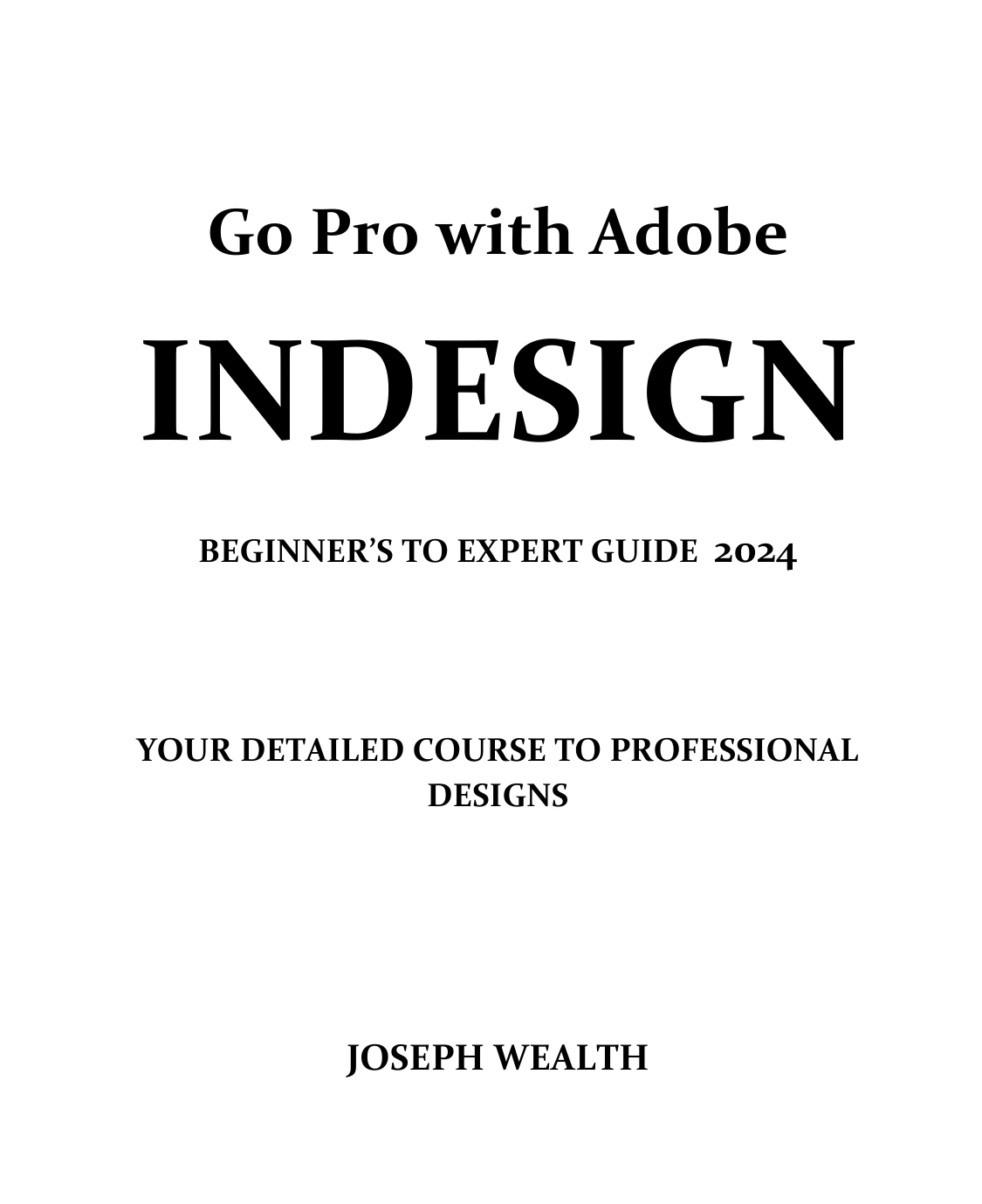
Go Pro with Adobe InDesign: Beginner’s to Expert Guide 2024
Original price was: $5.00.$2.50Current price is: $2.50.

Joseph Wealth
Product Specs:
- File Type: PDF
- File Size: 11.9 MB
- Book Language: English
- Total Page Count: 428
- Instant Download
Creative Cloud Libraries, page layout, text styling, grids, and document setup all meet in Go Pro with Adobe InDesign: Beginner’s to Expert Guide 2024, Joseph Wealth’s broad guide to working in InDesign. Its contents move from organizing the workspace and reusable design assets to building and refining documents—useful territory for anyone who wants to understand how the program’s many controls fit together.
Get oriented in InDesign’s workspace
The guide covers interface preferences, panes, workspaces, hidden tools, and keyboard shortcuts for tasks ranging from moving objects to editing type. This attention to navigation and customization helps readers make sense of the working environment before turning to more involved document tasks.
Make reusable assets work harder
Creative Cloud Libraries receive detailed attention, including colors, graphics, and paragraph and character styles. The contents also discuss sharing and managing library assets and integration with other Creative Cloud applications, including Illustrator. For design work that reuses visual elements, these topics show how assets can be organized and accessed across projects.
Build and manage document layouts
Document creation and page layout form a substantial part of the book’s scope. Topics include page size, margins and bleeds, templates, grids, alignment, measurement, and page, chapter, and section numbering. Together, they address the practical structure behind documents that need more than a single page.
Give text careful attention
Alongside styling and text-related shortcuts, the contents include glyphs and special characters, balanced headlines, and wrapping text around objects. These subjects connect InDesign’s type controls with the surrounding layout, where small choices can affect how a page reads and feels.
A guide to explore at your own pace
With coverage ranging from workspace basics to document management and typography, this InDesign guide may suit newcomers building familiarity with the software and readers who want to look up specific tools or workflows. Browse a topic that matches your current project, then follow related sections as your layout takes shape. ✨
User Reviews
Be the first to review “Go Pro with Adobe InDesign: Beginner’s to Expert Guide 2024”
You must be logged in to post a review.
Corel Draw Graphics Suite 2024 Guide for Beginners
Sold by Joseph Wealth
Beginners Guide To Adobe Acrobat Pro 2024
Sold by Joseph Wealth
Mastering Adobe Acrobat 24: A Detailed Course to PDF Forms, File Combination, Reviews, Comment, and Sharing | Mastering Adobe Acrobat 24
Sold by Joseph Wealth
Go Pro with Adobe Acrobat Pro 2024: Beginner’s to Expert Guide
Sold by Joseph Wealth
Mastering Adobe Acrobat 24: Guide for Beginner and Professional Users
Sold by Joseph Wealth Original price was: $5.00.$2.50Current price is: $2.50.





There are no reviews yet.