

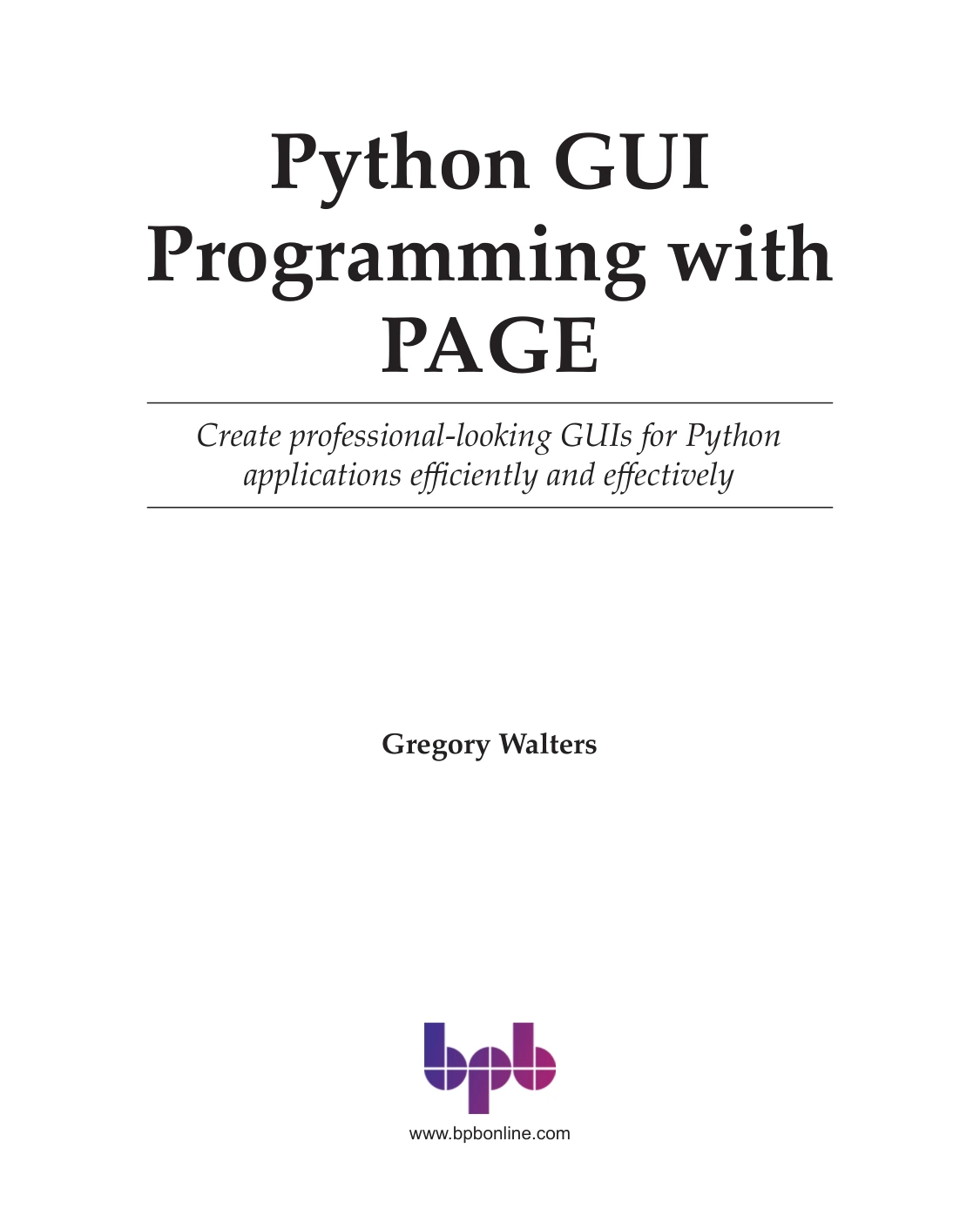
Python GUI Programming with PAGE
Original price was: $5.00.$2.50Current price is: $2.50.

Gregory Walters
Product Specs:
- File Type: PDF
- File Size: 23.5 MB
- Book Language: English
- Total Page Count: 320
- Instant Download
Python GUIs Without Hand-Coding Every Widget 💻
PAGE gives Python developers a visual approach to building Tkinter interfaces. Instead of placing every button, label, and frame by hand in code, you design the form in PAGE and let it generate the Python module. Python GUI Programming with PAGE by Gregory Walters is a 2023 BPB Online guide that takes that workflow from installation to complex, real-world applications.
Walters has used PAGE since around 2009 and has written extensively about Python. That familiarity shapes a book that treats the designer as a practical tool rather than a curiosity.
From First Launch to Finished Application
The introduction and first chapter cover installing PAGE and starting it correctly—a step that matters more than it sounds. You then build an initial program using radio buttons, frames, static and dynamic labels, learning how the generated Python code connects to the visual form.
From there, the book widens into multiple forms, splash screens, and the standard Tk widget set. Each widget’s attributes are explained so you can adjust behavior instead of accepting defaults.
What the 12 Chapters Cover
- Standard Tk widgets: Buttons, labels, entry fields, and the attributes that control them.
- The Pinger program: A real-world project that uses the ping utility, dynamic label colors, and the Tk Text widget.
- Graphics: Embedding images through the designer and in code.
- Menus: Menu bars, button-bar menus, and popup or context menus.
- ttk widgets: The themed widget set for more modern-looking programs.
- Custom controls: Third-party widgets that extend PAGE’s supported set.
- SQLite front ends: Using a PAGE project to display, enter, and save database information.
- Custom profiles: The Preferences editor for controlling PAGE’s look and feel.
- Canvas widget: Drawing graphs, text, lines, ovals, and other shapes.
Projects That Turn Concepts into Working Programs
The book is built around doing. You create multi-form programs, add splash screens, control UI behavior from Python, connect to a database, and work with one of Tk’s most powerful widgets. The later chapters on third-party widgets and the Canvas show how far the PAGE workflow can be stretched beyond simple forms.
Who This Book Is For
If you already know some Python and want to build desktop graphical interfaces without wrestling with every geometry manager by hand, this book meets you where you are. Beginners to GUI programming can follow the incremental projects, while experienced Tkinter users may find the PAGE designer, custom control, and database chapters especially useful.
The material is not a language primer. It assumes you can read and write basic Python and are ready to apply it to interface development.
Why PAGE Deserves More Attention ⚙️
PAGE has been around for many years but has received little mainstream coverage. Walters’s long experience with the tool, including a four-chapter tutorial distributed with PAGE since early 2019, gives the book a grounded, practitioner’s perspective. It is a focused guide for Python developers who want to create professional-looking GUIs efficiently.
User Reviews
Be the first to review “Python GUI Programming with PAGE”
You must be logged in to post a review.
Original price was: $5.00.$2.50Current price is: $2.50.





There are no reviews yet.