

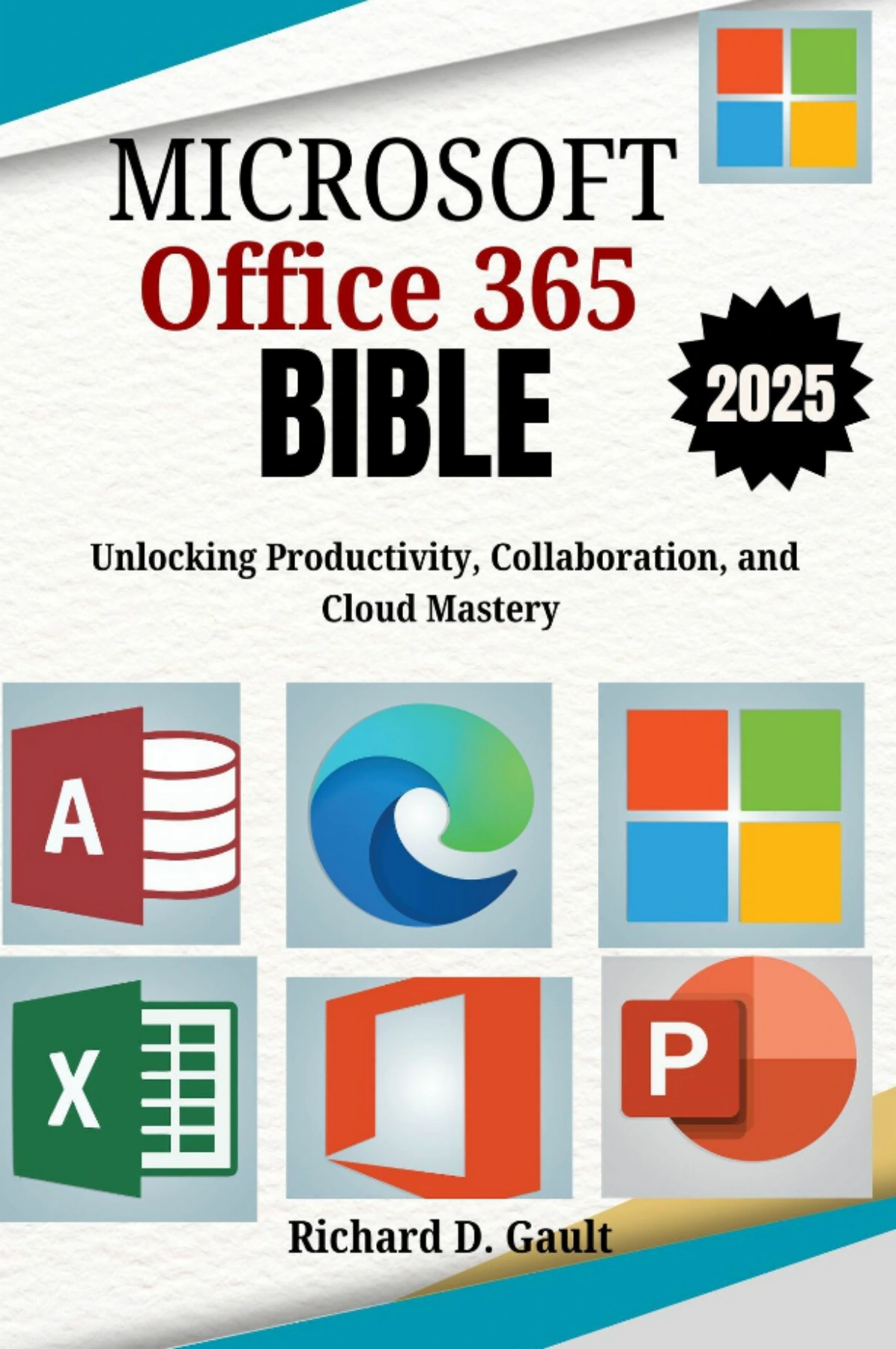
The Microsoft Office 365 Bible: Unlocking Productivity, Collaboration, and Cloud Mastery
Original price was: $5.00.$2.50Current price is: $2.50.

for Creative Projects
Product Specs:
- File Type: PDF
- File Size: 41.4 MB
- Book Language: English
- Total Page Count: 124
- Instant Download
What This Office 365 Guide Covers
If you have ever felt that Microsoft Office 365 is far more than what you use day to day, this book maps out the complete picture. The chapters move application by application, but the real strength is how they connect the pieces. You will find dedicated sections on Word, Excel, PowerPoint, Outlook, OneNote, Teams, OneDrive, Access, and Publisher, along with deeper looks at SharePoint, Power Automate, and Power BI for business environments.
- Word — document creation, formatting, collaboration, and professional tips
- Excel — spreadsheets, charts, PivotTables, and data analysis
- PowerPoint — slide design, media, templates, and presentation delivery
- Outlook — email, calendars, tasks, and mobile access
- Teams — channels, chats, meetings, and remote collaboration
- OneDrive — file storage, syncing, sharing, and permissions
Beyond the Basics: From Documents to Workflow Automation
The early chapters build practical skills for everyday work, but the later sections push into territory many Office 365 users never touch. You will see how Access helps manage databases with queries and macros, how Publisher supports flyers and newsletters, and how Power Automate can link repetitive tasks across different apps. The material on Power BI introduces analytics without assuming you are already a data professional.
Cloud Collaboration and Real-World Productivity
Because Office 365 is built around cloud services, collaboration is not treated as an afterthought. The guide explains how OneDrive, SharePoint, and Teams work together so files, conversations, and project updates stay connected. The mobile and web chapters also show how to keep working when you step away from a desk, including offline access and syncing across devices.
Security, Administration, and Advanced Skills
Security and administration get their own focused coverage, from user permissions to the Admin Center and cloud data protection. The final chapters round out the guide with third-party integrations and a collection of advanced tips. Expect hidden features, keyboard shortcuts, troubleshooting advice, and ways to customize the Office 365 experience for your own workflows.
Who Can Use This Book
The introduction describes this guide as suitable for beginners stepping into digital collaboration as well as professionals who want to use Office 365 more efficiently. If you are a student, educator, business user, or someone who simply wants to understand what the full subscription has to offer, the chapter structure lets you jump to the tool you need or read straight through for a broader foundation.
A Practical Reference for Daily Office 365 Work
Rather than a theoretical overview, this Bible-style guide is designed for hands-on use. Keep it nearby while working in Word or Excel, or read a chapter on Teams before your next remote meeting. The step-by-step instructions and practical examples aim to reduce the time you spend searching for answers and help you make the most of the interconnected Microsoft 365 environment.
User Reviews
Only logged in customers who have purchased this product may leave a review.
Original price was: $5.00.$2.50Current price is: $2.50.


There are no reviews yet.